We use cookies to make your experience better.
To comply with the new e-Privacy directive, you agree to the privacy policy and our use of cookies

How to Choose the Right Replacement Till for Your Shop
Ready to Replace Your Shop Till? Here's Everything You Need to Know
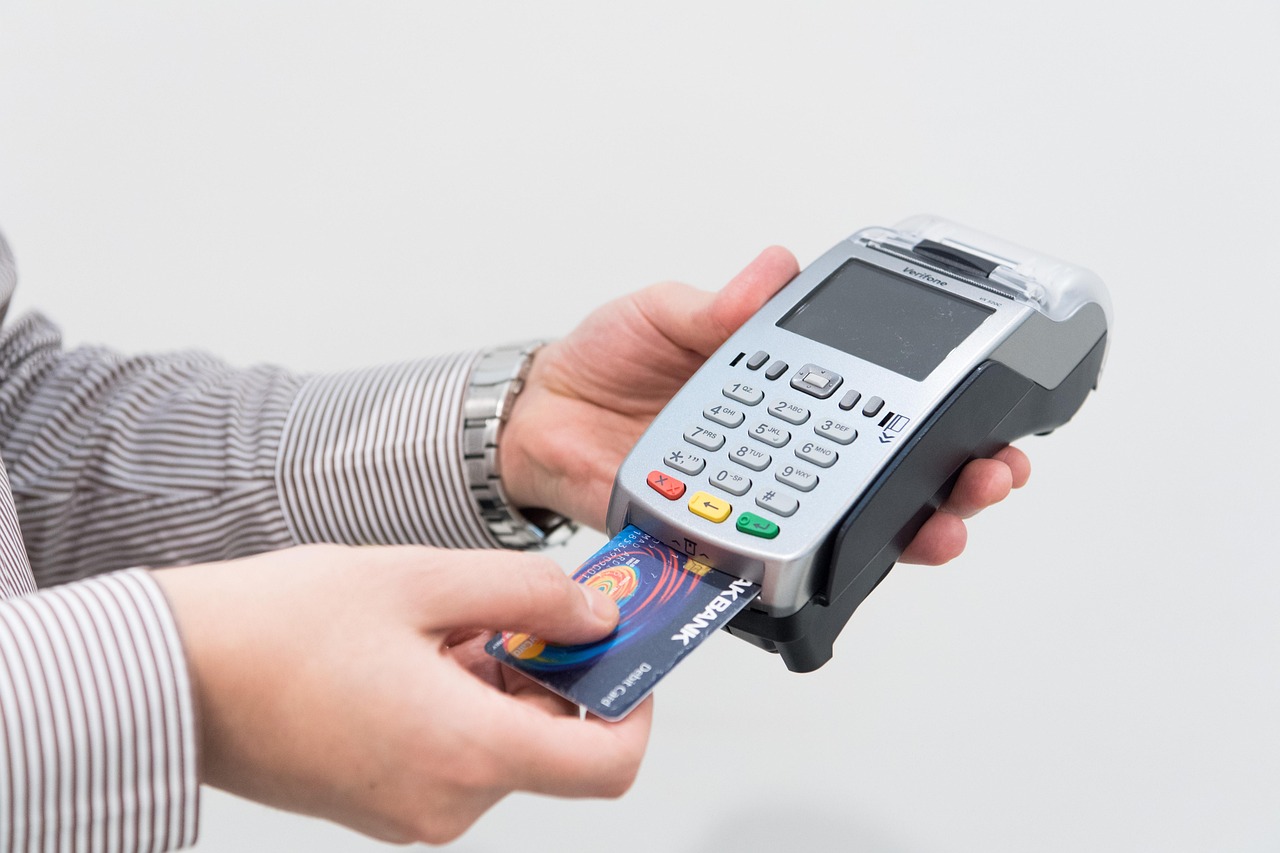
Replacing a shop till is one of the most consequential technology decisions an independent retailer makes — and getting it right means more than simply swapping one cash drawer for another. Whether your current system is slowing down queues, failing to integrate with your card reader, or simply too outdated to support modern stock management, the good news is that today's EPOS solutions are faster to deploy, simpler to learn, and more affordable than many shop owners expect. This guide covers everything you need to evaluate, choose, and install a replacement till system with confidence.
Signs It's Time to Replace Your Current Till System
Not every ageing till needs immediate replacement, but certain warning signs suggest your system is actively costing you money or customers. Recognising them early gives you time to plan a measured upgrade rather than a panicked swap.
- Frequent crashes or freezes at the point of sale — hardware errors during a transaction erode customer trust and create reconciliation headaches.
- No integration with your card machine — manually keying card amounts is slow, error-prone, and frankly unnecessary in 2026. If you're interested in seamless payments, our guide to combining a card machine and till system explains why integrated setups are now the UK retail standard.
- Limited or no stock reporting — if your till can't tell you what's selling, what's shrinking, and what to re-order, you're managing blind.
- Software no longer supported — an unsupported OS or POS application carries real security risks, particularly given your obligations under UK GDPR when processing customer payment data. The ICO's guidance at ico.org.uk is the authoritative source on data security requirements.
- No cloud backup — if your sales history lives only on a single local machine, one hardware failure can wipe months of records.
- Staff constantly working around the system — sticky notes on the screen, manual price overrides, and verbal workarounds are productivity signals that your till is the bottleneck, not your team.

Types of Replacement Tills Available for UK Retailers
The market has diversified substantially. Understanding the main categories helps you match your shop's footprint and budget to the right solution architecture.
Traditional EPOS Terminal
A dedicated touchscreen terminal with integrated receipt printer, cash drawer, and barcode scanner. Robust, fast, and purpose-built for retail environments with high transaction volumes. Ideal for grocery, off-licence, pharmacy, and fashion retail.
All-in-One Countertop System
Combines screen, printer, and often a customer-facing display into a single unit, reducing cable clutter and counter footprint. Particularly popular with boutiques and beauty retailers where counter aesthetics matter.
Android or iPad-Based POS
Tablet-led systems that pair a consumer device with a purpose-built EPOS app, a compact receipt printer, and a card reader. Lower upfront cost and highly portable — useful for pop-up stalls, market days, or businesses that need a second till point without a second permanent counter.
Cloud-Based Hybrid Systems
Full-featured EPOS software running in the cloud, accessed via a local terminal. Data syncs in real time, allowing multi-site retailers to see consolidated reporting across every branch from a single dashboard. This is the architecture that underpins most modern UK retail EPOS deployments, including those available through EPOS Direct.
Key Features to Look for in a New Shop Till
Hardware matters, but the software running on it defines your daily experience. When assessing any replacement system, a practical buyer's checklist should include:
- Integrated card payments — one seamless transaction rather than two separate devices. Reduces errors, speeds up queues, and simplifies end-of-day reconciliation. See our dedicated guide on choosing the best wireless card machine for small businesses if payments are your primary concern.
- Real-time stock management — automatic inventory deduction at point of sale, low-stock alerts, and supplier reorder support.
- Reporting and analytics — hourly sales, best-sellers, basket size, staff performance, and VAT-ready summaries for your accountant.
- Multi-department or category structure — essential for clothing, pharmacy, or convenience stores where you need to track margin by product line.
- Loyalty and promotions — points schemes, discounts by product or customer group, and meal deal or bundle pricing.
- Cloud backup and offline mode — transactions should continue processing even if your broadband drops, syncing automatically when connectivity is restored.
- Supplier support and onboarding — not just a helpline, but genuine implementation support, data migration assistance, and training.
For sector-specific guidance, our article on the best EPOS systems for clothing shops in the UK goes into detail on size/colour matrices, season management, and fitting room integrations that fashion retailers specifically need.
How Much Does a Replacement Till Cost in the UK?
Pricing varies widely depending on hardware specification, software tier, contract length, and whether payments are bundled in. The following ranges are honest indicative figures based on the UK market; treat them as planning guidance rather than quoted prices — always request a personalised proposal from any supplier.
| Solution Tier | Typical Upfront Hardware Cost | Typical Monthly Software Fee | Best For |
|---|---|---|---|
| Entry-Level Tablet POS | From approximately £200–£400 | From approximately £20–£40/month | Market traders, pop-ups, sole traders with low volume |
| Mid-Range Countertop EPOS | From approximately £500–£900 | From approximately £40–£80/month | Independent shops, cafés, salons, small convenience stores |
| Full Retail EPOS Terminal | From approximately £800–£1,500 | From approximately £60–£120/month | Fashion retailers, pharmacies, off-licences, multi-department stores |
| Multi-Terminal / Multi-Site | From approximately £1,500 per site | From approximately £100–£200+/month | Chains, franchises, businesses with 2+ locations or tills |
Many UK EPOS providers — including EPOS Direct — offer bundled packages that include hardware, software, installation, and ongoing support for a single monthly fee, which makes budgeting more straightforward than purchasing components separately. If upfront cost is the primary constraint, our guide to the most affordable EPOS systems for small businesses in the UK walks through the options available at every price point.
It's also worth noting that EPOS hardware may qualify as a capital allowance under HMRC's Annual Investment Allowance (AIA). Your accountant or HMRC's guidance at gov.uk/capital-allowances can clarify what's claimable for your specific circumstances.
How to Migrate Your Data and Set Up Your New EPOS System
One of the most common anxieties around replacing a till is losing historical data — sales records, customer accounts, and product catalogues built up over years. A structured migration process reduces this risk to near zero.
Step 1 — Audit Your Existing Data
Export or document everything your current system holds: product list with prices and barcodes, supplier details, customer records, and at least twelve months of sales history. Even if your old system doesn't export cleanly, a manual CSV export is usually achievable.
Step 2 — Map to Your New System's Structure
Work with your new supplier to understand how their software categorises products, customers, and transactions. EPOS Direct's implementation team handles this mapping process as part of onboarding, reducing the chance of import errors.
Step 3 — Run Systems in Parallel Briefly
Where possible, run the old and new till simultaneously for two to three trading days. This lets staff build confidence, surfaces any data gaps, and ensures your end-of-day figures still balance.
Step 4 — Train Your Team Before Go-Live
A new system is only as effective as the team using it. Interactive demos, a short training session on the actual hardware, and a printed quick-reference card for the first week dramatically accelerate adoption. You can explore the EPOS Direct software environment in advance through a retail EPOS software demo before any purchase commitment.
Step 5 — Go Live on a Quiet Trading Day
Plan your switchover for a Monday morning or the day after a bank holiday — low transaction volume gives you space to resolve any teething issues without a queue building at the counter.
Which Sectors Does a Modern Replacement Till Serve Best?
Today's EPOS platforms are purpose-configured rather than generic. The same underlying cloud infrastructure powers very different front-end experiences depending on the sector:
- General retail & convenience — age-verification prompts, lottery and tobacco management, multi-supplier ordering.
- Fashion & apparel — size/colour/style matrices, season clearance pricing, fitting room hold functionality.
- Pharmacy — PMR integration considerations, controlled drug record prompts, consultation room billing. EPOS Direct offers a dedicated pharmacy EPOS software demo for registered dispensaries.
- Hospitality & café — table management, kitchen display system integration, allergen tracking, and split-bill functionality. Browse our hospitality and restaurant EPOS offers if your business combines retail with food service.
Why UK Shop Owners Choose EPOS Direct for Their Replacement Till
EPOS Direct is a UK-based EPOS provider supplying independent retailers, chains, and hospitality businesses across England, Scotland, Wales, and Northern Ireland. The team's day-to-day focus is helping UK businesses select, install, and get maximum value from their point-of-sale investment — which means advice grounded in real implementation experience rather than generic sales literature.
Key reasons retailers return to and recommend EPOS Direct include:
- UK-based support team reachable by phone, live chat, and remote session — not an overseas call centre.
- Own-brand hardware tested and configured specifically for the EPOS Direct software platform, reducing compatibility issues.
- Transparent pricing with no hidden implementation or data migration fees on standard setups.
- Scalable licensing — start with one terminal and add locations or till points as the business grows.
- Sector-specific software builds rather than a one-size retail template applied to every industry.
For a broader view of what the platform offers, the complete EPOS system guide for small businesses covers the full feature set and explains how different businesses configure the software for their specific workflow.
Get Your New Till Up and Running Quickly: What to Expect
For a straightforward single-terminal retail installation, most UK EPOS suppliers — including EPOS Direct — can have a new system fully operational within five to ten working days of order confirmation. That window covers hardware dispatch, software configuration to your product catalogue, and either an on-site installation visit or a guided remote setup session.
If your situation is more complex — multiple terminals, integrated e-commerce, or a large product catalogue requiring bulk import — allow two to four weeks for a properly managed rollout. Rushing the data migration phase is where most post-installation problems originate.
To get an accurate timeline and a tailored quote for your shop, you can talk to an expert online today — no commitment required, just a straightforward conversation about what your business actually needs.
Ready to Take the Next Step?
Upgrading your shop's till system is an investment that pays back in faster service, cleaner stock control, and more reliable end-of-day reporting — often within the first few months of operation. Whether you run an independent fashion boutique, a busy convenience store, or a specialist pharmacy, there's a purpose-built EPOS solution sized and priced for your business.
EPOS Direct UK is ready to help you make the right choice without the pressure. Request a free demo to see the platform in action, explore our current retail EPOS offers, or request a call back at a time that suits you. The right till for your shop is closer than you think.
Written by the EPOS Direct UK team, who support independent retailers and hospitality businesses across the United Kingdom with EPOS and POS system selection, installation, and ongoing technical support every day.
Frequently asked questions
- How much should I expect to pay for a replacement till for my shop in the UK?
- Costs vary depending on the type of system you need. A basic standalone touchscreen till with EPOS software typically starts from around £300–£500. A full countertop EPOS bundle including receipt printer, cash drawer, and barcode scanner usually ranges from £600–£1,200. Cloud-based systems may also include a monthly software subscription of £20–£60 per month. EPOS Direct UK offers transparent, all-inclusive packages so you know exactly what you're paying upfront with no hidden fees.
- Can I keep my existing sales data when I switch to a new till system?
- In most cases, yes. Modern EPOS providers including EPOS Direct UK offer data migration support to transfer your product catalogue, pricing, and historical sales data from your old system. It's worth asking your new supplier about compatibility with your current setup before purchasing.
- How quickly can a replacement till be delivered and installed in my shop?
- Many UK EPOS suppliers, including EPOS Direct, can deliver pre-configured till systems within 2–5 working days. Some businesses can be fully operational on the same day the hardware arrives, especially with cloud-based systems that require minimal on-site setup. Remote and on-site installation support is also available.
