We use cookies to make your experience better.
To comply with the new e-Privacy directive, you agree to the privacy policy and our use of cookies

How to Upgrade from a Cash Till to a Modern EPOS System: A UK Retailer's Guide
Replacing Your Old Cash Till with an EPOS System: Everything UK Businesses Need to Know
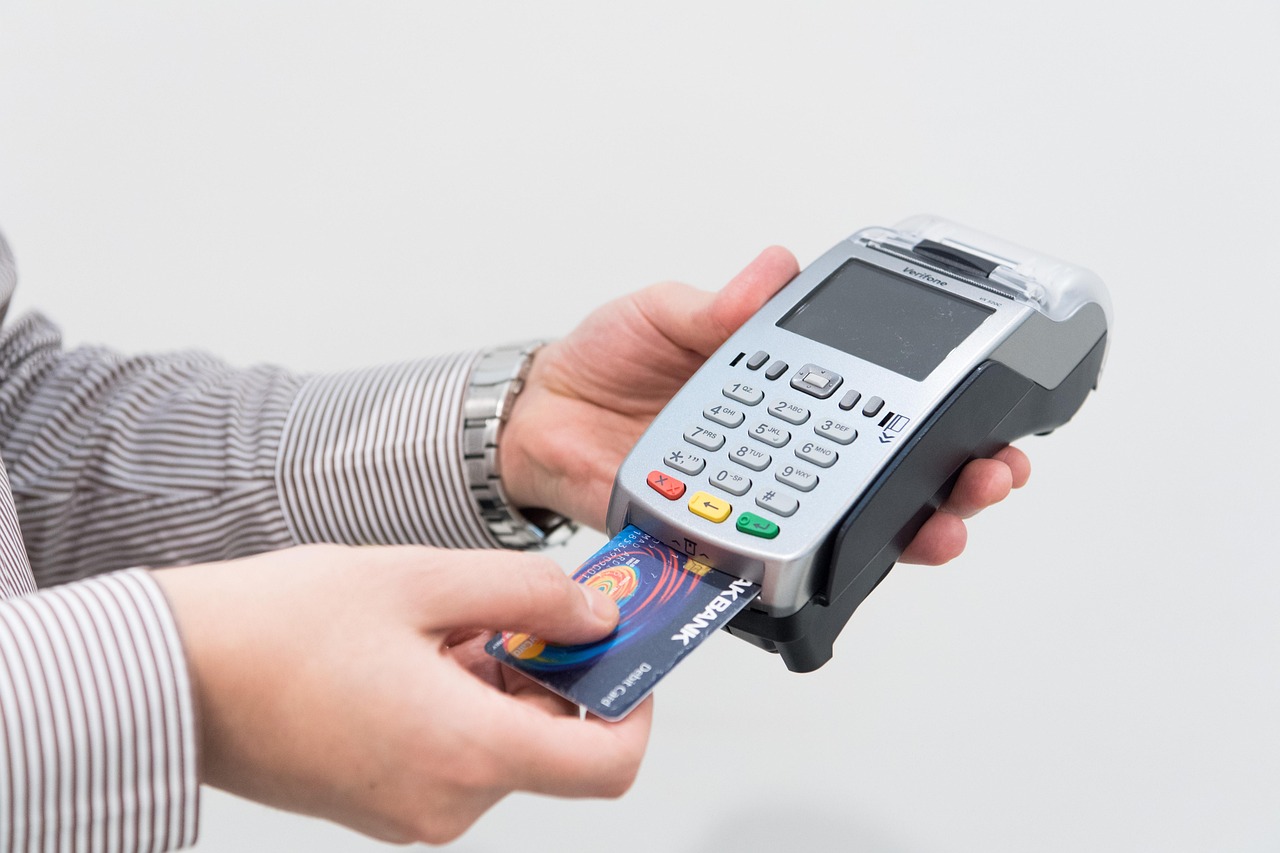
Swapping a traditional cash till for a modern EPOS system is one of the most impactful upgrades a UK retailer or hospitality operator can make — and it is far simpler than most business owners expect. An EPOS (Electronic Point of Sale) system does everything a cash till does, and then adds layers of stock management, sales reporting, staff tracking, integrated card payments and much more, all from a single, connected setup. Whether you run a boutique, a café or a busy restaurant, this guide covers what you need to know before, during and after the switch.
Why Your Old Cash Till Is Holding Your Business Back
A standalone cash till handles one job: opening a drawer and recording a sale. That simplicity was once a virtue, but in a marketplace where customers expect card and contactless payments, where HMRC increasingly scrutinises cash-only businesses, and where every competitor is using live data to make smarter decisions, a basic till has become a liability rather than an asset.
- No sales data. A cash till tells you how much cash is in the drawer — nothing more. You cannot see which products are selling, which staff member processed which sale, or what your peak trading hours are.
- Stock blind spots. Without automated inventory tracking, you either over-order and tie up cash, or under-order and lose sales. Both cost you money every week.
- Card payment friction. Running a separate card terminal that does not talk to your till means manually reconciling two sets of records — an invitation for error and a poor customer experience.
- HMRC Making Tax Digital readiness. MTD for Income Tax is being phased in for self-employed traders and landlords. Digital record-keeping is becoming a regulatory expectation, not an optional extra. (Check the latest MTD timelines directly on GOV.UK.)

What Is an EPOS System and How Does It Differ from a Cash Till?
An EPOS system is a networked combination of hardware and software designed to manage every aspect of a transaction — and the business data that flows from it. Where a cash register is a closed, single-purpose device, an EPOS setup is an open, connected platform.
At its core, a modern EPOS terminal includes a touchscreen till, receipt printer, barcode scanner and cash drawer, but the real value lives in the software running on it. That software can manage your product catalogue with thousands of SKUs, apply promotions automatically, generate end-of-day reports in seconds, and push sales data to your accountancy package. For an authoritative overview of what a full EPOS platform looks like, explore the complete guide to EPOS and POS systems for UK businesses on our resource hub.
Key Benefits of Switching for UK Retailers and Hospitality Venues
For Retailers
- Real-time stock levels updated with every scan, reducing shrinkage and over-ordering
- Multi-location inventory management from a single dashboard
- Loyalty scheme integration to reward returning customers
- Integrated online and in-store sales — useful if you sell via a website or marketplace
For Hospitality and F&B Venues
- Table management and split-bill functionality built into the software
- Kitchen display system (KDS) integration so orders reach the kitchen instantly
- Allergen and menu management — important for UK food business compliance
- Staff clock-in and performance reporting, streamlining payroll
If your business is in fashion retail specifically, our dedicated guide to the best EPOS systems for clothing shops in the UK covers variant management, size/colour matrices and seasonal stock control in detail.
What Hardware and Software Do You Get with a Modern EPOS Setup?
A complete EPOS package typically includes the following components. What you need depends on your trading environment — a market stall has different demands to a 60-cover restaurant.
| Component | What It Does | Who Needs It |
|---|---|---|
| Touchscreen terminal | Processes sales, applies discounts, manages the session | All businesses |
| Receipt printer | Prints customer and kitchen receipts | All businesses |
| Cash drawer | Secure storage for cash; auto-opens on sale | Businesses accepting cash |
| Barcode scanner | Speeds up checkout; essential for retail stock accuracy | Retailers |
| Integrated card reader | Takes chip & PIN, contactless and mobile payments | All businesses |
| Kitchen display system | Replaces printed dockets; shows live order queue | Restaurants, cafés, takeaways |
| Customer display screen | Shows itemised order to customer at point of sale | Hospitality, busy retail counters |
| Back-office software | Reporting, stock, staff management, accounts integration | All businesses |
The software layer is where EPOS Direct genuinely differentiates. You can explore the full EPOS Direct software platform to understand the reporting dashboards, integrations and management tools available. Retail businesses can also book a retail EPOS software demo to see live stock and sales management in action, while restaurant and café operators can request a restaurant EPOS software demo tailored to hospitality workflows.
How Much Does It Cost to Replace a Cash Till with an EPOS System?
Cost is the question most business owners ask first, and the honest answer is: it depends on your setup size and whether you opt for outright purchase or a monthly agreement. The following are indicative ranges typical of the UK market — always request a personalised quote before budgeting.
| Setup Type | Typical Indicative Range | Best For |
|---|---|---|
| Entry-level single terminal | From approximately £300–£600 hardware (outright); or from around £20–£40/month on a plan | Market traders, sole traders, small cafés |
| Standard retail or hospitality setup | Typically £600–£1,500 hardware; software licences often £30–£80/month | Independent retailers, restaurants up to 40 covers |
| Multi-terminal or multi-site | Hardware from £1,500 upwards; software costs vary by terminal count and features | Pub groups, fashion chains, multi-location independents |
These are indicative figures based on general UK market conditions and should not be taken as fixed quotes. Contact EPOS Direct for an accurate price for your specific requirements.
For a thorough breakdown of value-for-money options, our guide to the most affordable EPOS systems for small businesses in the UK helps you weigh upfront purchase against subscription models without compromising on capability. And if integrated card payments are a priority, our comparison of card machine and till system combinations shows exactly what a fully unified payments setup looks like.
Step-by-Step: How the Switch from Cash Till to EPOS Works
Many business owners delay the upgrade because they worry about downtime, data migration or staff retraining. In practice, a well-managed switchover causes minimal disruption — particularly when a specialist provider manages the process end to end.
- Needs assessment. A consultant reviews your current setup, transaction volumes, product catalogue size and any integrations you need (accountancy, e-commerce, booking systems).
- System design. Hardware is specified to your floor plan and trading style. Software modules are configured — promotions, tax rates, user permissions and reporting layouts are all set up before go-live.
- Product and stock data import. Your existing product list (even from a spreadsheet) is loaded into the system. For retail businesses with large catalogues, barcode data can often be imported in bulk.
- Staff training. A modern EPOS interface is designed to be intuitive. Most staff are confident processing sales within an hour; manager-level reporting and stock functions typically take a half-day session.
- Go-live and support. Your system goes live, ideally during a quieter trading period. Ongoing UK-based support means any questions are answered quickly, without the frustration of overseas call centres.
If you are uncertain which system suits your business, the practical buyer's guide to the best till systems for small businesses walks through the key decision criteria — from software features to contract flexibility — in plain English.
Questions Worth Asking Before You Commit
Will I still be able to take cash payments?
Absolutely. An EPOS system does not replace your cash drawer — it manages it more effectively. You can run cash, card, contactless and mobile payments side by side, with every tender type recorded and reconciled automatically. If you want the flexibility of a wireless card machine alongside your till, our guide to the best wireless card machines for small businesses in the UK covers portable payment options that pair with a full EPOS setup.
What happens if the internet goes down?
A quality EPOS platform operates in offline mode during connectivity outages — transactions are logged locally and synced to the cloud when the connection is restored. Ask any provider specifically about offline functionality before signing a contract; it varies between platforms.
Is it difficult for staff to learn?
Modern EPOS software is designed around touchscreen simplicity. Till-side interfaces are deliberately streamlined — most experienced till operators find the transition straightforward. Back-office reporting takes slightly longer to master but is where the real business insight lives.
Why Choose EPOS Direct UK for Your Upgrade?
EPOS Direct is one of the UK's longest-established EPOS specialists, supporting independent retailers, hospitality venues, pharmacies and national chains with hardware, proprietary software and ongoing account management. Unlike generalist IT suppliers, every member of the team works with EPOS and POS systems daily — which means the advice you receive reflects real-world UK trading conditions, not a generic sales script.
The product range spans entry-level single-terminal systems right through to complex multi-site deployments, with purpose-built software for retail, restaurant and pharmacy environments. Pharmacy operators can explore the system through a dedicated pharmacy EPOS software demo. Retail and hospitality offers are available to browse at our retail EPOS offers page and our hospitality and restaurant EPOS offers page respectively. For a broader look at everything available, the EPOS Direct home page brings together the latest packages, promotions and information in one place.
Ready to Make the Switch?
Moving from a cash till to a fully connected EPOS system is not a complicated project — it is a straightforward business upgrade with a measurable return from day one. Cleaner stock data, faster checkouts, integrated card payments and real sales insight are all available from a single system, installed and supported by a UK-based team that understands what running a business in this country actually involves.
To see the platform before you buy, request a free demo from EPOS Direct — no obligation, no hard sell. Prefer to talk through your requirements first? Talk to an EPOS expert online or request a call back at a time that suits you. The team is ready to help you move forward with confidence.
Written by the EPOS Direct UK team, who support UK retailers, hospitality operators and specialist businesses with EPOS and POS systems every day.
Frequently asked questions
- How much does it cost to switch from a cash till to an EPOS system in the UK?
- Costs vary depending on the size and complexity of your business. In the UK, a single-terminal EPOS bundle from a provider like EPOS Direct typically starts from around £300–£600 for entry-level hardware, with software subscriptions ranging from £20–£60 per month. Multi-terminal setups for larger retailers or hospitality venues can run from £1,000–£3,000+. Many providers offer leasing or 0% finance options, which can spread the cost and make upgrading very accessible even for small businesses.
- Will I lose all my sales data when I stop using my old till and switch to an EPOS system?
- You won't necessarily lose historical data, though cash tills rarely store detailed records in a transferable format. When you migrate to an EPOS system, your supplier will typically help you import your product catalogue, pricing, and any existing stock data. Going forward, your EPOS system automatically captures every transaction, giving you rich sales reports, inventory tracking, and customer insights you simply cannot get from a traditional till.
- How long does it take to set up a new EPOS system and train my staff?
- Most single-site EPOS installations can be set up and made live within one to two days. EPOS Direct UK provides on-site installation, configuration, and hands-on staff training as part of the setup process. Staff typically feel confident using the system within a few hours, as modern EPOS touchscreen interfaces are designed to be intuitive. Remote and telephone support is also available after go-live so your team is never left without help.
