We use cookies to make your experience better.
To comply with the new e-Privacy directive, you agree to the privacy policy and our use of cookies

The Best EPOS Systems for Coffee Shops in the UK: What to Look For and How to Choose
EPOS Systems for Coffee Shops in the UK: A Complete Buyer's Guide
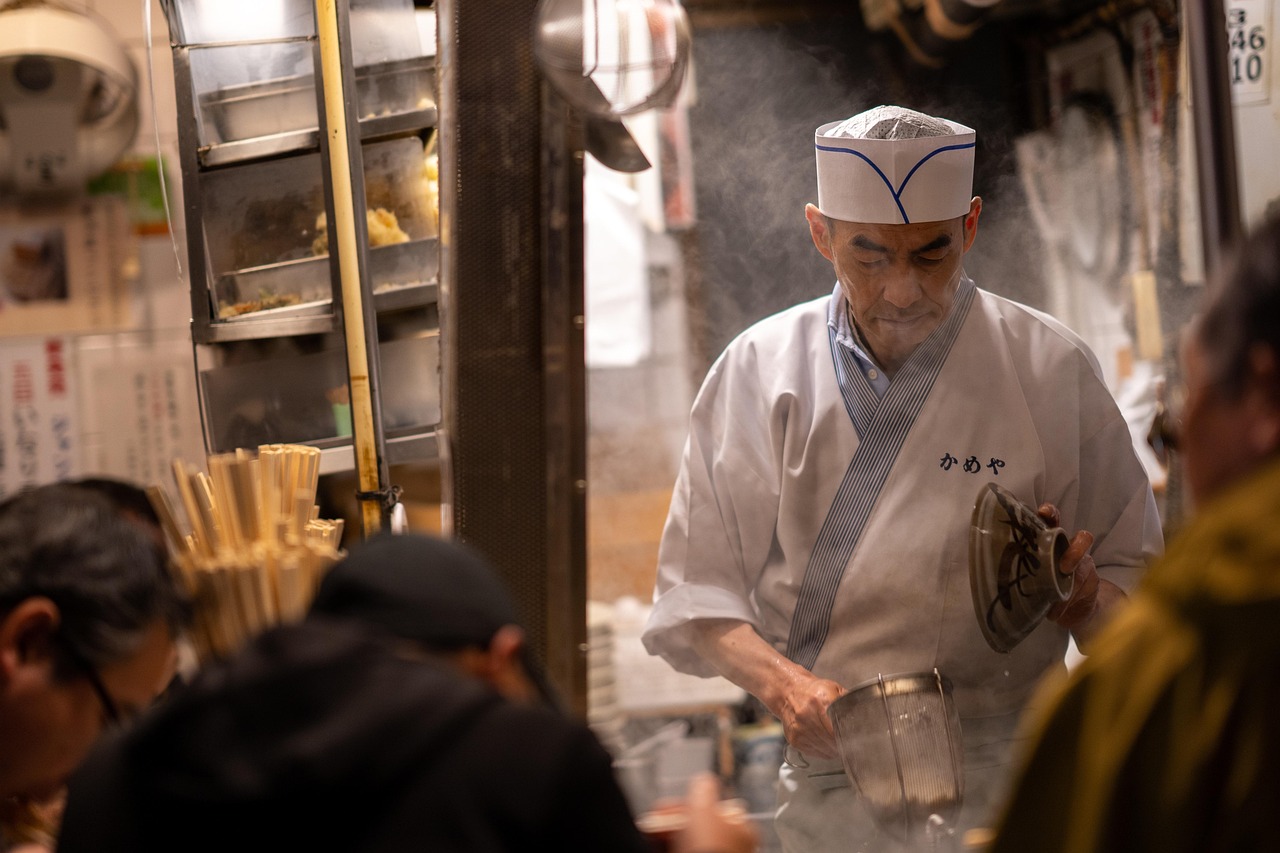
Choosing the right till system is one of the most consequential decisions a coffee shop owner makes. The right setup accelerates service, reduces errors, and gives you the real-time visibility you need to run a profitable café — the wrong one creates queues, frustrates staff, and leaves you flying blind on margins. This guide covers everything UK coffee shop owners need to know about selecting, costing and implementing a modern EPOS system, with practical guidance from the EPOS Direct UK team, who support independent cafés and multi-site coffee brands across the country every day.
Why Coffee Shops Need a Specialist EPOS System
A generic till does the bare minimum. A coffee shop EPOS system is engineered around the rhythms of café service: rapid-fire drink orders during the morning rush, modifier-heavy menus (oat milk, extra shot, no sugar), table tabs running alongside counter sales, and loyalty programmes that keep regulars coming back.
The operational pressures are specific. Coffee margins are tight — every waste event, every reprinted ticket, every manual error erodes profitability. Staff turnover in hospitality is high, which means your system must be intuitive enough for someone to learn in minutes. And increasingly, customers expect contactless payment, digital receipts and even app-based ordering as standard.
A specialist hospitality EPOS system addresses all of this out of the box. It is not simply a cash register with a card reader bolted on — it is a unified platform connecting your counter, your kitchen (or barista station), your stock, and your accounting software into a single source of truth.
Key Features to Look for in a Coffee Shop EPOS System
Not all hospitality EPOS platforms are created equal. When evaluating options, prioritise the following capabilities:
Order Management and Modifiers
- Drink modifiers: the ability to customise individual items (milk type, syrup, temperature, size) without slowing the till operator down.
- Split billing and table tabs: useful for coffee shops that serve food or operate a sit-in section.
- Kitchen/barista display screens (KDS): remove the need for printed tickets and reduce miscommunication between front-of-house and the counter.
Stock and Wastage Tracking
- Ingredient-level stock depletion (e.g. milk litres consumed per drink sold) gives you a true picture of margin and waste.
- Low-stock alerts prevent you running out of key ingredients mid-service.
- Supplier management tools streamline reordering directly from your EPOS dashboard.
Reporting and Sales Analytics
- Hourly sales breakdowns to identify peak periods and staff accordingly.
- Best-seller reports to make data-driven menu decisions.
- End-of-day reconciliation and VAT reporting to simplify your bookkeeping.
Customer and Loyalty Features
- Integrated loyalty schemes (stamp cards, points, discount triggers) that live inside the EPOS rather than on a third-party app.
- Customer account profiles for regulars, enabling personalised service.
EPOS Hardware Options: Touchscreen Tills, Receipt Printers and Card Readers
The hardware stack you choose will depend on your counter layout, volume of service and budget. Most coffee shops operate with a core setup, then expand as their needs grow.
Core Hardware Components
- Touchscreen till terminal: the centrepiece of your system. A 15-inch or larger capacitive touchscreen offers the speed and clarity needed during a busy service window. Look for fanless designs that cope well with the steam and warmth of a café environment.
- Thermal receipt printer: fast, quiet and low-maintenance. Some coffee shops operate receipt-free or offer email receipts, reducing consumable costs.
- Cash drawer: still relevant for many UK coffee shops, particularly those with an older or mixed customer demographic.
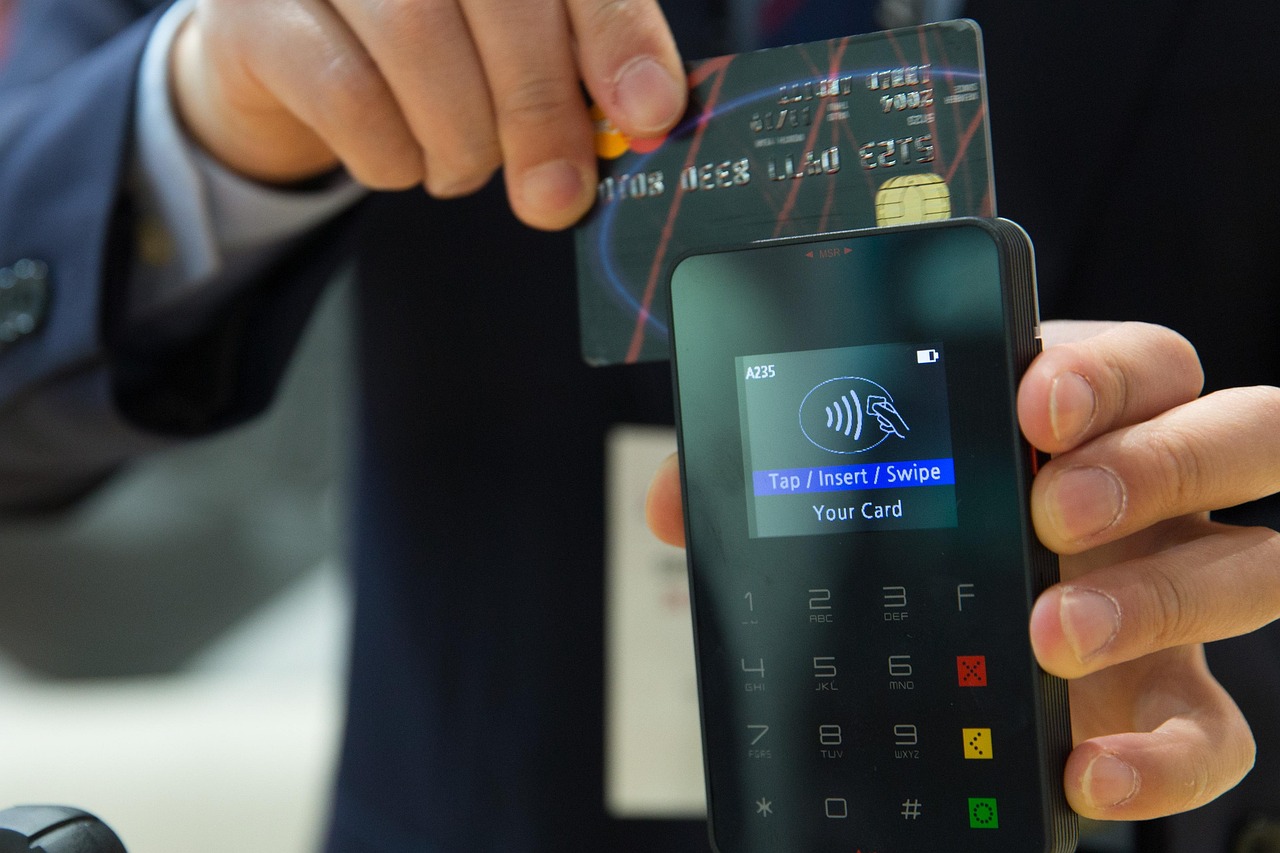
- Integrated card reader: a seamless, integrated card payment terminal eliminates manual entry errors and speeds up every transaction. For guidance on choosing the right device, see our overview of the best wireless card machines for small businesses in the UK.
- Customer-facing display: shows the order total and items to the customer as items are rung through — builds trust and reduces disputes.
- Barista display screen (KDS): optional but increasingly common in busier independents; replaces printed chits and keeps the counter clean.
For a deeper comparison of hardware configurations across different business sizes, our complete guide to till systems for small businesses in the UK is a useful companion read.
How Much Does a Coffee Shop EPOS System Cost in the UK?
This is one of the first questions every café owner asks — and it is a fair one. EPOS costs in the UK fall into two broad categories: upfront hardware and ongoing software fees. The balance between these depends on whether you buy outright or subscribe.
| Setup Type | Typical Hardware Cost (one-off) | Typical Software/Support Cost | Best For |
|---|---|---|---|
| Entry-level (single terminal, basic software) | From approximately £300–£600 | Typically £20–£50 per month | New openings, kiosk-style cafés, low transaction volumes |
| Mid-range (touchscreen till, printer, card reader, cloud software) | From approximately £700–£1,200 | Typically £40–£80 per month | Established independents, moderate-volume counter service |
| Full hospitality setup (KDS, loyalty, multi-terminal, accounting integration) | From approximately £1,500–£3,000+ | Typically £80–£150+ per month | Busy multi-zone cafés, small chains, franchise sites |
| Subscription bundle (hardware + software + support) | Low or zero upfront cost | Typically £50–£120+ per month all-in | Businesses preferring predictable monthly costs and included support |
All figures above are indicative market-typical ranges for the UK, provided as general guidance only. Your actual costs will vary based on hardware specification, number of terminals, chosen software tier, payment processing arrangements and ongoing support requirements. Always request a tailored quote.
The subscription versus outright purchase debate is worth exploring carefully before you commit. Our dedicated article on monthly EPOS subscriptions versus outright purchase walks through the financial trade-offs in detail, which is particularly relevant for coffee shops watching their monthly overheads closely.
Payment processing fees are a separate line item. Integrated card payments typically carry a per-transaction fee — currently, UK businesses can expect to pay somewhere in the range of 1–2% per transaction depending on their provider and card volume, though rates vary considerably. For more on integrated payment options, see our guide to EPOS systems with integrated card payments in the UK.
Integrations That Matter: Loyalty, Delivery and Accounting Software
Standalone EPOS software is only part of the picture. The integrations your system supports determine how smoothly your entire operation runs.
Accounting and Bookkeeping
Integration with software such as Xero, Sage or QuickBooks means your daily sales data flows directly into your accounts — eliminating manual data entry and reducing the risk of VAT errors. This is especially valuable at year-end and for businesses that need to comply with HMRC's Making Tax Digital (MTD) requirements. You can verify current MTD obligations at HMRC's official Making Tax Digital guidance.
Loyalty and CRM
Built-in loyalty programmes outperform standalone stamp apps because they tie redemption directly to the point of sale — no manual checking, no scope for errors. Look for systems that let you configure points per pound spent, free drink thresholds, or birthday rewards.
Online Ordering and Delivery Platforms
If your café accepts orders via third-party platforms or a branded click-and-collect solution, your EPOS should receive those orders directly — removing the need for a separate tablet and manual re-entry. This is rapidly becoming a baseline expectation, not a premium feature.
Staff Management
Clock-in/clock-out functionality, rota management and per-employee sales reporting help you manage labour costs — one of the largest controllable expenses in a coffee shop.
Cloud-Based vs. Traditional EPOS: Which Is Right for Your Coffee Shop?
This is a question that genuinely divides café owners, and the right answer depends on your specific situation.
Cloud-Based EPOS
- Data is stored securely online and accessible from any device, anywhere — ideal for owners who manage their café remotely or run multiple sites.
- Software updates happen automatically, so you are always on the latest version without manual intervention.
- Most modern cloud systems include offline mode, so service continues even if your broadband drops temporarily.
- Monthly subscription model makes costs predictable.
Traditional (Server-Based) EPOS
- All data is stored locally, giving you full control and no dependency on internet connectivity.
- Typically involves a higher upfront cost but lower ongoing fees.
- Updates and maintenance require manual intervention — often via your EPOS provider's support team.
- Better suited to very high-volume environments with stable infrastructure and dedicated IT support.
For most independent UK coffee shops opening or upgrading today, a cloud-based system offers the better balance of flexibility, support and cost. If you are currently running an older cash register setup, our guide on switching from a cash register to a modern EPOS system covers the migration process step by step.
Whichever architecture you choose, take a proper look at the software before committing. You can explore a restaurant and hospitality EPOS software demo from EPOS Direct to see how the platform handles real café workflows, or explore the full EPOS Direct software suite to understand what is included at each tier.
Questions Real Buyers Ask Before Committing
Will my staff be able to learn the system quickly?
Speed of adoption is critical in a café environment where rotas change frequently and seasonal staff are common. The best hospitality EPOS systems are designed with an intuitive touchscreen layout — colour-coded categories, large buttons, and logical order flows — that most staff can pick up in a single shift. Ask any prospective provider to demonstrate staff training resources and onboarding support before signing.
What happens if the internet goes down during service?
Any reputable cloud EPOS system designed for hospitality should include robust offline functionality — the ability to continue processing sales and card payments locally, with automatic sync when connectivity is restored. Confirm this explicitly with your provider and test it during any trial period.
Can my EPOS system grow with my business?
Scalability matters even for single-site owners, because ambitions grow. Look for systems that support multiple terminals on the same licence, multi-site management from one dashboard, and a hardware ecosystem that can expand without a full system replacement. If you are comparing provider options, our independent comparison of till system providers is a helpful reference point.
How EPOS Direct Supports UK Coffee Shop Owners
EPOS Direct has been supplying, installing and supporting EPOS systems for UK businesses across retail and hospitality for many years. Our hospitality offering is built specifically for the demands of counter service — fast throughput, complex modifiers, integrated payments and cloud-based reporting that coffee shop owners can access from their phone as easily as from behind the counter.
We provide end-to-end support: hardware specification and supply, software setup and configuration, staff training resources, and ongoing UK-based technical support. We do not believe in a one-size-fits-all approach — a five-seat kiosk café has different needs from a 60-cover coffee house, and our proposals reflect that.
To see current package options, visit our hospitality and restaurant EPOS offers page, or if you would prefer to speak with someone directly, you can talk to an EPOS expert online who can answer your specific questions without any sales pressure.
Ready to Find the Right EPOS System for Your Coffee Shop?
The right EPOS system does not just process transactions — it gives you the operational clarity and speed to run a genuinely profitable café. Whether you are opening your first site, upgrading from an outdated till, or scaling to multiple locations, EPOS Direct UK has the hardware, software and support to match your ambitions.
Request a free demo to see the system in action with real café scenarios, or request a call back from our team and we will put together a tailored recommendation — at no obligation.
Written by the EPOS Direct UK team, who help independent coffee shops and hospitality businesses across the United Kingdom find, implement and get the most from their EPOS systems every day.
Frequently asked questions
- How much should I budget for an EPOS system for a small coffee shop in the UK?
- For a single-site independent coffee shop in the UK, you can typically expect to pay between £300 and £800 upfront for entry-level hardware (touchscreen till, receipt printer, and card reader). Monthly software subscriptions generally range from £25 to £80 per month depending on features. More advanced setups with kitchen display screens, loyalty integrations, and multi-user licences can cost £1,000–£2,000+ upfront. EPOS Direct offers flexible finance and leasing options so you can spread the cost.
- Can I take contactless and mobile payments through a coffee shop EPOS system?
- Yes. Modern EPOS systems designed for hospitality, including those from EPOS Direct, support contactless card payments, Apple Pay, Google Pay, and chip-and-pin through integrated card terminals. This is essential for fast-paced coffee shop environments where queue speed directly impacts revenue.
- Do I need an internet connection for my coffee shop EPOS to work?
- Most cloud-based EPOS systems require a broadband or 4G connection to sync sales data and access back-office reports in real time. However, good quality systems include an offline mode that allows you to continue processing sales during an internet outage, with data syncing automatically once connectivity is restored. EPOS Direct's systems are built with this resilience in mind.
