We use cookies to make your experience better.
To comply with the new e-Privacy directive, you agree to the privacy policy and our use of cookies

The Best iPad POS Systems for UK Hospitality Businesses: A Practical Buyer's Guide
iPad POS Systems for UK Hospitality: Everything You Need to Know Before You Buy

iPad-based point-of-sale systems have become the go-to choice for UK hospitality businesses that need speed, flexibility and a professional front-of-house experience without the bulk of traditional till hardware. Whether you run a bustling city-centre restaurant, a neighbourhood café or a multi-floor hotel bar, the right iPad POS setup can transform table management, order accuracy and payment flow in one integrated platform. This guide covers everything — from the features that matter most to honest indicative costs — so you can make a confident, well-informed buying decision.
Why UK Hospitality Businesses Are Switching to iPad-Based POS
The shift away from fixed, monolithic till systems has accelerated across the UK hospitality sector, and for good reason. iPad-based systems offer a combination of portability, intuitive software and scalability that rigid legacy hardware simply cannot match.
- Tableside ordering and payment: Staff can take orders and process card payments directly at the table, cutting ticket times and reducing errors caused by relaying verbal orders to a fixed terminal.
- Faster staff training: The familiar iOS interface means most front-of-house team members are productive within hours rather than days — a critical advantage given the sector's high staff turnover.
- Flexible deployment: A single device can function as a counter till, a roaming order-taker, or a self-service kiosk depending on your mounting solution, giving you genuine operational versatility.
- Real-time reporting: Cloud-based dashboards give owners and managers live visibility of covers, revenue and stock — accessible from any device, anywhere.
- Lower upfront hardware cost: Compared with proprietary EPOS terminals, iPad hardware is standardised and widely available, which keeps replacement costs competitive.
These advantages are driving adoption from independent cafés through to group restaurant operators, all of whom are discovering that agility at the point of sale translates directly into better guest experiences and healthier margins.
Key Features to Look for in a Hospitality iPad POS System
Not all iPad POS software is built with the demands of hospitality in mind. Before committing to any system, verify that it includes the following capabilities as standard rather than expensive add-ons.
Table and Floor Management
A visual floor plan that staff can interact with in real time — merging covers, splitting bills, tracking course progress — is non-negotiable for any sit-down venue. Look for colour-coded table status and the ability to update layouts without calling your supplier.
Kitchen Display System (KDS) Integration
Printed kitchen dockets are reliable but slow. A system that sends orders directly to a KDS screen reduces paper waste, speeds up preparation times and gives the kitchen a live view of course sequencing.
Integrated Card Payments
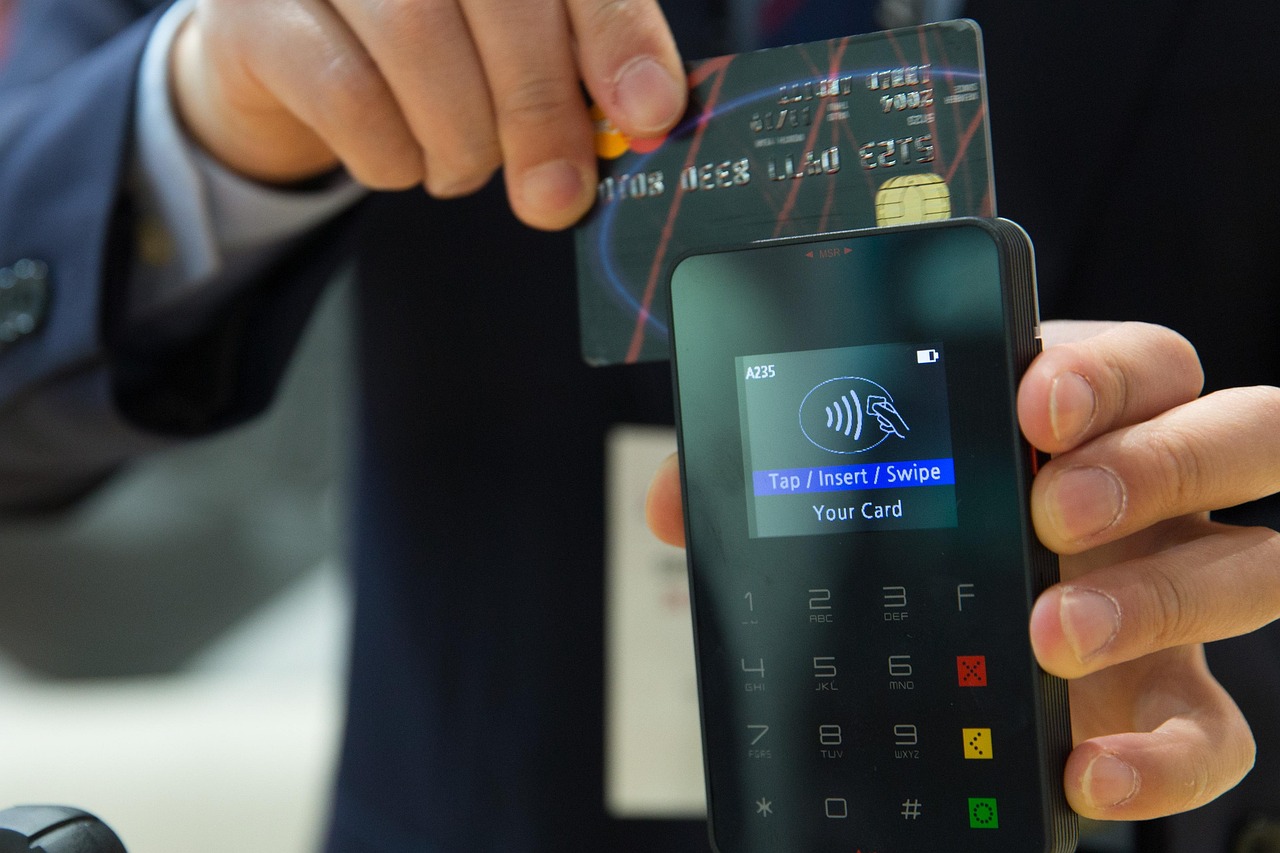
Payments processed through a separate, unlinked card machine create reconciliation headaches and the risk of human error. Genuinely integrated card payments — where the POS sends the total directly to the payment terminal — eliminate the problem entirely. Our guide to EPOS systems with integrated card payments in the UK explains what to look for and why integration matters for end-of-day reconciliation.
Menu Management and Modifier Handling
Menus change constantly in hospitality — seasonal specials, allergen updates, 86'd items mid-service. Your POS must allow instant menu edits, forced and optional modifiers (e.g. "sauce choice", "cooking preference"), and allergen flagging that complies with Natasha's Law requirements for pre-packed foods.
Loyalty, Covers and Booking Integration
A system that connects to your reservation platform and CRM lets you greet returning guests by name, track spend history and build genuine loyalty — differentiating your venue in a competitive market.
Offline Functionality
Internet connectivity is never guaranteed, particularly in listed buildings or basement venues. Any iPad POS worth considering should continue to process orders and payments locally when offline, syncing automatically once the connection is restored.
iPad POS vs Traditional EPOS: Which Is Right for Your Venue?
The honest answer is that the two approaches are increasingly converging, but there are still meaningful differences a buyer should weigh.
| Consideration | iPad-Based POS | Traditional EPOS Terminal |
|---|---|---|
| Portability | Highly portable; works tableside or counter-mounted | Typically fixed to a counter or stand |
| Hardware cost | Lower; uses standardised Apple hardware | Higher upfront; proprietary components |
| Durability | Requires protective case; screen is a risk point | Purpose-built; often IP-rated for spills |
| Software updates | Cloud-delivered; often automatic overnight | Varies; some require engineer visits |
| Staff familiarity | High; iOS is universally familiar | Moderate; proprietary UI requires training |
| Offline resilience | Depends on software; confirm before buying | Often stronger local processing capability |
| Best suited to | Cafés, restaurants, bars, market stalls, pop-ups | High-volume quick service, large hotel F&B operations |
For the majority of UK hospitality venues — particularly independents and small groups — an iPad-based system delivers the better balance of cost, usability and flexibility. High-volume quick-service operations with extreme throughput requirements may still benefit from purpose-built terminals at certain stations.
If you are also evaluating options beyond hospitality, our complete buyer's guide to till systems for small businesses covers the broader landscape including retail and service environments.
How Much Does an iPad POS System Cost in the UK?
This is invariably the first practical question any buyer asks, and the honest answer is that costs vary considerably depending on the number of terminals, software tier and whether you purchase outright or subscribe monthly.
Indicative Cost Ranges
- Hardware (iPad + stand + receipt printer + card reader, per station): Typically from around £400 to £900 as a one-off outright purchase, depending on specification.
- Software subscription: Most cloud-based hospitality POS software in the UK falls between approximately £30 and £120 per month per terminal, with higher tiers unlocking advanced analytics, loyalty modules and multi-site management.
- All-inclusive monthly packages: Some suppliers — including EPOS Direct UK — offer bundled hardware, software and support from around £50–£150 per month per terminal on a contract basis, spreading the cost and simplifying budgeting.
- Installation and setup: Remote setup is often included; on-site engineer visits for larger multi-terminal deployments typically attract a one-off fee.
These are indicative market ranges only, not formal quotes. To understand which model makes more financial sense for your business over a one-, two- or three-year horizon, our article on monthly EPOS subscription vs outright purchase walks through the decision with practical worked examples.
For a tailored price based on your specific venue size and requirements, explore our current hospitality and restaurant EPOS offers or talk to one of our hospitality POS experts online.
Top Use Cases: Restaurants, Bars, Cafés, Hotels and Takeaways
The flexibility of iPad POS means the same core platform can be configured quite differently depending on the venue type. Here is how leading operators in each category typically deploy the technology.
Restaurants
Full table management with course-by-course ordering, KDS integration for pass and kitchen, split-billing by guest or item, and allergen prompts on every modifier. Tableside payment via a wireless card machine eliminates the back-and-forth with a handheld terminal — pairing the iPad POS with a quality wireless payment device is essential. Our guide to the best wireless card machines for UK businesses is a useful companion read.
Bars and Late-Night Venues
Speed is everything at a busy bar. Quick-fire tabs, open-tab management by name or card, age verification prompts and fast bartender interface layouts — with large touch targets — are the key configuration priorities. Multiple iPad stations behind a long bar allow parallel service without staff crossing paths.
Cafés and Coffee Shops
Modifier-heavy menus (milk type, shot count, syrup choices) combined with quick counter service demand an intuitive product layout and fast payment throughput. Many café operators deploy a single iPad at the counter supported by a loyalty programme that captures return visits and drives upselling.
Hotels
Hotel F&B is complex: room charge posting, multiple revenue centres (restaurant, bar, room service, spa), and the need to reconcile against property management system (PMS) data. An iPad POS with PMS integration removes the need for manual charge transfers and gives the front desk real-time visibility of guest spend.
Takeaways and Fast-Casual
Online order integration, customer-facing display screens, and kitchen ticket management are the priorities. iPad systems that connect directly to delivery platforms reduce double-entry and the errors that come with managing orders across multiple tablets.
What to Expect from Setup, Training and Ongoing Support
A system is only as good as the support behind it — particularly during the pressurised environment of a hospitality launch or migration.
Setup and Go-Live
A reputable supplier will work with you to configure your menu, floor plans and tax settings before the hardware arrives. Expect a structured onboarding process: menu build, hardware configuration, a pre-live test run, and a go-live check. For larger multi-site deployments, on-site installation by a trained engineer is worth requesting explicitly.
Staff Training
Quality suppliers provide training materials — video walkthroughs, quick-reference guides and hands-on demos — designed for front-of-house staff rather than IT teams. The best hospitality POS platforms also offer a sandbox or demo mode so staff can practise without affecting live data. You can experience this first-hand by trying the EPOS Direct restaurant EPOS software demo before committing.
Ongoing Support
Hospitality operates outside of 9-to-5. Confirm that your supplier offers telephone and live-chat support during service hours — evenings and weekends included. Software updates, security patches and feature releases should be delivered automatically and communicated in advance so they never disrupt a Friday night service.
Why EPOS Direct UK Is a Trusted Choice for Hospitality POS
EPOS Direct UK has been supplying and supporting point-of-sale systems to businesses across the United Kingdom for many years, with a specialist focus on hospitality environments ranging from independent cafés to multi-site restaurant groups. Our systems are built around the realities of UK hospitality — Natasha's Law allergen compliance, VAT-inclusive pricing, UK card payment standards and the demands of multi-cover service — rather than adapted from generic retail software.
Every customer benefits from dedicated onboarding, UK-based support and a platform that is continuously developed in response to operator feedback. We do not tie customers into systems that stop evolving; our cloud platform receives regular updates that are pushed automatically, keeping your operation current without disruption.
You can browse the full range of current options and packages on the EPOS Direct UK home page, where you will also find the latest offers and information across our hospitality and retail product lines.
For a head-to-head look at how our systems compare with other options in the market, our 2026 competitor comparison guide provides an objective breakdown of what to look for and where different systems excel.
Ready to Find the Right System for Your Venue?
The most important step any hospitality buyer can take is to see the software working in a realistic scenario before signing anything. A live demonstration, tailored to your venue type, answers more questions in thirty minutes than a brochure ever could.
EPOS Direct UK offers no-obligation demonstrations, expert consultations and flexible purchasing options designed to suit businesses at every stage — from a first-time café owner to an experienced operator expanding to new sites. Request a free demo to see the platform in action, or request a call back and one of our hospitality specialists will be in touch at a time that suits you.
Written by the EPOS Direct UK team, who work with UK hospitality businesses every day to design, install and support point-of-sale systems that fit the way operators actually work.
Frequently asked questions
- How much does a iPad-based till system typically cost for a UK hospitality business?
- Costs vary depending on the size of your venue and the features you need. In the UK, a basic iPad POS starter package typically starts from around £300–£500 for hardware (iPad stand, card reader, receipt printer), with software subscriptions ranging from £30 to £100+ per month depending on the provider and feature tier. Larger multi-terminal setups for restaurants or hotels can run from £1,000 to £3,000+ upfront. EPOS Direct UK offers tailored quotes so you only pay for what your business actually needs.
- Can an iPad POS system handle table management and split bills in a busy restaurant?
- Yes — modern hospitality iPad POS systems are designed specifically for these workflows. Features like visual table plans, course-by-course ordering, split billing, and cover tracking are standard in quality systems. Look for a solution that lets floor staff update orders tableside in real time, reducing errors and speeding up service during peak hours.
- Do I need an internet connection for my iPad POS to keep working during a busy service?
- Most reputable iPad POS systems include an offline mode, meaning your tills continue to process orders and card payments even if your broadband drops temporarily. Data then syncs automatically when connectivity is restored. This is a critical feature for hospitality venues — always confirm offline capability before committing to any system.
