We use cookies to make your experience better.
To comply with the new e-Privacy directive, you agree to the privacy policy and our use of cookies


Touchscreen Tills for Shops: How to Choose and Buy the Right EPOS System
Touchscreen Tills for Your Shop: Everything You Need to Know Before You Buy
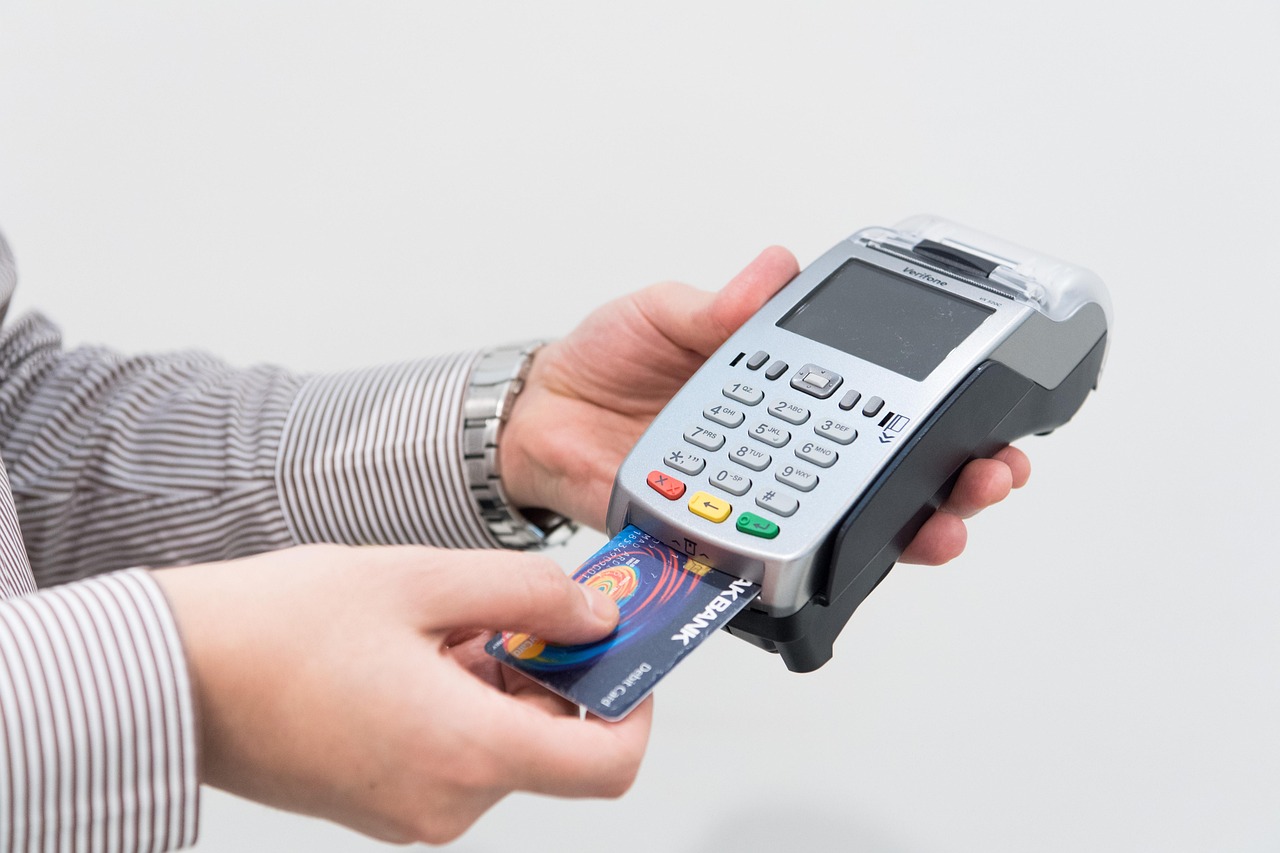
A touchscreen till is no longer a luxury reserved for large retailers — it is the practical, scalable backbone of a well-run modern shop. Whether you are opening your first independent store or replacing an ageing cash register, the right EPOS system will speed up every transaction, give you real-time stock visibility, and lay the foundation for smarter business decisions. This guide covers everything a UK shop owner needs to evaluate, compare and confidently invest in a touchscreen till system that genuinely fits their business.
Written by the EPOS Direct UK team, who work with independent retailers, hospitality operators and specialist businesses across the United Kingdom every day.
What Is a Touchscreen Till and Why Do Modern Shops Need One?
A touchscreen till — more formally known as an EPOS (Electronic Point of Sale) terminal — combines a touch-enabled screen with purpose-built software to handle sales, payments, stock management and reporting in one unified system. Unlike a traditional cash register, which simply records transactions, a modern EPOS till communicates with your inventory in real time, integrates directly with card payment terminals, and generates management reports you can access from anywhere.
For independent shops in particular, this matters enormously. Shrinkage through human error, slow queues during busy periods and stock that runs out without warning are problems a capable touchscreen system actively prevents. If you are still using a standalone register or a cobbled-together tablet setup, our guide to switching from a cash register to a modern EPOS system explains exactly what the transition looks like in practice.

Key Features to Look for in a Retail Touchscreen Till System
Not every EPOS terminal is built equally. When evaluating options, prioritise the following capabilities — ranked here by the impact they tend to have on day-to-day retail operations:
Core operational features
- Intuitive touchscreen interface: Staff should be able to learn the basics within an hour. Look for large, customisable product buttons and a logical layout that minimises button presses per transaction.
- Real-time stock management: Every sale should instantly update your inventory. Alerts when stock falls below a set threshold prevent the lost sales that come with empty shelves.
- Integrated card payments: Native integration between the till software and the card reader eliminates manual keying errors and speeds up checkout. See our guide to EPOS systems with integrated card payments for a full breakdown of what to look for.
- Reporting and analytics: Sales by product, category, hour and staff member should all be available at a glance — ideally accessible remotely via a cloud dashboard.
Practical add-ons worth considering
- Barcode scanner compatibility (built-in or peripheral)
- Receipt printer integration (thermal, USB or Bluetooth)
- Customer-facing display for transparent transactions
- Loyalty programme and promotional discount tools
- Multi-site management for shops with more than one location
Which Types of Shops Benefit Most from a Touchscreen EPOS Till?
The short answer is: virtually any shop that processes more than a handful of transactions per day. That said, certain business types see particularly rapid returns on investment:
- Independent convenience stores and newsagents — High volumes of low-value transactions demand speed; a well-configured touchscreen layout reduces average transaction time significantly.
- Fashion and clothing boutiques — Variant management (size, colour, fit) and returns processing are handled far more cleanly by an EPOS system than a manual register.
- Specialist food and drink retailers — Age-verification prompts, weight-based pricing and allergen flagging can be built directly into the till workflow.
- Pharmacies — Dispensary integration, patient records and regulated product tracking require software built specifically for the sector. You can explore a pharmacy EPOS software demo to see how specialist features work in practice.
- Cafés, delis and food-to-go operators — Table management, modifier options and kitchen display integration make a hospitality-ready EPOS system essential.
For a detailed look at how different shop types compare, our guide to the best till systems for small shops covers sector-specific recommendations in full.
How Much Does a Touchscreen Till Cost in the UK?
This is often the first question shop owners ask, and the honest answer is that cost varies considerably depending on the hardware specification, software tier and payment processing arrangement you choose. The table below provides indicative ranges typical of the UK market in 2025–2026 to help you calibrate your budget.
| Setup Type | Typical Hardware Cost | Typical Software Cost | Best For |
|---|---|---|---|
| Entry-level single terminal | From approx. £300–£600 (outright) | From approx. £20–£40/month | New or very small shops with straightforward stock |
| Mid-range retail EPOS bundle | From approx. £600–£1,200 (outright) | From approx. £40–£80/month | Established independents needing full stock and reporting |
| Advanced multi-terminal setup | From approx. £1,500+ (outright) | From approx. £80–£150/month | Multi-lane or multi-site retailers with complex needs |
| Monthly subscription bundle (hardware + software) | Included in monthly fee | Typically from £30–£100/month all-in | Businesses preferring low upfront outlay and predictable costs |
All figures above are indicative market ranges only and are not quotes. Actual pricing depends on your specific configuration, chosen supplier and any promotional offers available at time of purchase. Always request a tailored quote before committing.
The outright purchase versus subscription decision has significant long-term implications. Our dedicated article on monthly EPOS subscriptions versus outright purchase analyses both routes with worked examples, so you can model the total cost of ownership for your own situation.
Cloud-Based vs. Traditional EPOS: Which Is Right for Your Shop?
This is one of the most consequential decisions you will make — and the right answer depends on your priorities rather than on any universal truth.
Cloud-based EPOS
Your data lives on remote servers and is accessible via a web browser or app from any device. Updates happen automatically, multi-site management is straightforward, and you can check live sales from your phone. The trade-off is a dependency on a reliable internet connection; most systems include an offline mode for basic transactions, but full functionality requires connectivity.
Traditional (server-based) EPOS
Data is stored locally on an in-store server or the till itself. This approach is highly resilient — the system continues operating fully during an internet outage — but remote access, software updates and multi-site synchronisation require more technical management. Upfront costs tend to be higher.
For most independent UK shops opening or upgrading today, cloud-based EPOS is the more practical choice: lower upfront cost, easier maintenance, and immediate access to the features modern retail demands. If your premises has genuinely unreliable broadband, discuss a hybrid setup with your supplier.
You can talk to an expert online to get a straightforward recommendation based on your specific location and connectivity situation before making any commitment.
What Comes in the Box: Hardware, Software and Payment Integration
A complete touchscreen till system from a reputable supplier should include — or make available as a cohesive bundle — the following components:
Hardware
- Touchscreen terminal (typically 10–15 inch display; larger screens suit busier counters)
- Thermal receipt printer
- Cash drawer with security lock
- Barcode scanner (handheld or presentation-style)
- Integrated or countertop card payment terminal
- Optional: customer-facing pole display or second screen
Software
Retail-specific EPOS software should handle product management, pricing rules, promotions, purchase orders, supplier management and end-of-day reports as standard. Look for a supplier who develops their own software platform — this means faster support response and more coherent feature development. You can request a retail EPOS software demo to see how the interface looks and feels before committing to a purchase.
Payment integration
Integrated card payments — where the EPOS software communicates directly with the card terminal — are now firmly the standard expectation. They remove the manual step of entering the total on a separate device and virtually eliminate keying errors. For shops that also need mobile or wireless payment capability at pop-ups, markets or across a large trading floor, our guide to the best wireless card machines for small businesses covers the available options clearly.
A Question Worth Asking: What Support Comes After Purchase?
Hardware and software are only part of the story. The quality of ongoing technical support is frequently what separates a smooth EPOS experience from a frustrating one. Before signing anything, confirm:
- Support hours: Is telephone support available during your trading hours, including weekends?
- Response time guarantees: How quickly will a critical fault be addressed?
- Software updates: Are they included in your subscription, or charged separately?
- Training: Is onboarding support provided for you and your staff?
- Warranty: What is covered, for how long, and what is the replacement process if hardware fails?
UK-based suppliers with dedicated support teams are strongly preferable to those routing enquiries through overseas call centres — particularly for independent retailers where a till being down for an hour has a direct and measurable impact on revenue.
How to Buy a Touchscreen Till from EPOS Direct UK
EPOS Direct UK supplies, installs and supports touchscreen EPOS systems for independent retailers, hospitality businesses and specialist operators across the United Kingdom. The process is designed to be straightforward, with no obligation to commit until you have seen the system working and understand exactly what you are getting.
- Browse current offers: Visit our retail EPOS offers page to see current hardware and software packages.
- Request a free demo: See the system in action before you buy. Request a free demo and one of our specialists will walk you through the features most relevant to your type of shop.
- Get a tailored quote: Every shop has different needs. Request a call back and we will configure a system and pricing proposal built around your transaction volumes, product range and budget.
- Compare your options: If you are evaluating suppliers, our complete 2026 competitor comparison guide sets out honestly how different systems compare across the features that matter most.
For broader context on selecting the right system for a growing shop, our comprehensive buyer's guide to till systems for small businesses in the UK covers the full landscape — and you can find more offers and information for all business types on the EPOS Direct UK home page.
The Bottom Line
A well-chosen touchscreen till is one of the highest-return investments an independent shop owner can make — reducing checkout errors, giving you real-time control of your stock, and producing the management data that makes confident business decisions possible. The key is choosing a system configured for your specific type of shop, with software you have seen demonstrated, hardware that is built to last, and a support team you can actually reach when you need them.
EPOS Direct UK has been helping UK businesses find and implement the right EPOS solution for their needs. If you are ready to take the next step, talk to one of our experts online today — no obligation, just straightforward advice from a team that understands retail.
Frequently asked questions
- How much does a touchscreen till system cost for a small shop in the UK?
- For a small UK retail shop, a basic touchscreen till bundle — including the terminal, receipt printer, cash drawer and software — typically starts from around £300 to £600 for an entry-level system. Mid-range all-in-one EPOS systems with cloud software, stock management and card payment integration usually fall between £600 and £1,200. Monthly software subscriptions can add £20 to £60 per month depending on features. EPOS Direct offers flexible packages to suit different budgets, and financing options are available — it is worth requesting a tailored quote based on your specific shop type and volume.
- Do I need an internet connection to run a touchscreen till in my shop?
- Most modern cloud-based EPOS systems require a reliable internet connection for real-time stock updates, cloud reporting and payment processing. However, many systems — including those offered by EPOS Direct — have an offline mode that allows your till to continue processing sales locally if the connection drops, syncing data once you are back online. For shops in areas with patchy connectivity, it is worth confirming offline capability before you buy.
- Can a touchscreen till handle card payments, refunds and end-of-day reports all in one place?
- Yes — a good touchscreen EPOS till integrates card payment processing (including contactless, chip and PIN, and digital wallets like Apple Pay and Google Pay), handles refunds and voids seamlessly, and produces end-of-day Z-reports, VAT summaries and sales breakdowns automatically. EPOS Direct systems are designed so that your till, card reader and back-office reporting all work together without needing separate devices or manual reconciliation.
