We use cookies to make your experience better.
To comply with the new e-Privacy directive, you agree to the privacy policy and our use of cookies

How to Choose and Buy a Touchscreen Till System for Your Shop
How to Choose and Buy a Touchscreen Till System for Your Shop
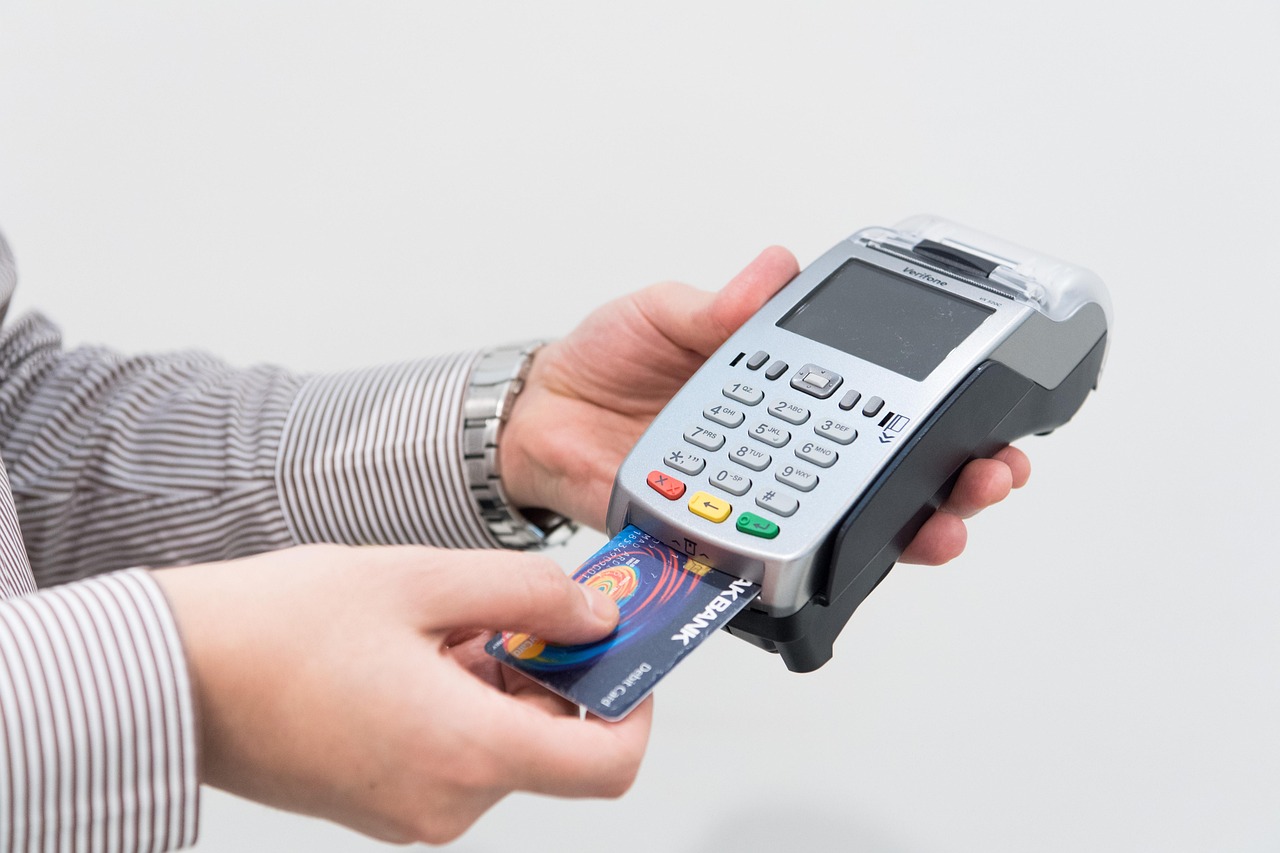
A modern touchscreen till does far more than process sales — it manages stock, tracks staff performance, integrates with card payments, and gives you the real-time data you need to run a sharper, more profitable shop. Whether you're opening your first retail outlet or replacing an ageing cash register, this guide covers everything you need to evaluate, compare, and confidently invest in a till system that genuinely fits your business. Written by the EPOS Direct UK team, who work alongside UK independent retailers, convenience stores, off licences, and specialist shops every day.
What Is a Touchscreen Till System and Do You Really Need One?
A touchscreen till system — often called an EPOS (Electronic Point of Sale) system — combines a touch-enabled screen, receipt printer, cash drawer, barcode scanner, and purpose-built software into a unified retail management platform. Unlike a basic cash register, it captures granular data at every transaction: what sold, when, to which staff member, and at what margin.
If you're still running a legacy register or a tablet bolted onto a makeshift stand, you're likely losing time on manual stock counts, missing out on loyalty data, and making buying decisions on instinct rather than insight. A dedicated EPOS till pays for itself not just in speed at the counter, but in the management hours it saves every week.
Not every shop needs the same solution, however. A busy corner shop has different requirements from a boutique clothing store or a licensed off licence with age-verification compliance needs. The sections below help you match the right system to your specific situation.

Key Features to Look for in a Retail Touchscreen Till
Before comparing hardware, anchor your decision to the features that will actually move the needle in your shop. A compelling screen or a sleek chassis means little if the software doesn't support your workflow.
Non-negotiable software capabilities
- Real-time stock management — automatic depletion on sale, low-stock alerts, and multi-location support if you run more than one site.
- Integrated card payments — a single, unified payment flow removes end-of-day reconciliation errors. See our guide to the best EPOS systems with integrated card payments in the UK for a detailed breakdown.
- Reporting and analytics — hourly sales reports, best-seller rankings, staff performance, and gross-margin visibility.
- Supplier and purchase-order management — the ability to raise orders directly from your till reduces admin and prevents out-of-stocks.
- Customer loyalty and CRM — even simple loyalty programmes measurably increase repeat visit frequency.
- Age-restriction prompts — mandatory for alcohol, tobacco, and some medicines; the system must enforce Challenge 25 prompts automatically.
Hardware essentials
- A responsive, commercial-grade touchscreen (typically 15–17 inches for retail counters)
- A robust casing built for all-day use — not a consumer tablet
- Fast thermal receipt printer
- Integrated or USB barcode scanner (2D scanners handle QR codes, loyalty cards, and mobile payments)
- A cash drawer with lockable compartments
- Optional customer-facing display for transparent pricing
Which Touchscreen Till System Is Right for Your Type of Shop?
The "best" system is the one designed around your trade — not a generic one-size-fits-all product. Below is a practical guide by shop type.
| Shop Type | Priority Features | Watch Out For |
|---|---|---|
| Convenience & grocery | High-speed scanning, multi-VAT rates, age-verification prompts, tobacco gantry integration | Systems that can't handle large product catalogues (10,000+ SKUs) |
| Off licence | Challenge 25 enforcement, alcohol duty reporting, case/unit pricing, loyalty | Missing compliance prompts — a regulatory risk. See our guide to the best till systems for off licences in the UK. |
| Clothing & fashion | Size/colour matrix variants, returns management, customer accounts, gift cards | Systems without variant-level stock tracking |
| Pharmacy | Prescription workflow, controlled-drug audit trails, patient records integration | Generic retail software with no pharmacy compliance layer |
| Café / quick service | Table management, kitchen printer routing, modifier buttons, split bills | Retail-only software applied to a food-service environment |
| Specialist / boutique retail | Custom barcodes, supplier catalogues, ecommerce integration | Overpaying for hospitality features you'll never use |
For a broader comparison across shop categories, our complete buyer's guide to the best till systems for small businesses in the UK covers common pitfalls and selection criteria in more detail.
How Much Does a Touchscreen Till System Cost in the UK?
One of the first questions any shop owner asks is: what's this actually going to cost me? The honest answer is that pricing spans a wide range depending on whether you buy outright, subscribe monthly, or opt for a bundled hardware-and-software package.
Indicative UK price ranges (guidance only — not a formal quote)
- Entry-level subscription bundles — typically from around £30–£60 per month, usually covering cloud software and basic support, with hardware purchased separately or leased.
- Mid-range all-in-one packages — most established setups for a single-till independent shop fall between approximately £800 and £1,500 as an outright hardware purchase, plus a monthly software licence.
- Multi-till or multi-site deployments — more complex configurations with additional peripherals, customer-facing screens, or integrated payment terminals typically start from £1,500 upward, plus ongoing support costs.
- Monthly subscription (hardware + software) — all-inclusive monthly plans from established EPOS providers typically range from around £50–£120 per month per till, depending on software tier and included support.
These are illustrative ranges based on typical UK market conditions in 2025–2026 and should be used for budgeting purposes only. Always request a tailored quote. For a structured comparison of ownership models, read our breakdown of monthly EPOS subscriptions versus outright purchase — it's particularly useful if you're weighing cash flow against long-term total cost.
Cloud-Based vs. Traditional EPOS: What Should You Choose?
This is one of the most consequential decisions you'll make, and it's worth taking seriously rather than defaulting to whatever a salesperson recommends first.
Cloud-based EPOS
Your data lives on secure remote servers and syncs in real time. You can check today's sales from your phone, manage stock remotely, and push price changes across multiple tills instantly. Software updates happen automatically — no engineer visit required. The trade-off is a dependency on internet connectivity, though most modern cloud systems include an offline mode that queues transactions until your connection is restored.
Traditional (server-based) EPOS
Data is stored on a local server on your premises. This gives you full control and resilience if your broadband is unreliable, but it typically requires on-site IT support for updates and lacks the anywhere-access of a cloud system. For most modern independent retailers, cloud-based is the stronger default — but shops in rural locations with genuinely poor connectivity may legitimately prefer a local-server option.
If you're transitioning from an older cash register to a modern platform for the first time, our step-by-step guide on switching from a cash register to a modern EPOS system explains exactly what to expect during migration.
What's Included When You Buy an EPOS Till System from EPOS Direct?
EPOS Direct supplies complete, business-ready EPOS systems to UK independent retailers, hospitality venues, pharmacies, and specialist traders. Rather than selling generic hardware and leaving you to configure everything yourself, each package is designed to be operational quickly — with the software pre-configured for your industry.
A typical retail EPOS bundle from EPOS Direct includes:
- Commercial-grade touchscreen terminal
- Thermal receipt printer
- Barcode scanner
- Cash drawer
- Purpose-built retail EPOS software (cloud or hybrid)
- Integrated card payment options
- UK-based technical support and onboarding
- Software updates included during your subscription or warranty period
You can explore the retail EPOS software via a live demo before committing — a worthwhile step that lets you navigate the actual interface and judge whether it suits your workflow. If you run a café, restaurant, or food-service operation, the restaurant EPOS software demo covers the full hospitality feature set, and pharmacies can trial the dedicated pharmacy EPOS software demo separately.
EPOS Direct's full range of current bundles and pricing is available on the EPOS Direct UK home page, where you'll also find the latest offers and configuration options across retail and hospitality verticals.
How to Get Set Up Quickly and Start Selling Faster
One of the most common concerns from shop owners is downtime during a till changeover. A well-planned deployment should have you operational within a day for a single-till shop — and EPOS Direct's onboarding process is structured around minimising disruption.
A practical setup roadmap
- Audit your product catalogue — compile your SKUs, barcodes, prices, VAT rates, and supplier details in a spreadsheet. The cleaner your data, the faster the import.
- Choose your payment integration — confirm your card machine or integrated payment terminal is compatible before delivery. Our guide to the best wireless card machines for small businesses in the UK can help if you're still choosing a payment solution.
- Request a demo first — never commit to a system you haven't seen live. Request a free demo from EPOS Direct to walk through the interface with a product specialist before signing anything.
- Plan your go-live date — choose a quieter trading period (Monday morning rather than Friday afternoon before a bank holiday). Migrate during a day you can afford to run at slightly reduced pace.
- Train your team on the day — a well-designed touchscreen interface is intuitive, but a 30-minute walk-through with your staff before you open reduces errors and boosts confidence immediately.
- Check your reports on day one — run an end-of-day report on your first trading day to verify that stock, payments, and cash reconciliation all align. Address any discrepancies before they compound.
If you'd like to compare how EPOS Direct systems compare to other market options before making a final decision, our comprehensive 2026 competitor comparison guide lays out the differences clearly and honestly.
Ready to Find the Right System for Your Shop?
A touchscreen till system is one of the most impactful investments a UK independent retailer can make — and the right one will pay dividends in speed, accuracy, and business intelligence from the very first day of trading. The wrong one will frustrate your staff and limit your growth. That's why it's worth taking the time to match the system to your trade, your volume, and your long-term ambitions before committing.
EPOS Direct UK specialises in helping independent shop owners find, configure, and deploy the right EPOS solution — without the jargon, the unnecessary upsell, or the lengthy wait times. Talk to an expert online for immediate, no-obligation guidance, or browse the current retail EPOS offers to see what's available for your type of shop right now.
Frequently asked questions
- How much does a touchscreen till system typically cost for a small UK shop?
- For a small UK shop, a basic touchscreen till system typically starts from around £300 to £500 for entry-level hardware-only setups. A complete EPOS bundle — including touchscreen terminal, receipt printer, cash drawer, barcode scanner, and software — usually ranges from £600 to £1,500 depending on the brand and features. Monthly software subscriptions can add £20 to £80 per month. EPOS Direct offers competitively priced packages with transparent costs, and financing options are available so you can spread the cost.
- Can I use a touchscreen till system if I'm not very tech-savvy?
- Absolutely. Modern touchscreen till systems are designed to be intuitive, with simple icon-based interfaces that most staff can learn in under an hour. EPOS Direct provides full training, onboarding support, and UK-based customer service, so you won't be left to figure it out alone. If you can use a smartphone, you can use a touchscreen till.
- Will a new touchscreen till system work with my existing card payment terminal?
- In many cases, yes — but compatibility depends on the card payment provider and the EPOS software you choose. EPOS Direct's systems are designed to integrate seamlessly with leading UK payment processors. During your consultation, the team will confirm compatibility with your current setup or recommend a fully integrated card payment solution to avoid manual reconciliation and reduce errors.
