We use cookies to make your experience better.
To comply with the new e-Privacy directive, you agree to the privacy policy and our use of cookies


The Best Touchscreen Till Systems for Retail Businesses in the UK
Touchscreen Till Systems for Retail: Find the Right EPOS Solution for Your Shop
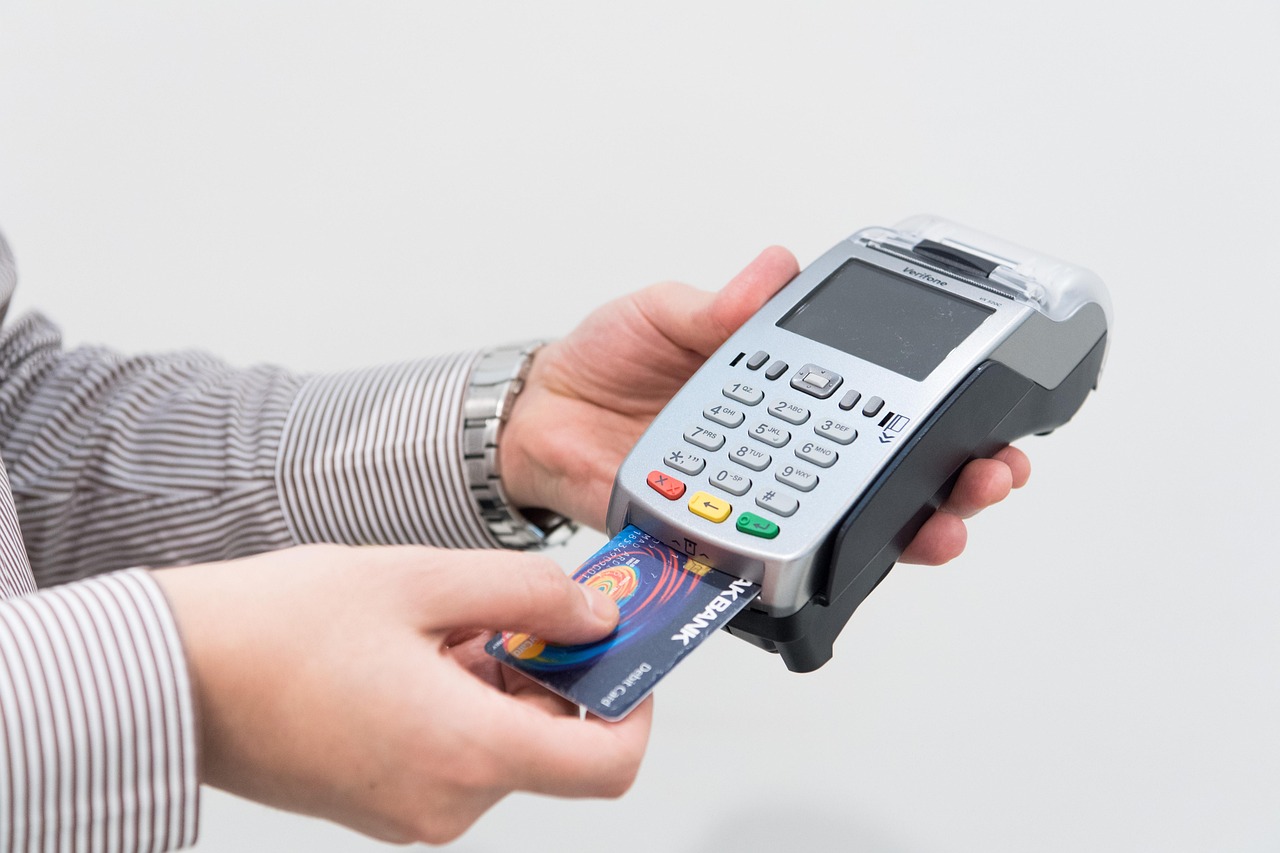
A well-chosen touchscreen till system can transform how a retail shop operates — speeding up transactions, reducing human error and giving you real-time visibility across your entire business. Whether you run a single boutique or a multi-site chain, the right electronic point of sale (EPOS) setup pays for itself quickly through tighter stock control, faster service and the professional payment experience customers now expect. This guide covers everything you need to make a confident, informed decision.
What Is a Touchscreen Till System and Why Does Your Retail Business Need One?
A touchscreen till system — often called a retail EPOS system — combines hardware (a touchscreen terminal, receipt printer, cash drawer and barcode scanner) with intelligent software that manages sales, stock, customers and reporting from a single interface. Unlike older, button-based electronic cash registers, a modern touchscreen till is a fully networked computer designed specifically for retail environments.
The practical case for upgrading is straightforward. Staff complete transactions faster, reducing queues at peak times. Stock levels update automatically with every sale, so you always know what needs reordering. And because the system captures transaction data, you gain genuine insight into which products sell, when your busiest periods are and which promotions actually drive revenue.
For a broader overview of the market and what to expect at each price point, the Complete Guide to EPOS & POS Systems for UK Businesses is an excellent starting point alongside this article.

Key Features to Look for in a Retail Touchscreen Till
Not every system is built equally, and the features that matter most depend on your business type and volume. Prioritise these when evaluating any retail till:
- Intuitive touchscreen interface: Staff should be processing sales within minutes of training. Look for large product buttons, fast search and a clean layout that works under pressure.
- Integrated card payments: A system that handles card transactions natively — rather than through a separate, unlinked terminal — eliminates manual reconciliation and reduces end-of-day errors. See our guide to EPOS systems with integrated card payments for a detailed comparison of approaches.
- Real-time stock management: Every scan should decrement your inventory instantly, with low-stock alerts and purchase order tools built in.
- Customer and loyalty tools: CRM features, loyalty points and purchase history let you build repeat business without third-party add-ons.
- Comprehensive reporting: Daily Z-reports, product performance, hourly sales trends and staff performance dashboards should be accessible from any device, not just the till itself.
- Multi-site capability: If you plan to open a second location — or already operate several — choose a system whose software supports centralised management from day one.
- Reliable offline mode: Cloud-connected systems should continue processing sales when your broadband drops, syncing automatically when the connection is restored.
Which Types of Retail Business Benefit Most from an EPOS Till?
Touchscreen EPOS systems are sector-agnostic in principle but deliver the greatest return in environments where transaction speed, stock accuracy and customer insight directly affect profitability. Among the businesses we work with most regularly at EPOS Direct UK, the following benefit most:
Fashion and Clothing Retailers
Variant management — tracking a single product across multiple sizes and colours — is notoriously difficult without purpose-built software. A retail EPOS handles this natively, reducing the risk of overselling and streamlining returns.
Health, Beauty and Pharmacy
Dispensary and regulated-product tracking, age-verification prompts and detailed audit trails are non-negotiable in health retail. Explore our pharmacy EPOS software demo to see how these requirements are handled out of the box.
Convenience and Off-Licence Stores
High transaction volumes, age-restricted products and frequent supplier deliveries make a fast, robust till essential. Integrated scanner support and supplier import tools cut admin time dramatically.
Gift, Homewares and Specialist Retail
Slower-moving, higher-margin products benefit from detailed stock tracking and the ability to create targeted promotions around seasonal peaks.
Small Independent Shops
Affordability and simplicity matter most here. Our guide to the best till systems for small businesses in the UK explores entry-level options that don't compromise on core functionality.
How Much Does a Touchscreen Till System Cost in the UK?
Pricing depends on the hardware specification, software tier and whether you buy outright or take a subscription. The following table gives honest indicative ranges to help you budget — these are market guidance figures, not specific quotes.
| Business Profile | Typical Hardware Setup | Indicative Cost (Hardware) | Indicative Software Cost |
|---|---|---|---|
| Single-site small shop | 1 × touchscreen terminal, receipt printer, cash drawer, scanner | Typically from £500–£900 (outright) | From around £30–£60 per month |
| Mid-size independent retailer | 2 × terminals, full peripherals, customer display | Typically £1,200–£2,500 (outright) | From around £50–£100 per month |
| Multi-site retail group | 3+ terminals across locations, centralised management | Typically £3,000+ (outright) | From around £80–£180+ per month |
| Pharmacy or regulated retail | Specialist terminal, label printer, dispensary integration | Typically £1,500–£3,500 (outright) | From around £60–£120 per month |
Monthly subscription models spread the cost and typically include software updates, support and sometimes hardware warranties — making them well suited to businesses watching cash flow. Outright purchase has a higher upfront cost but lower total expenditure over several years. Our dedicated article on monthly EPOS subscription vs outright purchase works through the numbers in detail so you can judge which model suits your situation.
Card processing fees are separate from the till system cost and depend on your payment provider, card mix and monthly volume. If keeping payment costs simple is a priority, our guide to card machines with no monthly fee covers the trade-offs honestly.
Cloud-Based vs Traditional Touchscreen Till Systems: What's Right for Your Shop?
This is one of the most common questions we hear from retailers considering an upgrade, and the honest answer is that cloud-based systems suit the vast majority of modern retail businesses — with a small number of exceptions.
Cloud-Based EPOS
Data is stored and managed on remote servers, accessible from any internet-connected device. Updates are automatic, multi-site management is seamless and your back-office reporting is always current. The dependency on a stable internet connection is real, but quality systems include a local offline mode that keeps sales flowing during any outage.
Traditional (Server-Based) EPOS
Data sits on a local server at your premises. This suits retailers in areas with unreliable broadband, or those with strict data governance requirements. The trade-off is higher upfront infrastructure cost and manual update processes.
For most independent and multi-site UK retailers in 2025, cloud-based is the right default choice. If you process payments by card as well as cash, pairing your till with integrated card acceptance — rather than a standalone terminal — eliminates reconciliation headaches. Our guide to combining a card machine and till system explains the practical and financial benefits of this approach.
What's Included When You Buy a Touchscreen Till System from EPOS Direct?
EPOS Direct UK supplies complete retail EPOS packages — hardware, software, installation support and ongoing service — rather than individual components that you assemble yourself. A typical retail bundle includes:
- A commercial-grade touchscreen terminal (15" or larger, purpose-built for retail environments)
- Thermal receipt printer
- Cash drawer with multiple note and coin compartments
- Barcode scanner (handheld or presentation)
- EPOS software pre-configured for retail, including stock management, CRM and reporting
- Initial setup, data migration support and staff training guidance
- Access to UK-based technical support
Optional additions include customer-facing displays, integrated card payment terminals, kitchen display screens (for retailers with a café or refreshment offer), label printers and self-service kiosk units. To see current packages and pricing, visit our retail EPOS offers page.
You can also take a live retail EPOS software demo before you commit — walking through the interface with a real product catalogue gives you a far better sense of day-to-day usability than any specification sheet.
How to Get Started: Choosing and Setting Up Your Retail Till
Buying an EPOS system is straightforward when you approach it in the right order. Follow these steps to avoid the common pitfalls:
- Define your requirements clearly. Number of tills, product count, whether you need integrated payments, and any sector-specific needs (e.g. age verification, weight-based pricing).
- Set a realistic budget covering both hardware and ongoing software/support costs. Use the ranges above as a starting framework.
- Request a live demo. Any reputable supplier should show you the software in action before you spend a penny. Request a free demo from EPOS Direct and ask to see your specific workflow replicated.
- Check support coverage. Confirm the hours, response times and channels available for technical support — a till that goes down on a Saturday morning needs fast resolution.
- Plan your data migration. If you have an existing product database, ask the supplier what import formats they accept and how long the migration process typically takes.
- Train your team properly. Even the most intuitive system benefits from a structured handover session. Ask what onboarding is included in your package.
For a broader look at how different business sizes and types should approach the buying decision, the EPOS Direct UK home page links to all our current offers, guides and product information in one place.
Conclusion: Choose a System That Grows with Your Business
A touchscreen till system is one of the most impactful operational investments a retailer can make — but only if it genuinely fits your business model, team and growth ambitions. The right system reduces daily friction, surfaces the data you need to make better decisions and handles payment complexity behind the scenes so your team can focus on customers.
EPOS Direct UK has been helping independent and multi-site retailers across the United Kingdom find, set up and get the most from their EPOS systems. If you're ready to explore your options, talk to one of our EPOS experts online or request a call back at a time that suits you — no pressure, just practical advice tailored to your shop.
Written by the EPOS Direct UK team, who advise retail businesses across the United Kingdom on EPOS and point-of-sale solutions every day.
Frequently asked questions
- How much does a touchscreen till system typically cost for a small retail shop in the UK?
- For a small UK retail business, a basic touchscreen till system typically starts from around £300 to £600 for entry-level hardware. A complete retail EPOS bundle — including the touchscreen terminal, receipt printer, cash drawer, barcode scanner, and software — usually ranges from £800 to £1,500. More advanced systems with stock management, multi-location support, and integrated card payments can cost £1,500 to £3,000+. EPOS Direct offers flexible finance and leasing options to spread the cost, with monthly payment plans available.
- Can I use a touchscreen till system to manage my retail stock and sales reports?
- Yes — modern touchscreen till systems from EPOS Direct include built-in stock management, real-time sales reporting, and low-stock alerts. You can track inventory levels across multiple product lines, generate end-of-day reports, and access sales data remotely via a cloud dashboard, giving you full visibility of your retail operation.
- Do I need a monthly software subscription to run a retail touchscreen till system?
- It depends on the system you choose. Some EPOS systems require a monthly software licence, typically ranging from £20 to £60 per month per terminal for retail-focused software. Others offer a one-off software purchase. EPOS Direct offers both options, and their team can recommend the most cost-effective setup based on your store size and requirements. All plans include UK-based technical support.
