We use cookies to make your experience better.
To comply with the new e-Privacy directive, you agree to the privacy policy and our use of cookies


The Best EPOS Systems for Clothing & Fashion Retail Shops in the UK
EPOS Systems for Clothing Shops: The Complete UK Buyer's Guide
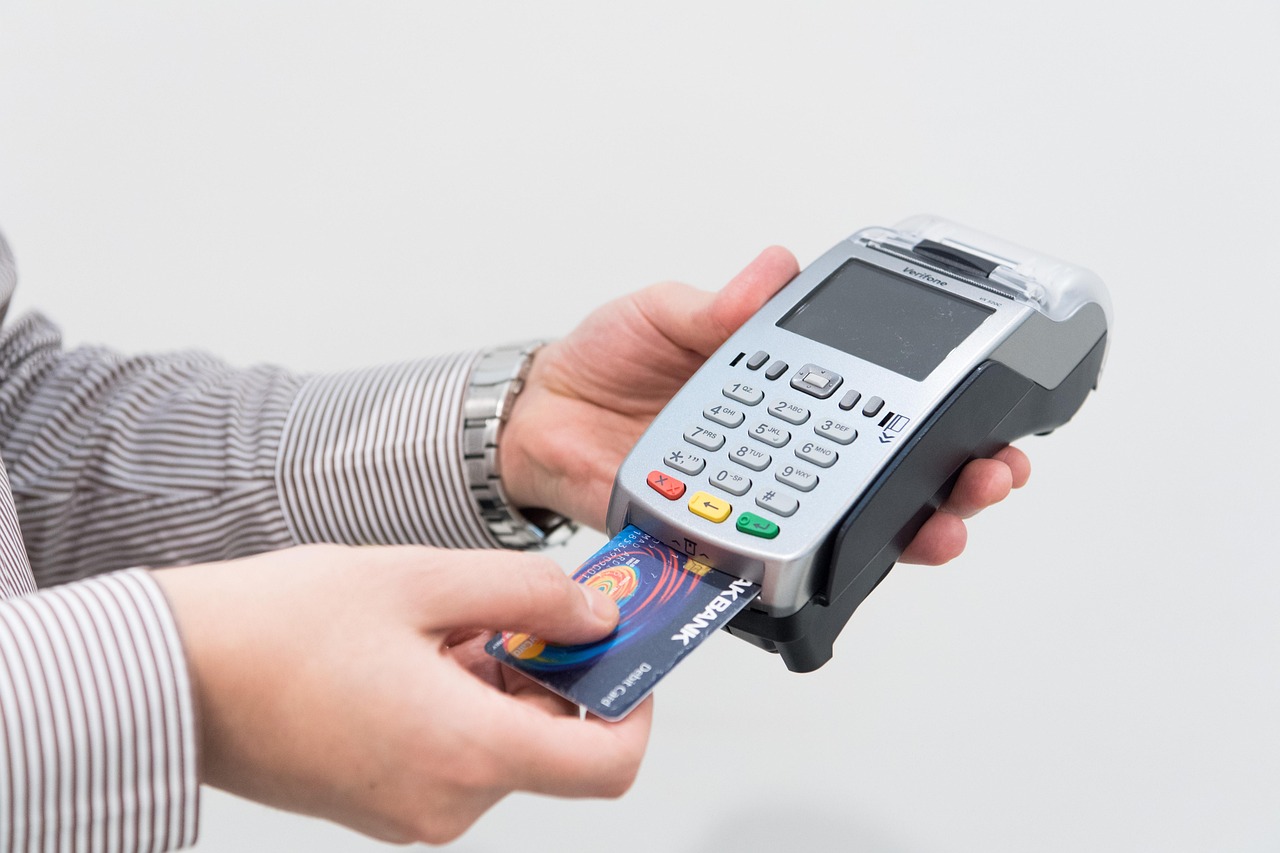
A clothing shop has inventory demands that most retail EPOS systems simply weren't built for — dozens of styles, each split across multiple sizes and colourways, with stock levels that need to be tracked at variant level from the moment a garment arrives to the moment it leaves the fitting room. The right EPOS solution transforms that complexity into a competitive advantage, giving you real-time visibility, faster checkouts, and the data you need to buy smarter next season. This guide covers everything a UK clothing retailer needs to know before choosing a system, from core feature requirements to realistic setup costs.
Why Clothing Retailers Have Unique EPOS Requirements
General-purpose till systems handle simple SKUs well enough. A clothing boutique, however, might stock a single jacket in five sizes and four colours — twenty individual variants from one product. Multiply that across hundreds of styles and you have an inventory challenge that exposes every weakness in an underpowered system.
Fashion retailers also contend with seasonal resets, end-of-line markdowns, loyalty programmes, and — increasingly — the need to sell across both a physical shop and an online store simultaneously. An EPOS platform designed with retail in mind handles all of these as standard features rather than expensive bolt-ons.
Beyond the technical requirements, there is a commercial argument: clothing margins are under constant pressure from fast-fashion competitors and rising overheads. Every percentage point of shrinkage from inaccurate stock counts, or every lost sale because a staff member couldn't confirm a size was in the stockroom, has a direct impact on profitability. The right EPOS system is not an overhead — it is a margin-protection tool.
For a broader look at how specialist systems compare across the market, our guide to what clothing retailers need to know when choosing an EPOS system covers the landscape in detail.

Key Features to Look for in a Fashion Retail EPOS System
Not every feature matters equally. Below are the capabilities that experienced clothing retailers consistently identify as non-negotiable versus those that are genuinely useful but secondary.
Non-negotiable features
- Matrix inventory management — the ability to create one product record and assign it multiple size and colour variants, each with its own barcode, stock count, and pricing history.
- Integrated barcode scanning — fast, accurate scanning at the till reduces queue times and eliminates manual entry errors during busy periods.
- Automated low-stock alerts — the system should flag when a size or colour drops below a threshold you set, triggering a reorder before you run out.
- Customer accounts and purchase history — knowing that a regular customer wears a size 10 and last bought in the navy colourway lets staff make personal recommendations that convert.
- Flexible promotions engine — end-of-season sales, bundle discounts, multi-buy offers, and staff discounts all need to be configurable without calling a developer.
- HMRC-compliant reporting — VAT reports, X and Z reads, and daily sales summaries that match what your accountant or bookkeeper expects. HMRC's Making Tax Digital requirements mean your system should export data in a compatible format; check the HMRC MTD guidance to confirm your chosen platform is compatible.
Highly valuable additions
- Integrated card payments — combined solutions reduce reconciliation time and eliminate the mismatch between till and card machine totals. Our guide to combined card machine and till systems explains the practical benefits.
- Loyalty and gift card modules
- Staff performance reporting by sales value and units
- Multi-site stock transfers and centralised reporting
How a Good EPOS System Handles Size, Colour and Variant Stock
This is the area where poorly specified systems fall apart. A matrix inventory structure means you create one parent product — say, a linen blazer — and the system automatically generates child variants for every size-colour combination. Each variant carries its own EAN barcode, stock level, and sales history, but all variants are linked so you can view total stock for the style at a glance or drill down to see exactly how many size-14 navy units remain.
When goods are received from a supplier, a well-designed system lets you receive stock at variant level using a purchase order, automatically updating counts for each combination without any manual spreadsheet work. At the till, scanning the barcode on the garment's tag automatically selects the correct variant — no staff member needs to tap through menus to find the right size.
Reports then tell you which variants are your fastest sellers (inform your next buy), which are sitting longest (candidates for a markdown), and what your overall sell-through rate looks like by style, supplier, or season. That data, over time, meaningfully improves buying decisions.
If you're also reviewing options for a smaller operation, the practical buyer's guide to till systems for small businesses provides useful context on what a lean setup looks like.
Connecting Your EPOS to an Online Store and Marketplaces
Omnichannel is no longer a luxury for clothing retailers — it is a baseline expectation. Customers browse online, try in-store, and sometimes buy on their phone while standing in your fitting room. Your EPOS should sit at the centre of a connected ecosystem, not operate as a silo.
Look for native integrations or well-documented APIs that connect to platforms such as Shopify, WooCommerce, or Wix. The critical requirement is real-time inventory synchronisation: when the last size-8 red dress sells in-store, it should go out of stock on your website within seconds, not on a nightly batch update. Overselling online stock you no longer hold is one of the fastest ways to damage customer trust.
Marketplace connections — to Amazon, eBay, or fashion-specific platforms — follow the same principle. Centralised stock management means you list confidently across channels without fear of overselling.
Click-and-collect fulfilment, where online orders are picked in-store and handed over at the till, is another integration worth confirming. It drives footfall and frequently results in an additional in-store purchase at the point of collection.
You can book a retail EPOS software demo with EPOS Direct to see how omnichannel inventory management works in practice before you commit to a platform.
Till Hardware Options for Clothing Boutiques and Multi-Site Retailers
Hardware choice should follow the physical layout and trading style of your shop, not the other way around.
Single-site boutiques
A compact all-in-one touchscreen terminal — typically a 15-inch or 15.6-inch unit with an integrated printer port, a customer-facing display, and a cash drawer — works well for most boutiques. These units are tidy enough for a premium retail environment and powerful enough to run full retail software without lag.
Busy high-street stores
Higher footfall justifies a more robust setup: a dedicated receipt printer (thermal, for speed), a barcode scanner on a stand, and a separate card terminal integrated with the EPOS software. A wireless or portable card machine allows payment to be taken anywhere on the shop floor — useful during queuing periods. Our guide to wireless card machines for small businesses covers the options available to UK retailers.
Multi-site and concession retailers
Cloud-based EPOS is the only sensible choice for retailers with more than one location. Every terminal across all sites reads from the same live database, so stock transfers, centralised promotions, and consolidated reporting are all available without any manual data reconciliation. Head-office users can access dashboards remotely; store managers see only their own location's data.
| Business type | Recommended hardware configuration | Key EPOS features needed | Typical setup complexity |
|---|---|---|---|
| Small boutique (1 till) | All-in-one touchscreen, thermal receipt printer, cash drawer | Matrix inventory, basic loyalty, VAT reporting | Low — typically operational within a day |
| Mid-size clothing store (2–4 tills) | Dedicated terminal per till, integrated card machines, barcode scanners | Full variant management, staff accounts, promotion engine | Medium — allow a weekend for setup and staff training |
| Multi-site or concession retailer | Cloud terminals per site, central back-office access, mobile reporting | Cross-site stock transfers, centralised buying reports, role-based access | Higher — managed rollout recommended |
| Online + physical ("bricks and clicks") | In-store terminal plus ecommerce integration layer | Real-time inventory sync, click-and-collect, unified customer records | Medium to high — integration testing is essential |
What Does a Retail EPOS System Cost in the UK?
Pricing for UK retail EPOS systems varies considerably depending on whether you choose a cloud subscription model, a traditional outright-purchase licence, or a managed bundle. The figures below are honest indicative ranges based on typical market positioning — always request a tailored quote, as hardware bundles and contract terms vary.
Software
- Entry-level cloud plans — typically from around £30–£60 per month per site for basic retail functionality.
- Mid-tier retail plans (with full variant management, loyalty, and ecommerce integration) — most setups fall between £60 and £120 per month per site.
- Multi-site or enterprise plans — pricing is usually quoted per site or per terminal and negotiated based on the number of locations; expect bespoke pricing discussions.
Hardware
- A basic all-in-one terminal, receipt printer, and cash drawer bundle typically starts from around £400–£700 for an outright purchase, though many providers offer managed monthly bundles that include hardware, software, and support in a single fee.
- Adding an integrated card machine may add to monthly costs depending on the provider and payment processing rates.
What to watch for
Always clarify whether onboarding, data migration, and staff training are included. Some providers charge separately for these; others bundle them into the first month or the hardware package. A low headline monthly fee that excludes support can cost more over two years than an all-inclusive plan that appears more expensive upfront.
For more guidance on keeping costs manageable, our buyer's guide to affordable EPOS systems for small businesses explains where to look for value without compromising on capability.
If you want no-monthly-fee payment options to compare alongside your EPOS costs, see our guide to card machines with no monthly fee.
Questions Clothing Retailers Commonly Ask Before Buying
Can I import my existing product catalogue, including all size and colour variants?
Yes — most reputable EPOS platforms accept a CSV or Excel import of your product data, including variant matrices. The quality of the import tool matters: check whether the system can map parent-child variant relationships automatically or whether you'll need to structure the spreadsheet to a specific template. Ask your provider to walk you through a test import with a sample of your actual data before you commit.
What happens to my sales data if I switch providers later?
Data portability is an underappreciated selection criterion. Confirm upfront that you can export your full transaction history, customer records, and product data in a standard format (CSV is the minimum; JSON or XML exports are more versatile). Cloud-based systems generally make this straightforward; some proprietary legacy systems do not. This is worth clarifying in writing before you sign a contract.
How quickly can my staff learn to use a new system?
Modern touchscreen EPOS software is designed for minimal training time — most retail staff are comfortable with the core till functions within a few hours. Variant selection, refunds, and end-of-day reports typically take a little longer. Choose a provider that offers live onboarding support (not just a PDF manual) and check whether training is included in the setup package. You can get a hands-on sense of the interface by taking a retail EPOS software demo before purchasing.
Why UK Clothing Shops Choose EPOS Direct
EPOS Direct has been supplying point-of-sale systems to UK retailers for many years, with a specialist focus on the features that physical retail — and clothing retail in particular — demands. The platform handles variant-level stock management as a core feature, not an add-on, and the hardware range covers everything from compact boutique setups to multi-till high-street stores.
Support is UK-based, which matters when you have a busy Saturday afternoon and need an issue resolved in minutes rather than hours. Onboarding includes data migration assistance and staff training, and the cloud software is updated continuously so you are always on the current version without manual upgrades.
The EPOS Direct home page provides a full overview of current offers and available solutions across retail, hospitality, and specialist sectors. You can also explore our retail EPOS offers to see current hardware and software packages, or talk to one of our EPOS experts online to discuss your specific requirements.
Written by the EPOS Direct UK team, who work with clothing retailers, boutiques, and multi-site fashion businesses across the United Kingdom every day.
Ready to Upgrade Your Clothing Shop's EPOS System?
The difference between a system that merely processes transactions and one that actively supports your buying decisions, reduces shrinkage, and enables seamless online selling is significant — and increasingly, it separates retailers who grow from those who plateau. EPOS Direct offers clothing retailers a purpose-built solution with the variant management, reporting, and integration capabilities that the sector demands.
Request a free demo to see the system running with fashion retail data, or request a call back from the EPOS Direct team to discuss your shop's specific requirements and receive a tailored recommendation.
Frequently asked questions
- Can an EPOS system track stock by size, colour and style automatically?
- Yes. A good fashion retail EPOS system lets you set up product variants — for example, a denim jacket in sizes 8–18 across four colourways — so every sale automatically deducts the correct variant from stock. You get real-time visibility of which lines are selling fast and which are sitting, so you can reorder confidently and avoid overstocking.
- How much should I expect to pay for an EPOS system for my clothing shop in the UK?
- Costs vary depending on the number of tills, software features and hardware bundle. As a rough guide, a single-till starter package from a UK supplier typically starts from around £300–£600 for hardware, with software subscriptions ranging from £30–£80 per month. Multi-site or enterprise setups with advanced reporting and ecommerce integration cost more. EPOS Direct UK offers tailored quotes so you only pay for what your shop actually needs — request a free demo to get an accurate price for your specific setup.
- Will the EPOS system work with my existing card payment terminal?
- Many modern EPOS systems can integrate directly with card payment terminals from major UK providers, allowing transactions to flow seamlessly without manual keying. EPOS Direct UK supports integrated card payments so your staff can accept chip and PIN, contactless and mobile payments in one smooth checkout process. It is worth checking compatibility during your demo to confirm your current terminal is supported or whether a replacement is recommended.
