We use cookies to make your experience better.
To comply with the new e-Privacy directive, you agree to the privacy policy and our use of cookies

How to Set Up and Install an EPOS System for Your UK Business
EPOS System Setup and Installation: A Complete Guide for UK Businesses
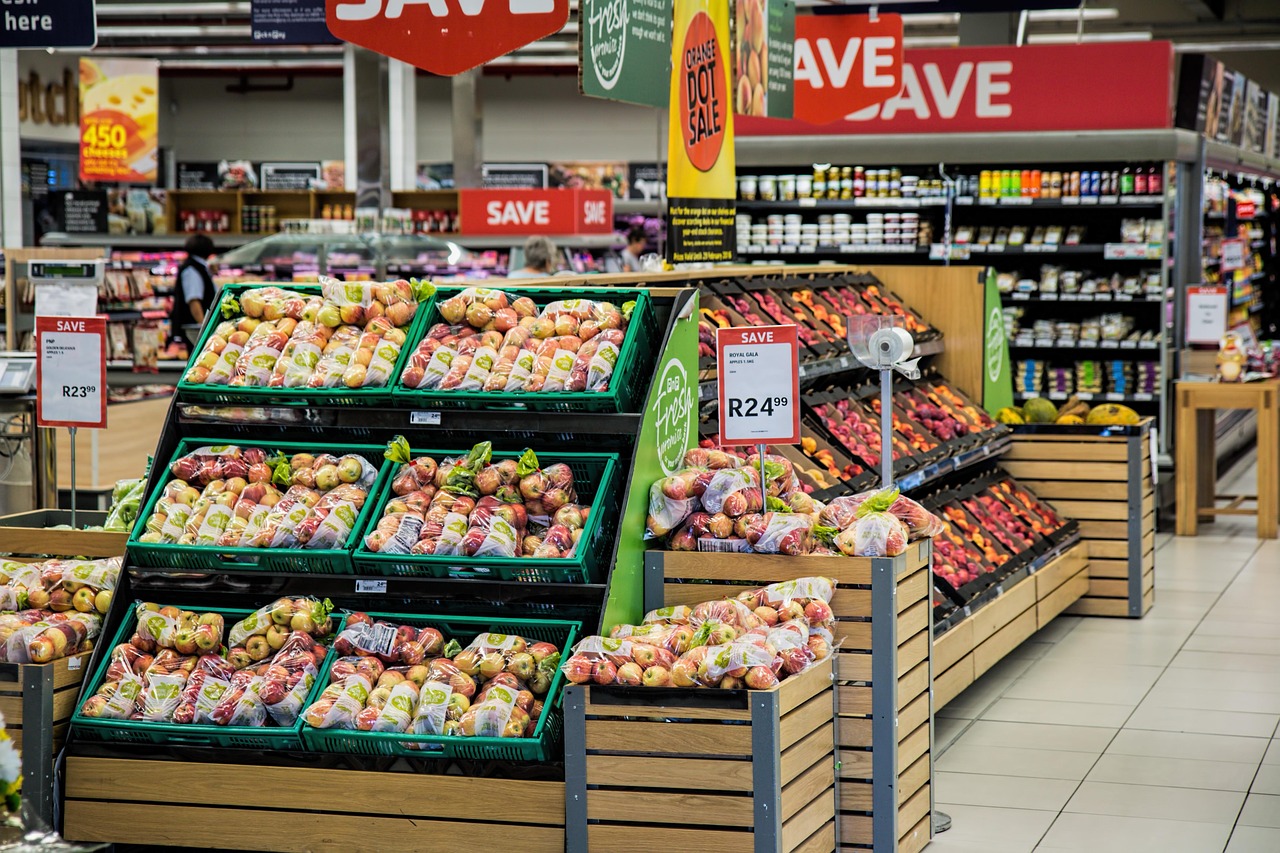
Setting up a new EPOS system is one of the most consequential operational decisions a UK business owner will make — and getting it right from day one saves considerable time, money and frustration. Whether you are opening a new retail outlet, upgrading from an ageing cash register, or replacing a hospitality system that no longer meets your needs, the installation process is far more straightforward than most people expect, particularly when you work with a specialist provider. This guide walks you through every stage of EPOS installation in plain, practical terms, so you can plan confidently and trade without disruption.
What Does EPOS Setup and Installation Actually Involve?
An EPOS installation encompasses several interconnected steps: selecting and configuring hardware, installing and licensing software, importing your product data, connecting peripheral devices, and ensuring your team can operate the system from the first shift. For most UK businesses, this is not a single afternoon's work — it is a structured process that a good provider manages on your behalf, with your active input at the key decision points.
At its core, a modern EPOS installation involves:
- Hardware assembly — mounting touchscreen tills, connecting receipt printers, barcode scanners, cash drawers, customer-facing displays and card terminals.
- Software configuration — setting up your product catalogue, pricing, VAT rates, user permissions and reporting preferences.
- Network setup — connecting terminals to your broadband router and, where relevant, configuring a local network so multiple tills communicate with one another.
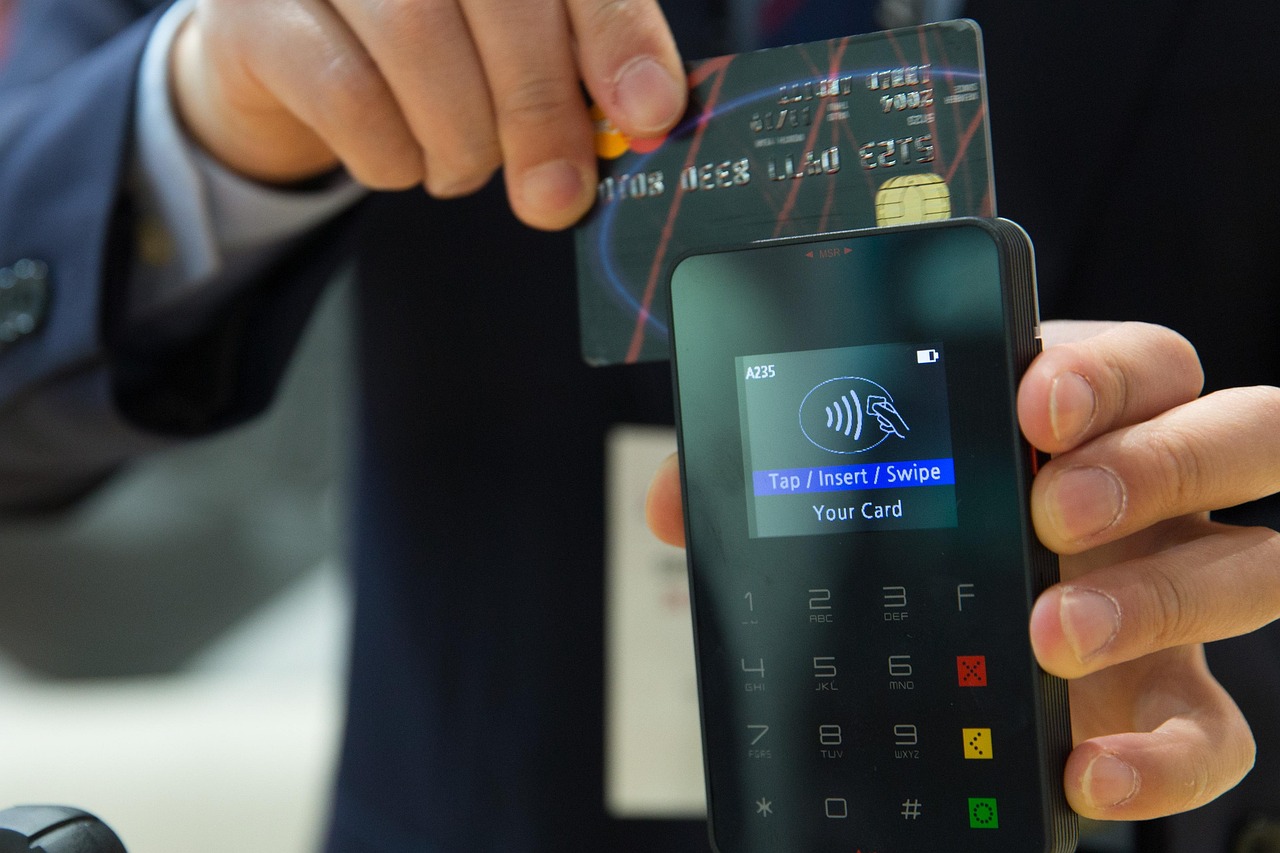
- Payment integration — linking your card payment solution so transactions flow directly into your EPOS records without manual reconciliation.
- Data migration — importing existing stock lists, customer records and supplier details so you are not starting from scratch.
- Staff training — ensuring every team member can process sales, handle refunds and run end-of-day reports confidently.
If you are currently running a traditional till and considering modernising, our guide on how to switch from a cash register to a modern EPOS system covers the transition in detail.
Choosing the Right EPOS Hardware for Your Business Type
Hardware requirements vary considerably between sectors. A busy café serving hundreds of covers a day has very different needs from a corner off-licence or a specialist pharmacy. Selecting the wrong hardware at the outset is the single most common cause of installation delays — and buyer regret.
Retail
Retail environments typically need a countertop touchscreen terminal, a barcode scanner (handheld or fixed-mount), a receipt printer, and a cash drawer. Businesses with a large product range benefit from a system that supports bulk stock imports and integrates with a back-office inventory module. For a thorough comparison of retail-specific options, explore our complete buyer's guide to till systems for small businesses.
Hospitality and Restaurants
Restaurants and cafés generally require multiple terminals — one at the bar, one or more on the floor — alongside kitchen display screens or kitchen printers, and a reliable table management interface. Speed and reliability under peak load are non-negotiable. Integrated card payments are increasingly expected; our guide to EPOS systems with integrated card payments explains why seamless payment processing matters for hospitality operations in particular.
Off Licences and Convenience Stores
Age-verification prompts, tobacco gantry management and multi-supplier stock control are important features for off-licence operators. The best till systems for off licences guide covers these requirements in full.
Pharmacies
Pharmacy EPOS systems must handle prescription management, controlled drugs records and NHS reporting. If this applies to your business, you can book a pharmacy EPOS software demo to see how EPOS Direct addresses these specific compliance requirements.
Step-by-Step: How EPOS Installation Works with EPOS Direct
EPOS Direct follows a structured onboarding process designed to minimise disruption and get businesses trading as quickly as possible. Here is what a typical installation journey looks like:
- Needs assessment — A specialist discusses your business type, volume of transactions, number of tills required and any integration needs (accounting software, e-commerce, loyalty schemes).
- System design — Hardware and software are specified. You receive a clear proposal outlining what is included and what your go-live date will be.
- Pre-configuration — Where possible, your system is configured in advance: software installed, products imported, VAT codes assigned. This dramatically reduces on-site installation time.
- Delivery and physical installation — Hardware arrives pre-labelled and, for managed installations, an engineer connects and tests every component on-site.
- Payment terminal activation — Card terminals are linked and tested with a live transaction before go-live.
- Staff walkthrough — A trainer walks key staff through the system, covering daily sales, refunds, discounts, end-of-day Z-reads and stock adjustments.
- Go-live support — EPOS Direct remains available during your first trading session to resolve any teething issues in real time.
If you would like to see the software before committing, you can try a retail EPOS software demo or, for hospitality businesses, a restaurant EPOS software demo — both are available online with no obligation.
How Long Does EPOS Setup Take?
This is one of the most common questions business owners ask — and the honest answer is that timescales depend on complexity. As a general guide:
| Business Type | Number of Terminals | Typical Setup Time | Notes |
|---|---|---|---|
| Small retail / kiosk | 1 | Half a day or less | Especially where products are pre-loaded |
| Independent shop or café | 1–2 | 1 full day | Includes training and payment testing |
| Restaurant or pub | 2–4 | 1–2 days | Kitchen printer / KDS setup adds time |
| Multi-department retail | 3–6 | 2–3 days | Large product catalogue imports, staff training |
| Multi-site or enterprise | 6+ | Phased over weeks | Site-by-site rollout with centralised management |
Pre-configuration — where your product data is imported and the system built before it arrives on-site — is the single biggest factor in reducing installation time. Businesses that invest an hour or two preparing a clean product spreadsheet in advance consistently experience faster, smoother go-lives.
What Does EPOS Installation Cost? Indicative UK Ranges
Pricing for EPOS installation in the UK varies based on hardware specification, number of terminals, software tier and whether you choose an outright purchase or a monthly subscription model. The following are honest, indicative ranges for guidance — not exact quotes, and your actual investment will depend on your specific requirements.
- Entry-level single-terminal retail system (outright purchase): typically from around £500–£900 for hardware, plus software licensing.
- Monthly subscription bundles (hardware, software and support included): often from approximately £30–£80 per month per terminal, depending on the tier and contract length.
- Mid-range restaurant system (2–3 terminals, KDS, integrated payments): hardware costs typically fall in the £1,500–£3,500 range when purchased outright.
- Professional on-site installation: where included in a managed package, this is often bundled at no additional charge; standalone engineer visits vary by provider and location.
- Ongoing software support and updates: usually included in subscription plans; for outright purchasers, annual support contracts typically range from £200–£600 per year.
For a detailed breakdown of the subscription versus purchase decision, our article on monthly EPOS subscriptions versus outright purchase weighs the pros and cons honestly. To explore current offers from EPOS Direct, visit our retail EPOS offers or our hospitality and restaurant EPOS offers.
Professional Installation vs Self-Setup: Which Is Right for You?
Many modern EPOS systems are designed to be self-installable — the hardware is plug-and-play, and cloud-based software can be configured via a browser. That said, professional installation offers meaningful advantages in several scenarios.
When self-setup makes sense
- You are a sole trader with a small product range and a single terminal.
- You have some technical confidence and time available before opening.
- Your provider offers strong remote-support onboarding (live chat, video calls).
When professional installation is worth it
- You are running multiple terminals across one or more sites.
- Your setup involves kitchen display screens, integrated payments, or weighing scales.
- You have a large product catalogue requiring careful data migration.
- You cannot afford downtime — a professional engineer will troubleshoot on the spot rather than waiting for remote support.
- Your team has limited technical confidence and will benefit from in-person training.
If you are unsure which route suits your business, talk to an expert online — the EPOS Direct team can assess your requirements and recommend the right approach without any sales pressure.
Training Your Staff to Use a New EPOS System Effectively
Even a well-installed system delivers poor results if staff are not comfortable using it. Good training is not a one-off event — it is an ongoing habit, particularly when you hire new team members or introduce software updates.
Practical training principles
- Train in role: a floor server needs to know table assignment and split bills; a manager needs to run reports and process refunds. Tailor sessions accordingly.
- Use a training mode: most quality EPOS systems offer a sandbox or training mode that lets staff practise transactions without affecting live data.
- Produce a quick-reference card: a laminated one-page guide covering the five most common daily tasks (opening float, processing a sale, applying a discount, processing a refund, running a Z-read) reduces support calls significantly.
- Identify a system champion: designate one member of staff as your internal EPOS lead — the first point of contact for team questions, and the person who liaises with your provider's support team.
- Schedule a 30-day review: after a month of live trading, revisit any features the team is underusing — loyalty programmes, stock alerts and end-of-day reporting are commonly neglected in the first few weeks.
Ongoing Support: What to Do If Something Goes Wrong
Even well-built systems encounter issues. The quality of your provider's support is arguably as important as the quality of the hardware — a till that goes down during a Saturday lunch service is a serious operational and reputational problem.
When evaluating support provision, ask:
- What are the support hours? (Is there out-of-hours cover for evenings and weekends?)
- What is the typical response time for urgent issues?
- Is remote access support available, so engineers can diagnose issues without a site visit?
- What is the hardware replacement policy if a component fails?
- Are software updates included, and are they tested before deployment?
EPOS Direct provides ongoing technical support to its UK customer base, with remote diagnostics available for the majority of software-related issues. For non-urgent queries or to discuss your current setup, you can request a call back from the support team at a time that suits you.
For further context on how EPOS Direct's offering compares in the market, our full competitor comparison guide sets out the key differentiators across the major UK providers.
Ready to Move Forward?
A well-planned EPOS installation is not complicated — it is a structured process that a specialist provider manages from first conversation to first trading day. The businesses that get the most from their systems are those that take the time to specify correctly, prepare their data, invest in staff training and choose a provider that stands behind its product long after installation day.
EPOS Direct UK has helped thousands of businesses across retail, hospitality, pharmacy and beyond get up and running with confidence. To explore the full range of systems, offers and resources available, visit the EPOS Direct home page — or request a free demo today and see exactly how the right EPOS system can work for your business.
Written by the EPOS Direct UK team, who support UK businesses with EPOS and POS system selection, installation and aftercare every day.
Frequently asked questions
- How much does it cost to have an EPOS system professionally installed in the UK?
- Installation costs in the UK vary depending on the complexity of your setup. A single-till installation typically ranges from £150 to £350 when handled by a professional engineer. Multi-terminal setups for larger restaurants or retail chains can cost £500 to £1,200 or more. EPOS Direct includes guided remote setup and on-site installation options within many of its packages, so you may not face a separate installation fee — it's worth asking for a full quote when you enquire.
- Do I need a professional engineer to set up my EPOS system, or can I do it myself?
- Many modern EPOS systems, including those supplied by EPOS Direct, are designed to be user-friendly enough for a confident business owner to configure themselves, especially for single-till setups. Hardware like receipt printers, card readers and barcode scanners plug in via USB or connect wirelessly, and software can be activated online. However, for multi-terminal environments, kitchen display integration or network configuration, professional installation ensures everything works reliably from day one and reduces costly downtime.
- How long does it take to get a new EPOS system up and running?
- A straightforward single-terminal EPOS setup can be operational within a few hours once the hardware arrives. Larger or more complex installs — such as a multi-lane retail setup or a full restaurant system with kitchen printers and table management — typically take one to two full business days. EPOS Direct works with you ahead of delivery to pre-configure your software, load your product catalogue and set up your payment integration so that on-site time is minimised.
