We use cookies to make your experience better.
To comply with the new e-Privacy directive, you agree to the privacy policy and our use of cookies


How to Upgrade Your Retail EPOS System Without Disrupting Your Business
Upgrading Your Retail EPOS System: A Practical Guide for UK Business Owners
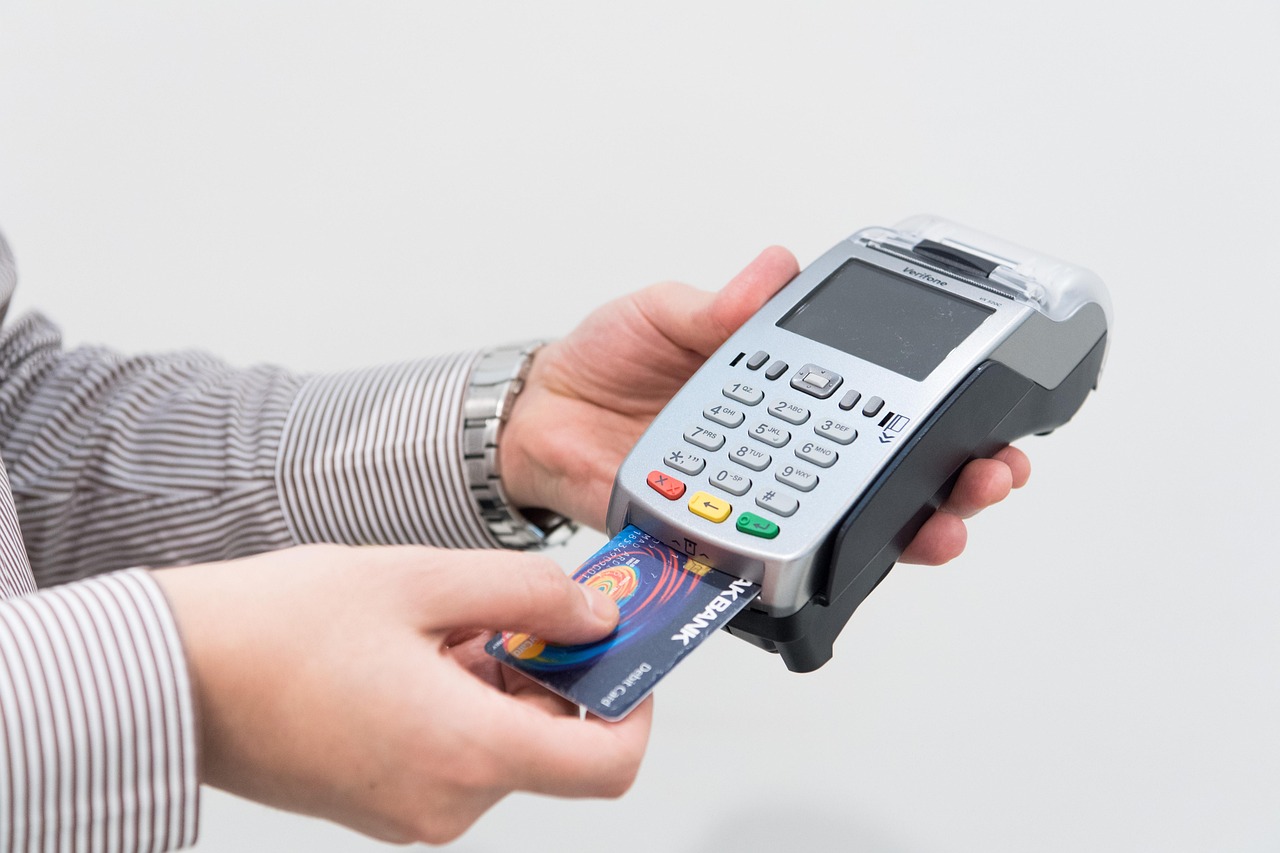
Upgrading a retail till system is one of the most impactful operational decisions a UK shop owner can make — and one of the most underestimated. A modern EPOS upgrade typically encompasses new touchscreen hardware, cloud-based software, integrated card payments, and real-time stock management, replacing legacy systems that quietly drain time, revenue, and customer confidence. This guide walks you through every stage of that process: from recognising when your current setup is failing you, to migrating data and going live without disrupting trade.
Written by the EPOS Direct UK team, who help United Kingdom retailers choose, implement and upgrade EPOS and POS systems every day.
Signs Your Current EPOS System Is Holding Your Retail Business Back
Most retailers don't upgrade proactively — they upgrade reactively, after months of tolerating a system that's quietly costing them money. If any of the following sound familiar, your setup has likely already become a competitive liability.
- Slow transaction speeds at the till. A queue-forming delay of even a few seconds per transaction adds up to frustrated customers and lost basket values, particularly at peak trading hours.
- No real-time stock visibility. If your team is still counting stock manually or reconciling spreadsheets at the end of the week, you're flying blind on margins and reorder points.
- Card payments handled separately. Running a standalone card terminal that doesn't sync with your till means double-keying amounts, settlement discrepancies, and end-of-day reporting headaches. Our guide to card machine and till systems combined explains exactly why integration matters.
- No customer data or loyalty tools. Retailers who can't identify their top 20% of customers or run a basic promotion are leaving repeat revenue on the table.
- Software that's no longer updated. Older on-premise EPOS software often stops receiving security patches and payment compliance updates, creating genuine risk around PCI DSS obligations (verify the current PCI Security Standards Council requirements at pcisecuritystandards.org).
- No remote access or cloud reporting. If you can only see your sales figures by physically standing at the till, you have no management visibility across your business.
The cost of inaction is rarely zero. It accumulates in wasted staff hours, inventory shrinkage, and the slow erosion of the customer experience your competitors are actively improving.

What a Modern EPOS Upgrade Actually Includes
Many retailers assume "upgrading the till" means swapping out a box. In practice, a proper upgrade addresses three interconnected layers.
Hardware
Modern retail EPOS hardware typically centres on a 15-inch or larger commercial touchscreen terminal, a high-speed receipt printer, a barcode scanner, and a robust cash drawer. For fashion and apparel retailers, the specific configuration matters — our dedicated guide to the best EPOS systems for clothing shops covers size/colour/variant management in detail. Higher-specification setups add customer-facing displays, handheld stock-taking devices, and label printers.
Software
Cloud-based EPOS software is now the standard for growing UK retailers. It delivers automatic updates, off-site data backup, and the ability to check sales, margins, and stock levels from any device. Look for software with a clear retail module that handles promotions, multi-department reporting, and supplier purchase orders natively. You can explore a retail EPOS software demo from EPOS Direct to see what modern retail functionality looks like in practice.
Integrated Payments
An upgraded system should bring card acceptance directly into the till workflow. This means authorisation is automatic, the correct amount is sent to the card terminal without manual entry, and every transaction reconciles instantly in your reporting. For businesses comparing standalone options alongside an upgrade, our guide to the best wireless card machines for small businesses provides useful context.
How to Upgrade Without Closing Your Doors
The single biggest concern retailers raise is disruption to trade. A well-managed upgrade doesn't require a single day of lost sales. Here's how professional implementations are structured.
- Pre-migration data export. Your existing product catalogue, pricing, supplier records, and customer data are exported, cleaned, and formatted before any new hardware is installed.
- Parallel configuration. The new system is built, tested, and loaded with your data off-site or on a test terminal — not at your live till point.
- Quiet switchover. The go-live is timed to a low-traffic period (early morning, a Tuesday, post-bank-holiday). The old system remains available as a fallback for the first few hours.
- On-site training. Staff are trained on the new interface before it goes live, not on the day. Most modern retail EPOS interfaces take an experienced retail assistant under an hour to become comfortable with.
- Post-installation support. Reputable suppliers provide a defined aftercare window — confirm what yours includes in writing before you sign anything.
If you're uncertain whether your team can manage this process, talk to an expert online at EPOS Direct — they can walk through a deployment plan specific to your store layout and trading hours.
Key Features to Look for in an Upgraded Retail Till System
Not every feature list is equal. Below are the capabilities that consistently separate a system that genuinely supports retail growth from one that simply looks modern on a brochure.
- Multi-department and multi-category product management — essential for any retailer with more than a few dozen SKUs
- Promotions and discount engine — supports meal deals, bundle pricing, percentage-off events, and loyalty redemption without manual workarounds
- Integrated stock alerts and low-inventory notifications — automated reorder triggers save hours of manual checking each week
- Supplier purchase ordering — raise and track orders directly from within the system, with GRN (goods received note) matching
- Customer accounts and CRM — store purchase history, run targeted promotions, and build genuine loyalty programmes
- Cloud-based back office and reporting — accessible remotely, with configurable dashboards for sales, margins, staff performance, and voids
- Multi-site capability — if expansion is a medium-term ambition, confirm your chosen platform supports additional locations under the same account
- Payment flexibility — contactless, chip-and-PIN, mobile payments (Apple Pay, Google Pay), and — increasingly — split-bill and gift card support
For a broader view of what to prioritise at each budget level, our practical guide to the best till systems for small businesses covers selection criteria in depth.
Comparison: EPOS Upgrade Approaches for UK Retailers
| Approach | Best For | Key Advantage | Key Limitation | Typical Disruption |
|---|---|---|---|---|
| Software-only upgrade (keep existing hardware) | Retailers with hardware under 3 years old | Lower upfront investment; faster to deploy | Hardware may bottleneck new software performance | Low — often done remotely overnight |
| Full hardware and software replacement | Retailers on legacy or end-of-life systems | Clean break; full feature set available from day one | Higher upfront cost; requires structured data migration | Low if planned; minimal with professional installation |
| Phased upgrade (till-by-till rollout) | Multi-till or multi-site retailers | Minimises risk; staff learn gradually | Temporary system mismatch between old and new tills | Very low — no single switchover moment |
| Cloud migration only | Retailers moving from on-premise to cloud software | Unlocks remote reporting and automatic updates | Hardware must be compatible with new cloud platform | Low — data migration is the primary task |
How Much Does an EPOS Upgrade Cost for a UK Retail Business?
This is the question every retailer asks first, and the honest answer is: it depends on scope, but the ranges below reflect what most UK retail businesses actually pay.
- Entry-level single-till setups (touchscreen terminal, software licence, integrated card payments, receipt printer, barcode scanner): typically from around £500–£900 as a one-off hardware cost, plus a monthly software and support fee typically ranging from £30 to £70 per month depending on the package.
- Mid-range setups (full hardware bundle, cloud software with stock management and CRM, integrated payments, onsite installation and training): most single-location retailers fall between approximately £800 and £1,800 for hardware, with monthly fees in the region of £50–£120.
- Multi-till or multi-site configurations: costs scale with the number of terminals and locations; budget-conscious retailers should review our guide to the most affordable EPOS systems for small businesses for approaches that keep total cost of ownership low.
- Card processing fees: these vary by provider and transaction volume. Some providers include a card machine with no ongoing terminal rental — see our guide to card machines with no monthly fee for how this works in practice.
All figures above are indicative market ranges based on typical UK retail EPOS configurations. Actual pricing depends on your specific requirements, hardware choices, and support tier. View our current retail EPOS offers or request a free demo for a tailored quote.
Migrating Your Sales Data, Stock and Customer Records
Data migration is where many DIY upgrades go wrong. A lost product catalogue or corrupted price list on the morning of go-live can create real commercial damage. Treat migration as a project in its own right.
What needs to migrate
- Full product catalogue with barcodes, descriptions, categories, VAT codes, and pricing
- Current stock levels and reorder points
- Supplier records and purchase order history
- Customer accounts, loyalty balances, and purchase history (where held)
- Historical sales data (for trend reporting — at minimum 12 months is useful)
- Staff records and permission levels
How to protect your data during migration
- Export a full backup from your existing system before any changes are made.
- Validate the export file format against what your new platform will accept — ask your supplier for a data import template early.
- Run a test import on a sandboxed environment and check a representative sample of records for accuracy.
- Keep your old system accessible (read-only) for at least two weeks post-migration in case queries arise.
Professional EPOS suppliers handle this process as part of the implementation. If you want to understand how EPOS Direct approaches data migration, the request a call back form connects you with a specialist who can assess your existing setup.
Why UK Retailers Choose EPOS Direct for Their System Upgrade
EPOS Direct has been supplying and supporting EPOS and POS systems to UK businesses across retail, hospitality, and specialist sectors for many years. The proposition that consistently brings retailers back — and generates referrals — combines competitive hardware pricing with software that is built and supported in-house, meaning there is no third-party handoff when something needs fixing.
The EPOS Direct retail software platform includes integrated stock management, CRM, promotions, and cloud-based back-office reporting as standard features — not premium add-ons. Hardware packages are available to purchase outright or as part of a bundled arrangement, and installation is carried out by trained engineers across the UK. Support is available beyond initial go-live, with clearly defined SLAs rather than vague "best effort" promises.
For a complete overview of what the platform covers, visit the EPOS Direct home page for the latest offers and information, or explore the full EPOS system guide for small businesses to understand how the product range maps to different business sizes and sectors.
Your Next Step
The clearest sign that it's time to upgrade is a simple one: your current system is making trading harder, not easier. Whether your pain point is slow transactions, missing stock visibility, disconnected card payments, or simply software that hasn't been updated in years, the modern alternatives available to UK retailers today are faster, more capable, and more affordable than many owners expect.
EPOS Direct makes the upgrade process straightforward — from scoping your requirements and migrating your data, to installation, training, and ongoing support. Request a free demo to see the retail software in action, or talk to an expert online today and get a clear, no-obligation recommendation for your business.
Frequently asked questions
- How long does it take to switch to a new EPOS system in a retail shop?
- For most single-site UK retailers, a full EPOS upgrade — including hardware installation, software configuration, and staff training — typically takes one to three days. EPOS Direct UK schedules installations around your trading hours to minimise disruption, and many setups can be completed overnight or over a weekend.
- How much should I budget to upgrade my retail EPOS system in the UK?
- Costs vary depending on the size of your store and what you already have. As a rough guide, a single-till retail upgrade with new touchscreen hardware, EPOS software, and a card payment terminal starts from around £300 to £600 upfront, or from approximately £25 to £60 per month on a subscription plan. Multi-till setups or those requiring stock management, loyalty, and back-office reporting will typically range from £800 to £2,500+. EPOS Direct UK offers a free site assessment so you only pay for what your business actually needs.
- Will I lose my product data and sales history when I upgrade my till system?
- Not if the upgrade is handled correctly. A reputable EPOS provider will migrate your existing product catalogue, pricing, supplier records, and sales history to the new system before go-live. EPOS Direct UK includes data migration as part of the upgrade process and provides a full pre-launch data check to ensure nothing is lost.
