We use cookies to make your experience better.
To comply with the new e-Privacy directive, you agree to the privacy policy and our use of cookies

Upgrading from a Traditional Till to an EPOS System: Everything UK Businesses Need to Know
Replacing Your Old Till with an EPOS System: A Practical Guide for UK Businesses
Switching from a traditional cash register to a modern EPOS system is one of the most impactful operational decisions a UK business owner can make. A well-chosen EPOS solution doesn't just process transactions — it gives you real-time visibility over stock, sales and staff performance that a conventional till simply cannot provide. This guide walks you through everything you need to know: the warning signs your current setup is costing you money, what to look for in a replacement, honest UK pricing, and how a managed switchover actually works in practice.
Signs Your Current Till Is Holding Your Business Back
Most business owners know intuitively that their setup isn't working — they just haven't quantified the cost. Here are the clearest indicators that your existing till is actively working against you.
- No stock visibility. If you're counting inventory by hand at the end of every week, or regularly running out of bestsellers without warning, your till is blind to what your shelves are doing.
- Manual end-of-day reconciliation. Spending 45 minutes every evening cross-referencing receipts and counting cash is time that could be spent running your business.
- No integration with card payments. A separate card terminal you type amounts into manually creates scope for human error and makes refunds, voids and end-of-day reporting fragmented.
- Zero sales reporting. If you can't answer "which product category performed best last Tuesday afternoon?" you're making buying and staffing decisions on guesswork.
- Compliance gaps. Businesses in F&B, pharmacy or age-restricted retail face specific legal obligations around allergen prompts, controlled drug logging and Challenge 25. A basic till provides none of these.
- Customer experience friction. Long queues, slow receipts and no loyalty programme are increasingly visible disadvantages against competitors who have modernised.
If two or more of the above apply, the cost of switching is almost certainly lower than the cost of staying put. Our guide on upgrading from a cash register to a modern EPOS system explores this calculation in more detail.
What Is an EPOS System and How Does It Differ from a Traditional Till?
A traditional electronic cash register records sales and opens a cash drawer. That's largely where its capability ends. An EPOS (Electronic Point of Sale) system is a networked combination of hardware and software that turns every transaction into structured data you can act on.
What a modern EPOS system typically includes
- A touchscreen terminal running dedicated POS software
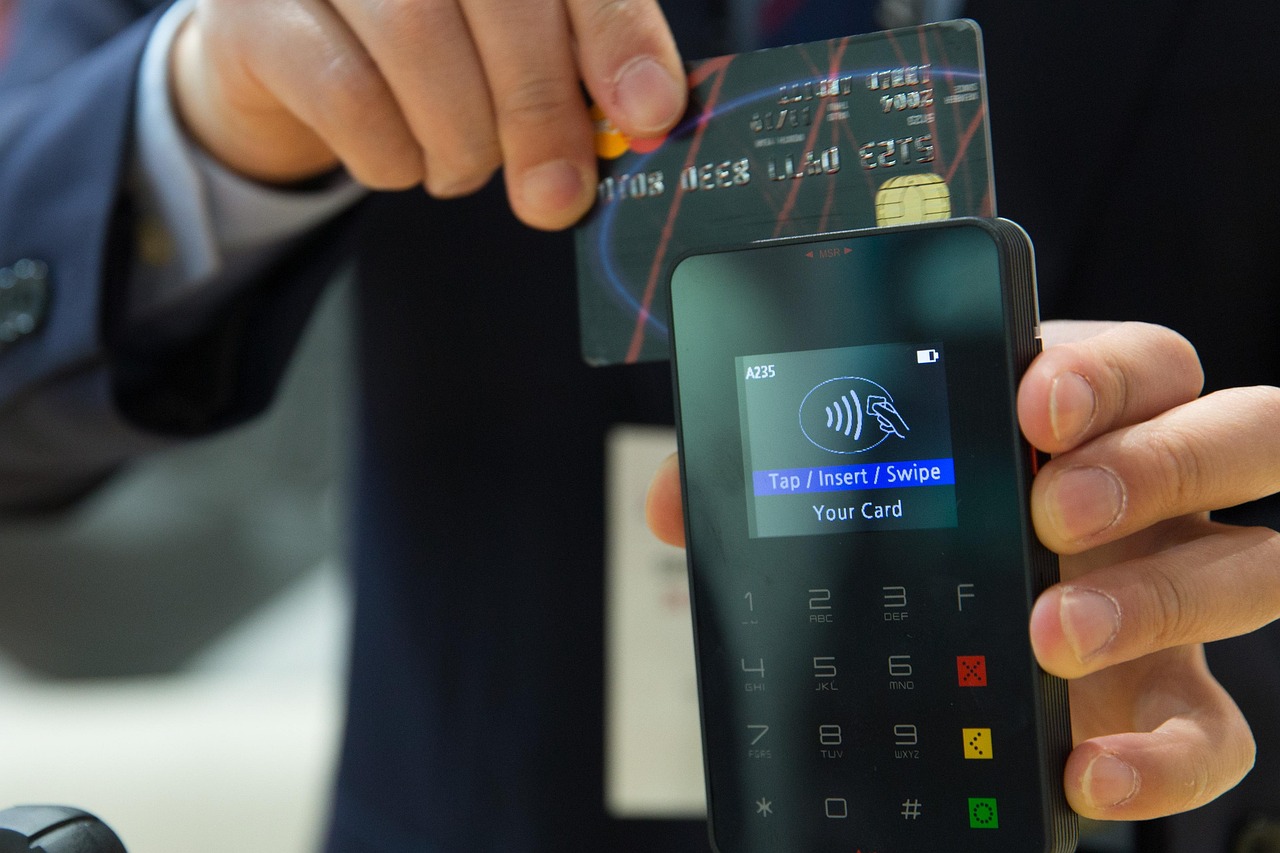
- Integrated card payment processing (chip-and-pin, contactless, mobile wallets)
- Real-time stock management that deducts inventory on every sale
- Staff login and permissions, with clock-in/clock-out functionality
- Cloud-based back-office reporting accessible from any device
- Customer database and optional loyalty scheme
- Peripheral support: barcode scanners, receipt printers, kitchen display screens, customer-facing displays
The fundamental difference is one of intelligence. A till records. An EPOS system analyses, alerts and automates — and that distinction compounds in value the longer you use it.
You can explore the full range of capabilities on the EPOS Direct UK home page, where you'll also find current offers and configuration options.
Key Benefits of Switching for Retail and Hospitality Businesses
The advantages of an EPOS system differ slightly by sector, so it's worth separating them.
For retail
- Automatic reorder alerts prevent you overstocking slow lines and losing sales on fast movers.
- Multi-location stock visibility means you can see what's at each site from a single back-office dashboard.
- Barcode scanning accelerates checkout and eliminates manual pricing errors.
- Age-verification prompts ensure staff are reminded to check ID for restricted products — an important compliance tool for off licences and convenience stores. See our dedicated guide on the best till systems for off licences for sector-specific requirements.
For hospitality
- Table management lets front-of-house staff see seat status, split bills and send orders direct to the kitchen printer or KDS screen.
- Allergen flagging integrated at the point of order protects both customers and your business under the Natasha's Law requirements for food businesses (verify current obligations at food.gov.uk).
- Course firing and modifier tracking reduce kitchen errors and comps.
- Reservation and cover management integrations allow front-of-house and kitchen to operate from a single source of truth.
If you'd like to see how these features behave in practice before committing, you can book a restaurant EPOS software demo or a retail EPOS software demo directly with the EPOS Direct team.
What to Look for When Choosing a New EPOS System
Not every EPOS system is built for every business. A quick-service café has fundamentally different requirements from a multi-department independent pharmacy. Below are the criteria that matter most — and shouldn't be compromised on.
Non-negotiable features
- Integrated card payments: Typing amounts into a separate terminal manually is a significant error risk and creates reconciliation headaches. Look for a system where card payments and till records are unified. Our guide to EPOS systems with integrated card payments covers what to look for in depth.
- Cloud reporting: Access to live sales data from your phone or laptop is now a baseline expectation, not a premium feature.
- UK-based support: If something goes wrong on a Saturday afternoon, you need support that's actually available — not a ticket queue.
- Scalability: Whether you're planning a second site or a larger product range, your EPOS should grow with you.
- Sector-specific workflows: Generic POS software often lacks the table management, age-restriction prompts or controlled-drug logging that specific sectors require.
| Business Type | Essential Features | Useful Add-ons | Recommended Starting Point |
|---|---|---|---|
| Independent Retailer | Barcode scanning, stock management, integrated card payments | Loyalty programme, multi-site dashboard | Best till systems for small shops |
| Restaurant / Café | Table management, kitchen printing, allergen flags, split billing | Reservation integration, KDS screens, online ordering | Hospitality EPOS offers |
| Off Licence / CTN | Age-verification prompts, Challenge 25 logging, fast-scan checkout | Tobacco & lottery tracking, multi-site reporting | Off licence till system guide |
| Pharmacy | Controlled drug logging, NHS pricing integration, dispensary workflow | Patient records link, prescription tracking | Pharmacy EPOS software demo |
| Small Food-to-Go / Takeaway | Quick-serve mode, modifier prompts, integrated card, receipt printing | Online ordering integration, loyalty | Hospitality EPOS offers |
How Much Does It Cost to Switch to EPOS in the UK?
Cost is the most common sticking point — and the most frequently misunderstood one. Here are honest, indicative ranges based on what's typical in the UK market. These are not quotes; actual pricing depends on your hardware configuration, software tier and contract terms.
Hardware
- Entry-level single-terminal setup (touchscreen till, receipt printer, cash drawer): typically from around £300–£600 purchased outright.
- Mid-range setup with card reader and barcode scanner: typically in the region of £600–£1,200 outright.
- Multi-terminal or kitchen-display configurations for larger hospitality sites: typically from £1,500 upwards, depending on peripherals.
Software
- Monthly subscription models for cloud-based EPOS software typically range from around £30–£80 per terminal per month at entry level, rising for advanced features or additional modules.
- Outright software licences are available from some providers and can make sense for businesses with stable, longer-term setups.
Card processing
Transaction fees vary by provider and volume, but most UK SME merchants see effective rates between approximately 0.7% and 1.75% per transaction. Always request a full schedule of fees — including monthly minimums and PCI compliance charges — before signing.
Subscription vs outright purchase
Whether a monthly subscription or upfront purchase works better depends heavily on your cash flow and how quickly your requirements might evolve. Our detailed breakdown in monthly EPOS subscription vs outright purchase helps you model both scenarios honestly.
Important: all figures above are indicative ranges based on typical UK market conditions at time of writing. Request a formal quote — you can request a free demo and personalised quote from EPOS Direct at no obligation.
How the Switchover Process Works with EPOS Direct
One of the most common reasons business owners delay switching is concern about disruption. In practice, a well-managed migration is far less disruptive than the ongoing inefficiency of staying on an outdated system. Here is what a typical switchover looks like.
- Discovery and scoping. An EPOS Direct specialist reviews your current setup, transaction volumes, product catalogue size and any integration requirements (e-commerce, accounting software, loyalty). This shapes the hardware and software recommendation.
- Hardware configuration. Your terminal, peripherals and card payment integration are pre-configured before delivery wherever possible, minimising on-site setup time.
- Data migration. Existing product data, pricing and — where applicable — customer records are imported into the new system. You don't rebuild your catalogue from scratch.
- Staff training. EPOS Direct provides hands-on training so that your team is confident before go-live, not learning on the job during a busy service.
- Go-live support. UK-based support is available at launch to handle any questions in real time.
- Ongoing account management. Unlike buying a generic system online, you have a named point of contact for future changes, expansions or troubleshooting.
To start that conversation, you can talk to an EPOS expert online or request a call back at a time that suits you.
Common Concerns About Switching — and Straightforward Answers
"Will my staff find it too complicated?"
Modern touchscreen EPOS interfaces are deliberately designed for speed and simplicity — most hospitality staff are proficient within a single shift. Training is included as part of a managed deployment, and intuitive layout means new starters reach competency quickly. The bigger risk is staff who have learned to work around the limitations of an old system finding the new one refreshingly straightforward.
"What if the system goes down during a busy period?"
A reputable EPOS system will include offline mode — the ability to continue processing sales locally if internet connectivity is temporarily lost, with automatic syncing once connection is restored. Ask any prospective supplier to confirm their offline capability explicitly.
"Is my business too small to justify the investment?"
This is perhaps the most common misconception. Small businesses often benefit proportionally more from switching, because the time saved on manual processes — stocktaking, reconciliation, reporting — represents a higher share of a small team's working hours. Our guide to the best till systems for small businesses addresses this directly with sector-specific examples.
"How do I know EPOS Direct is the right supplier?"
Supplier selection matters as much as system selection. Look for UK-based support, transparent pricing, sector-specific expertise and an honest comparison against alternatives. Our competitor comparison guide sets out how EPOS Direct positions against other providers across key criteria so you can make an informed decision.
The Direct Answer: Is It Worth Switching?
For the overwhelming majority of UK retail and hospitality businesses still using a basic cash register or legacy till, switching to a modern EPOS system delivers a measurable return — through reduced labour on manual processes, fewer stock errors, faster checkout and genuinely actionable sales data. The question is not whether to switch, but when and to whom.
Ready to Make the Move?
EPOS Direct has helped thousands of UK businesses move from outdated tills to modern, fully supported EPOS setups — in retail, hospitality, pharmacy and beyond. Whether you're ready to commit or simply want to understand your options without pressure, the next step is straightforward.
- Browse our retail EPOS offers — current packages and configurations for shops, convenience stores and independent retailers.
- Explore our hospitality EPOS offers — restaurant, café, bar and takeaway configurations.
- Request a free, no-obligation demo — see the system working before you decide anything.
- Talk to an expert online — real advice from people who understand UK business, not a generic chatbot.
Written by the EPOS Direct UK team, who work with UK retail and hospitality businesses every day to help them find, deploy and get the most from their EPOS systems.
Frequently asked questions
- How long does it take to set up a new EPOS system once I decide to switch?
- Most UK businesses can be up and running with a new EPOS system within one to three days. Cloud-based systems are typically the quickest to deploy — hardware arrives pre-configured, and staff training on a modern touchscreen interface usually takes just a few hours. EPOS Direct offers guided onboarding to make the transition as smooth as possible, minimising downtime for your business.
- How much will it cost me to switch from a cash till to an EPOS system in the UK?
- Costs vary depending on your business size and requirements. As a rough guide, a single-terminal EPOS setup in the UK typically starts from around £300–£500 for entry-level hardware, with monthly software subscriptions ranging from approximately £20 to £80 per month. Multi-terminal or feature-rich setups for hospitality or larger retail environments can range from £800 to £2,000+. Many providers, including EPOS Direct, offer flexible payment options or bundles that include hardware, software and support, making it easier to spread the cost.
- Will I lose my sales data or product information when I switch from my old till?
- Not if you plan the migration carefully. Modern EPOS systems allow you to import your existing product catalogue, pricing and — in many cases — historical sales data via spreadsheet or CSV upload. EPOS Direct's onboarding team can assist you with data migration so you don't start from scratch. It's worth backing up any records from your old till before the changeover as a precaution.
