We use cookies to make your experience better.
To comply with the new e-Privacy directive, you agree to the privacy policy and our use of cookies

Retail EPOS Systems with Built-In Stock Control: The Complete Buyer's Guide
Retail EPOS Systems with Stock Control: Everything UK Retailers Need to Know
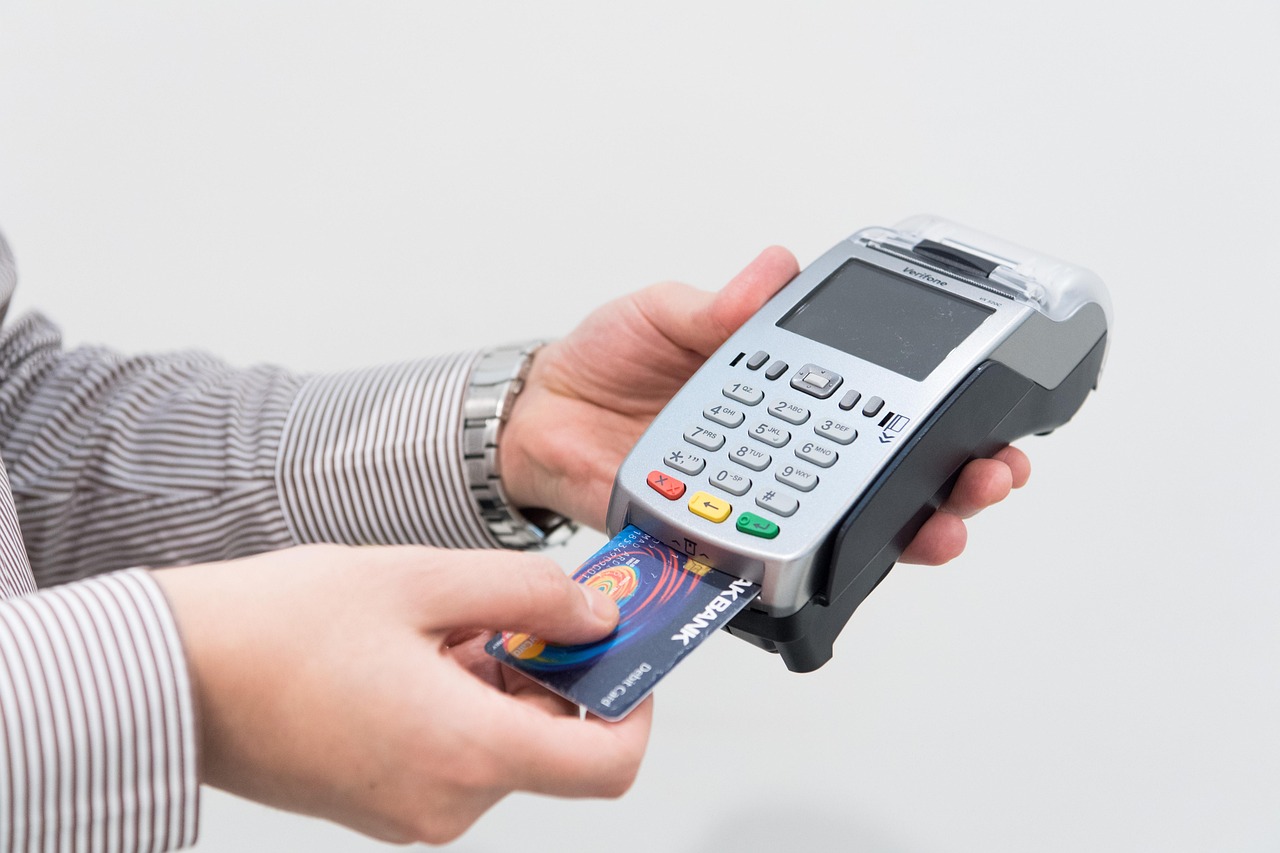
A retail EPOS system with integrated stock control is one of the most valuable operational investments a UK shop can make: it connects every sale, return and purchase order to a single, live inventory record, so you always know what you have, what is selling and what needs reordering. For independent retailers and multi-site chains alike, the ability to manage stock from the same platform used to process payments eliminates double-entry, reduces costly errors and gives management a level of insight that a standalone cash register simply cannot provide. This guide covers everything UK retailers need to evaluate, compare and confidently choose the right system for their business.
What Is a Retail EPOS System with Stock Control and Why Does It Matter?
An EPOS (Electronic Point of Sale) system combines payment processing, sales reporting and business management in a single platform. When stock control is built in — rather than bolted on as a separate application — every transaction automatically updates your inventory count in real time. A barcode is scanned at the till; the system deducts one unit, checks reorder thresholds and logs the sale against a product record that carries supplier details, cost price, margin and location data.
This matters because manual stock management is demonstrably unreliable at scale. Human counting errors, unrecorded shrinkage, and the gap between what the spreadsheet says and what is physically on the shelf can erode margins significantly. An integrated system closes that gap. It also gives you the data to answer commercially critical questions: Which product lines are tying up cash in slow-moving stock? Which variants sell out every weekend? Where is your margin being compressed?
If you are weighing up your options at an early stage, our guide to the best till systems for small businesses in the UK offers a useful broader context before you focus specifically on stock management capability.

Key Stock Control Features to Look for in a Retail EPOS System
Not all EPOS platforms handle stock with the same depth. When evaluating systems, prioritise the following capabilities:
Core inventory features
- Real-time stock level updates — inventory adjusts the moment a sale, return or wastage entry is logged, with no manual sync required.
- Product variants and attributes — clothing retailers, for example, need size and colour tracked at the SKU level, not just the product level.
- Barcode and label printing — the ability to generate and print EAN or own-label barcodes directly from the system speeds up receiving and reduces mis-scans at the till.
- Supplier management and purchase orders — create, send and receive POs within the EPOS platform, so stock arrivals are recorded accurately and supplier lead times are visible.
- Automatic reorder alerts — the system triggers a notification or draft PO when a product falls below a configurable minimum quantity.
- Stock take and adjustment tools — scheduled or ad hoc counts can be imported or entered via a handheld scanner, with the system highlighting discrepancies against the expected figure.
Reporting and analytics
- Sell-through rates and days-of-stock-remaining by category or location.
- Shrinkage and wastage reporting, essential for identifying loss patterns over time.
- Margin analysis at the product, category or supplier level.
- Multi-site stock visibility, so a manager can see every location's inventory from one dashboard.
How Real-Time Inventory Tracking Reduces Shrinkage and Overstock
Shrinkage — stock losses from theft, damage, supplier short-shipments or administrative error — is a persistent cost for UK retailers. When every inbound delivery is booked against a purchase order and every outbound unit is recorded at the point of sale, the system creates a continuous audit trail. Any gap between expected and actual stock is immediately visible, prompting investigation rather than discovery months later during a manual count.
Overstock is the less-discussed but equally damaging problem. Cash tied up in slow-moving lines is cash unavailable for high-velocity products. A good EPOS platform surfaces this through sell-through reports and aged-stock alerts, enabling you to run targeted promotions or adjust buying volumes before the problem compounds. Many retailers find that the system pays for itself in reduced markdown losses and better working capital management within the first year of use.
Understanding how integrated payment processing connects to stock data is also valuable at this point — our article on EPOS systems with integrated card payments in the UK explores how a unified hardware and software approach keeps transaction and inventory data in one place.
Cloud-Based vs On-Premise Stock Control: Which Is Right for Your Shop?
This is the architecture question most UK retailers face, and the answer depends on your priorities around access, cost and resilience.
| Factor | Cloud-Based System | On-Premise System |
|---|---|---|
| Upfront cost | Lower — typically a monthly subscription model | Higher — one-off licence and server hardware |
| Remote access | Full — manage stock from any browser or app | Limited unless a VPN is configured |
| Software updates | Automatic and included | Manual, often at additional cost |
| Internet dependency | Requires reliable broadband; offline mode varies by vendor | Operates fully without internet |
| Multi-site management | Excellent — all locations share one database | Requires additional infrastructure |
| Data ownership | Hosted by vendor; check GDPR and data portability terms | Fully on your own servers |
| Scalability | Easy to add tills, users or sites | Often requires hardware investment to scale |
| Best for | Growing retailers, multi-site operators, remote owners | Businesses with poor connectivity or strict data policies |
For most UK independent and regional chain retailers today, a cloud-based system delivers the better combination of flexibility, lower barrier to entry and ongoing feature development. If you are deciding between paying monthly or purchasing outright, the detailed breakdown in our monthly EPOS subscription vs outright purchase guide will help you model the total cost of ownership across a three-to-five-year horizon.
How Much Does a Retail EPOS System with Stock Control Cost in the UK?
Pricing varies considerably depending on the number of terminals, the depth of stock management functionality and whether you opt for a subscription or a capital purchase. The following ranges are indicative of what UK retailers typically encounter in the market and should be used as a planning guide rather than a quote.
Approximate indicative ranges (UK market, 2025)
- Entry-level cloud subscription (single till, basic stock tracking): typically from around £30–£60 per month, software only. Hardware is additional.
- Mid-tier retail platform (advanced stock control, purchase orders, multi-user): typically from around £80–£150 per month per site, including software and support.
- Full retail EPOS hardware bundle (touchscreen terminal, receipt printer, barcode scanner, cash drawer): hardware packages typically range from approximately £600 to £1,500 for a single-till setup, depending on specification.
- Multi-site or enterprise: pricing is almost always bespoke; expect conversations around per-till licensing, integration fees and dedicated account management.
Implementation, data migration, staff training and ongoing support should all be factored into your budget. A system that costs slightly more but includes hands-on onboarding and UK-based telephone support will generally cost less in the long run than a cheaper platform that leaves you to self-serve through a knowledge base.
To explore current packages and find an option sized for your business, you can view EPOS Direct UK's retail EPOS offers or request a free demo to see the platform in action before committing.
How to Migrate Your Existing Stock Data to a New EPOS Platform
Data migration is the step most retailers underestimate, and poor preparation here is the most common cause of a frustrating go-live. The good news is that a methodical approach makes it straightforward.
- Audit your existing data — before exporting anything, clean your product records. Remove discontinued lines, correct duplicate SKUs and standardise naming conventions. Garbage in, garbage out applies especially to stock databases.
- Prepare a standardised import file — most EPOS platforms accept CSV imports with defined column headers: product name, SKU, barcode, cost price, selling price, category, current stock quantity. Your new provider should supply a template.
- Map supplier and category hierarchies — if your new system uses a different category taxonomy, map the old structure to the new one before importing, not after.
- Run a parallel stock count — rather than relying on the figures in your old system (which may be outdated), conduct a physical count immediately before go-live and import those figures as your opening stock.
- Test in a sandbox environment — a reputable provider will give you a test instance to validate imports, check that barcodes scan correctly and confirm that reorder rules trigger as expected.
- Train staff before the switch — stock control is only as accurate as the people using the system. Ensure every team member who receives deliveries, processes returns or performs adjustments has been trained on the new workflow.
If you are moving from a cash register rather than a legacy EPOS system, the transition requires some additional groundwork that our guide on switching from a cash register to a modern EPOS system covers in practical detail.
Why EPOS Direct UK Is the Trusted Choice for Retail Stock Management
EPOS Direct UK has been helping independent retailers, regional chains and specialist shops across the United Kingdom manage their stock more effectively for many years. Our retail EPOS platform is designed around the real workflows of UK shops: it handles product variants, supplier purchase orders, multi-location inventory and automated reorder thresholds from within the same intuitive interface used at the till.
We offer UK-based support, hands-on onboarding and flexible hardware bundles that can be scaled from a single terminal to a nationwide estate. Our software is continuously developed in response to retailer feedback, which means features like stock-take apps, margin reporting and e-commerce stock synchronisation are built for how British retailers actually operate — not as afterthoughts.
You can take a retail EPOS software demo at any time to see stock management, purchase ordering and reporting in a live environment. If you would prefer a conversation first, our team is available to talk to you online as an expert and answer questions specific to your shop, product range and current setup.
For a broader view of how EPOS Direct UK compares with other providers, our complete 2026 competitor comparison guide sets out the key differences clearly and honestly.
Explore the full range of information, offers and resources available on the EPOS Direct UK home page, or go straight to our retail EPOS system offers to find a package that fits your business today.
The Bottom Line
A retail EPOS system with built-in stock control is not a luxury — for any UK retailer managing more than a handful of product lines, it is the operational foundation that makes accurate buying, meaningful reporting and confident management possible. The right system will reduce shrinkage, free up working capital tied in slow-moving stock and give you the real-time visibility to run a leaner, more profitable shop.
EPOS Direct UK provides retail EPOS solutions built specifically for the UK market, with stock management at their core. Request a free demo today and see exactly how the platform would work for your business — no obligation, no pressure, just a clear picture of what modern retail stock management looks like in practice.
Written by the EPOS Direct UK team, who work with UK retailers every day to help them choose, implement and get the most from their EPOS systems.
Frequently asked questions
- How does an EPOS system actually keep track of my stock levels automatically?
- Every time a sale is made at the till, the EPOS system deducts the sold item from your live inventory count in real time. When stock is received from a supplier, you scan or import the delivery and the system adds those units back. This means your stock levels are always up to date without manual counting, and you can set low-stock alerts so you reorder before you run out.
- How much should I budget for a retail EPOS system with stock control in the UK?
- Costs vary depending on the size of your operation. For a single retail unit, you can typically expect to pay anywhere from £300 to £800 upfront for hardware (touchscreen till, barcode scanner, receipt printer) plus a monthly software subscription of around £30 to £80 per month for a cloud-based system that includes stock control. Multi-site or enterprise setups will cost more. EPOS Direct UK offers tailored packages, and many retailers find the system pays for itself quickly through reduced stock losses and time saved on manual stocktakes.
- Can I manage stock across more than one shop from the same EPOS system?
- Yes. A cloud-based retail EPOS platform lets you view and manage inventory across multiple store locations from a single back-office dashboard. You can see which branch is running low on a product, transfer stock between locations, and run consolidated sales and stock reports — all without visiting each site in person.
