We use cookies to make your experience better.
To comply with the new e-Privacy directive, you agree to the privacy policy and our use of cookies

Best Tablet POS Systems for UK Restaurants: A Complete Buyer's Guide
Tablet POS Systems for UK Restaurants: Everything You Need to Know Before You Buy

Tablet-based point-of-sale systems have become the practical standard for modern UK restaurants — combining the processing power of a full EPOS system with the flexibility of a touchscreen device that front-of-house staff actually enjoy using. Whether you are opening your first café or replacing ageing legacy tills across a multi-site group, understanding the hardware options, software features, true costs and integration ecosystem before you commit will save you considerable expense and frustration. This guide covers everything you need to make a confident, well-informed purchase decision.
Why UK Restaurants Are Moving Towards Tablet-Based POS Systems
The shift is being driven by genuine operational gains, not novelty. Tablet systems give restaurant operators a compact, mobile ordering interface that legacy countertop tills simply cannot match. Staff can take orders tableside, send them directly to kitchen display screens or printers, and process payments in one seamless flow — reducing errors, cutting table turn time, and removing the back-and-forth between floor and counter that slows service during peak covers.
There is also a cost dimension. Traditional EPOS hardware often required significant upfront capital spend on proprietary terminals and cabling. A tablet-based system uses consumer-grade hardware — iPads or Android tablets — that is widely available, easily replaced, and familiar to staff from day one, which shortens training time considerably.
For UK operators specifically, the move aligns with consumer expectations around fast, frictionless payment. With contactless limits having risen and digital receipts now preferred by many diners, a tablet POS keeps a restaurant on the right side of those expectations without expensive hardware upgrades every few years.
Key Features to Prioritise in a Restaurant Tablet POS
Not every system marketed at hospitality venues has been built for the realities of a busy UK restaurant. When evaluating options, focus on these capabilities:
- Table management and floor plan mapping: The system should mirror your actual layout, flag table status in real time, and allow covers to be merged or split easily.
- Course and modifier management: Starters, mains and desserts need to fire to the kitchen at the right moment. Modifier options — allergens, cooking preferences, add-ons — must be quick to apply during a busy service.
- Kitchen display system (KDS) integration: Printed kitchen dups are increasingly being replaced by screen-based KDS setups. Your tablet POS should communicate with these natively.
- Split billing and flexible payment: Diners sharing a table expect to pay individually or in partial splits. This must be handled in a few taps, not a workaround.
- Offline mode: Internet outages do not stop restaurant service. A system that caches transactions locally and syncs when connectivity is restored is non-negotiable.
- Real-time reporting: Managers need live visibility of covers, revenue per table, and item-level sales — accessible from a back-office dashboard or even a smartphone.
- VAT-compliant receipts: UK businesses must issue receipts that meet HMRC requirements. Verify that the software is configured for UK VAT from the outset, including the ability to apply different VAT rates to food, alcohol and takeaway items correctly.
You can explore what a purpose-built restaurant EPOS software environment looks like by booking a restaurant EPOS software demo with EPOS Direct UK — it is the fastest way to test these features against your actual service model before committing to hardware.
Tablet POS Hardware Options: iPad, Android and All-in-One Terminals
Hardware choice is more nuanced than simply picking a device you like the look of. Each form factor suits different environments:
iPad (iOS) Systems
Apple iPads remain the most widely supported platform among UK restaurant POS software providers. They benefit from a tightly controlled operating system that reduces update-related instability, strong build quality, and a large ecosystem of compatible peripherals — card readers, receipt printers, cash drawers and customer-facing displays. The main drawback is cost: iPad hardware sits at a premium price point, and Apple's product cycle means you will need to plan for replacement over time.
Android Tablet Systems
Android tablets offer greater hardware variety and generally lower device costs. They are particularly well-suited to businesses that want to mix screen sizes — a 10-inch handheld for tableside ordering alongside a larger countertop unit for the bar, for example. The trade-off is that Android's more open ecosystem requires careful version management to prevent software conflicts after OS updates.
All-in-One POS Terminals
Dedicated all-in-one EPOS terminals combine a high-brightness touchscreen, integrated card payment, and ruggedised casing in a single countertop unit. They typically run a hardened version of Android or a proprietary OS, reducing the risk of configuration drift. For a fixed host station — a reception desk, a bar, or a main service counter — these represent the most reliable and professional-looking option. Many venues adopt a hybrid approach: all-in-one terminals at fixed points with tablet handhelds for mobile ordering.
What Does a Restaurant Tablet POS System Cost in the UK?
This is consistently the question operators ask first, and the honest answer is that total cost of ownership depends on the size of the venue, the number of terminals, the software licensing model, and whether hardware is purchased outright or bundled into a monthly plan.
As an indicative guide for UK restaurants:
- Entry-level single-terminal setup (tablet, card reader, receipt printer, software): typically from around £300–£600 upfront for hardware, plus a software subscription that often starts from £30–£60 per month for a basic hospitality plan.
- Mid-range setup (two to four terminals, KDS, table management, integrated payments): hardware costs typically from £800–£2,000, with monthly software and payment processing costs varying by transaction volume.
- Larger multi-terminal or multi-site deployments: bespoke pricing is standard at this level; monthly plans with hardware bundles are common and can represent better value than outright purchase.
Payment processing fees are separate from POS software costs and depend on your card processor. Integrated payment solutions that tie your card machine directly into the POS avoid manual keying and reconciliation errors — our guide to EPOS systems with integrated card payments in the UK explains the options in detail. For a broader view of purchase versus subscription models, see our guide on monthly EPOS subscriptions versus outright purchase, which is directly relevant to how you structure your investment.
All figures above are indicative guidance only and will vary by supplier, configuration, and any promotional packages available. View current hospitality and restaurant EPOS offers from EPOS Direct UK for live package information.
Cloud-Based vs. On-Premise: Which Architecture Suits a Restaurant?
The vast majority of tablet POS deployments in the UK hospitality sector now use cloud-based software, and for good reason. Cloud systems allow restaurant owners to access sales data, update menus, and manage staff permissions from anywhere with an internet connection. Software updates are pushed automatically, eliminating the IT overhead of manual upgrades.
On-premise systems — where data is stored locally on a server within the building — are now relatively rare in hospitality. They suit venues with genuine connectivity concerns (remote rural locations, listed buildings where cabling is difficult) or operators with strict data sovereignty requirements. The key consideration: even cloud systems should include robust offline mode, so the practical difference between the two architectures has narrowed considerably.
| Consideration | Cloud-Based Tablet POS | On-Premise System |
|---|---|---|
| Remote access to data | Yes — any device, anywhere | Limited without additional configuration |
| Software updates | Automatic, included in subscription | Manual; may incur support fees |
| Upfront hardware cost | Lower (server hardware not required) | Higher (local server required) |
| Offline resilience | Dependent on offline mode quality | High — fully local operation |
| Scalability to multiple sites | Straightforward — centralised management | Complex; requires per-site infrastructure |
| Data ownership and security | Provider-managed; check GDPR compliance | Operator-managed; full control |
| Typical cost model | Monthly SaaS subscription | Larger upfront licence fee |
Integrations That Make a Restaurant Tablet POS Work Harder
A tablet POS that operates in isolation from the rest of your business tools is only doing half its job. The most valuable integrations for UK restaurant operators include:
Accounting Software
Direct integration with platforms such as Xero or QuickBooks eliminates manual data entry and ensures that daily takings, VAT figures, and refunds flow automatically into your accounts. This is particularly important given HMRC's Making Tax Digital requirements for VAT-registered businesses — verify that your POS provider supports compliant data export formats.
Online Ordering and Delivery Aggregators
If your venue accepts orders through third-party platforms or your own online ordering channel, integration means those orders appear directly on the kitchen display rather than being re-entered manually — reducing errors and order delay significantly.
Reservation and Booking Systems
Integration with reservation platforms allows front-of-house staff to see upcoming bookings, pre-orders, and dietary requirements without switching between systems. It also enables the POS to pre-populate table status ahead of service.
Loyalty and CRM
Repeat visits are the lifeblood of any restaurant. A POS that connects to a loyalty programme or CRM allows you to track customer preferences, send targeted offers, and measure lifetime value — data that would otherwise sit unrecorded.
Integrated Card Payments
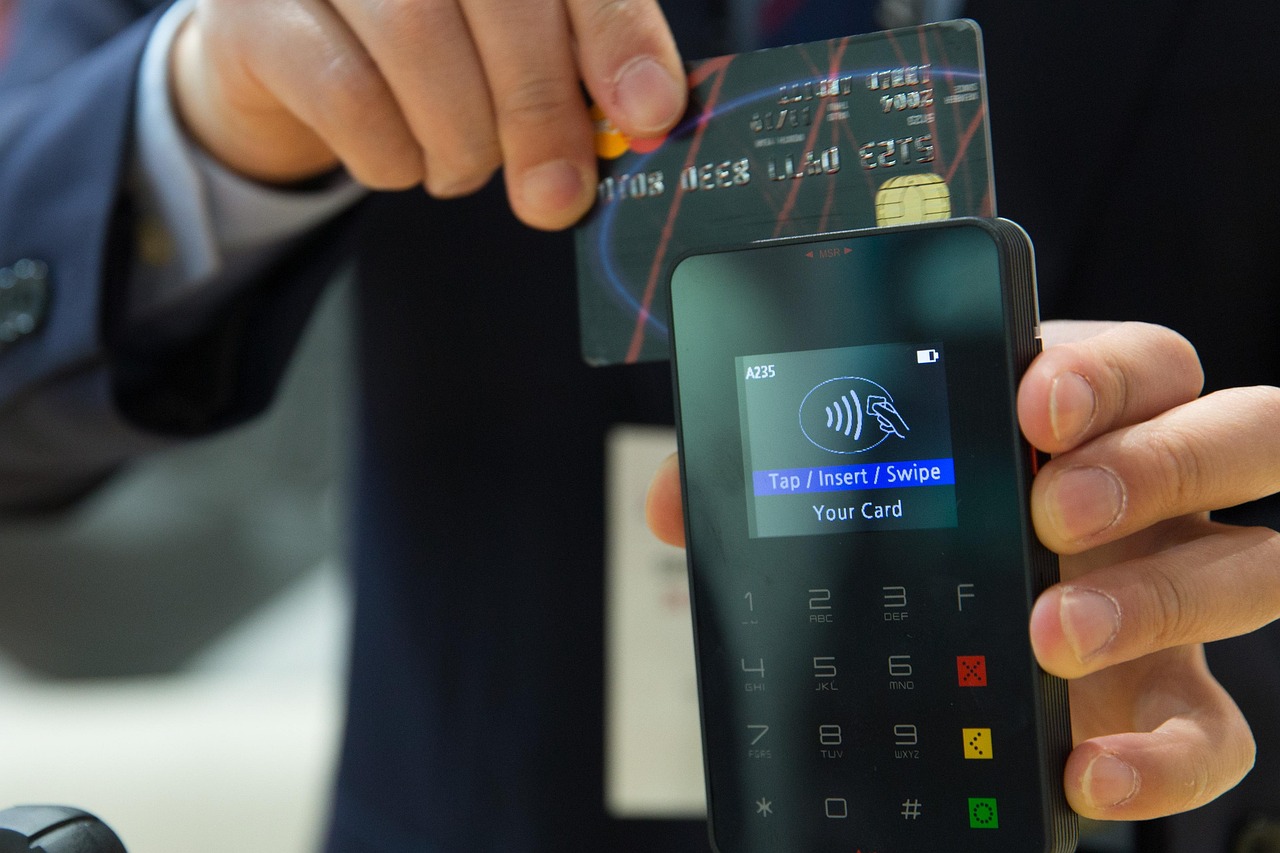
Arguably the most important integration of all. A card machine that talks directly to the POS removes the need to key in amounts manually, eliminates mismatched totals, and speeds up end-of-day reconciliation. For a deep dive into the options, our guide to combining a card machine with a till system is an authoritative starting point.
How to Choose and Set Up the Right System for Your Venue
The selection process should follow a clear sequence rather than jumping straight to a product demonstration. Start with your operational requirements: how many covers do you serve on a busy Saturday? Do you operate a single site or multiple locations? Do you take orders at the table, at a counter, or both? These answers determine the number of terminals, the floor plan complexity, and the reporting depth you actually need.
Next, establish your must-have integrations and verify compatibility before signing anything. A POS that cannot connect to your existing accounting software or booking platform will create more work, not less.
Hardware sourcing matters more than many operators realise. Buying tablets from a consumer retailer and sourcing software separately can create support gaps — nobody owns the problem when things go wrong. A single supplier who provides hardware, software, and support under one contract is almost always the lower-risk option for a busy hospitality business.
For venues currently running a cash register or basic system, our guide on switching from a cash register to a modern EPOS system walks through the migration process in practical terms. And if you want to see how EPOS Direct UK stacks up against other providers before making a final decision, our detailed comparison with competitor till systems provides a frank assessment.
When you are ready to see the software in action, the most efficient next step is to book a dedicated restaurant EPOS software demo — you will see real table management, kitchen printing workflows, and reporting features configured for a hospitality environment rather than a generic retail layout.
The Direct Answer: Is a Tablet POS System Right for Your Restaurant?
For the vast majority of UK restaurants — from independent cafés to multi-room dining venues — a tablet-based EPOS system represents the most practical, scalable, and cost-effective approach to managing orders, payments, and reporting. Cloud-based tablet systems running on iPad or Android hardware, integrated with card payments and accounting software, deliver the flexibility and data insight that modern restaurant operations require, at a total cost of ownership that is typically lower than maintaining legacy hardware.
Ready to Find the Right System?
EPOS Direct UK works with independent restaurants, café chains, and multi-site hospitality groups across the United Kingdom every day — helping operators choose, configure, and support the right POS solution for their specific environment. Visit the EPOS Direct UK home page for the latest offers and detailed product information, or take one of the following steps right now:
- Browse current hospitality and restaurant EPOS packages — transparent pricing, current promotions, and bundle options.
- Talk to an EPOS expert online — get answers to your specific questions from someone who knows the hospitality sector.
- Request a free demo — see the system working in a live environment before you commit to a single penny.
Written by the EPOS Direct UK team, who support UK restaurants, cafés, and hospitality businesses with EPOS and POS systems every day. This guide reflects practical, experience-led knowledge of the UK hospitality technology market. For regulatory queries — particularly around VAT, Making Tax Digital, and data protection — always verify current requirements directly with HMRC and the ICO.
Frequently asked questions
- How much does a tablet POS system typically cost for a small restaurant in the UK?
- Costs vary depending on the size of your venue and the features you need. As a rough guide, a single-terminal tablet POS setup in the UK can start from around £300–£600 for hardware (such as an iPad or Android tablet, stand, card reader and receipt printer), plus a monthly software subscription that typically ranges from £30 to £100 per month. Multi-terminal setups or systems with kitchen display screens, stock management and online ordering integrations will cost more. Many suppliers, including EPOS Direct, offer bundled packages with finance options to spread the cost.
- Can a tablet POS system work without an internet connection in my restaurant?
- Yes, many modern tablet POS systems offer an offline mode that allows you to continue taking orders and processing payments even if your broadband drops. Data is then synced automatically once the connection is restored. However, features like real-time reporting, online ordering and cloud-based stock management do require an active internet connection to function fully. It is worth checking the offline capabilities of any system before you commit, particularly if your venue is in an area with unreliable connectivity.
- What is the difference between a tablet POS system and a traditional EPOS till for a restaurant?
- A traditional EPOS till uses a fixed, dedicated terminal that is purpose-built for point-of-sale tasks. A tablet POS system runs on a consumer tablet device — such as an iPad or Android tablet — using specialist restaurant software. Tablet systems tend to be more affordable upfront, easier to move around the floor for tableside ordering, and quicker to update. Traditional EPOS terminals are often more robust for high-volume environments and may offer deeper hardware integration. Many businesses now opt for a hybrid approach, using both fixed terminals and roaming tablets within the same system.
