We use cookies to make your experience better.
To comply with the new e-Privacy directive, you agree to the privacy policy and our use of cookies


The Best Touch Screen Tills for Retail Shops: A Complete Buyer's Guide
Touch Screen Tills for Retail Shops: Everything You Need to Know Before You Buy
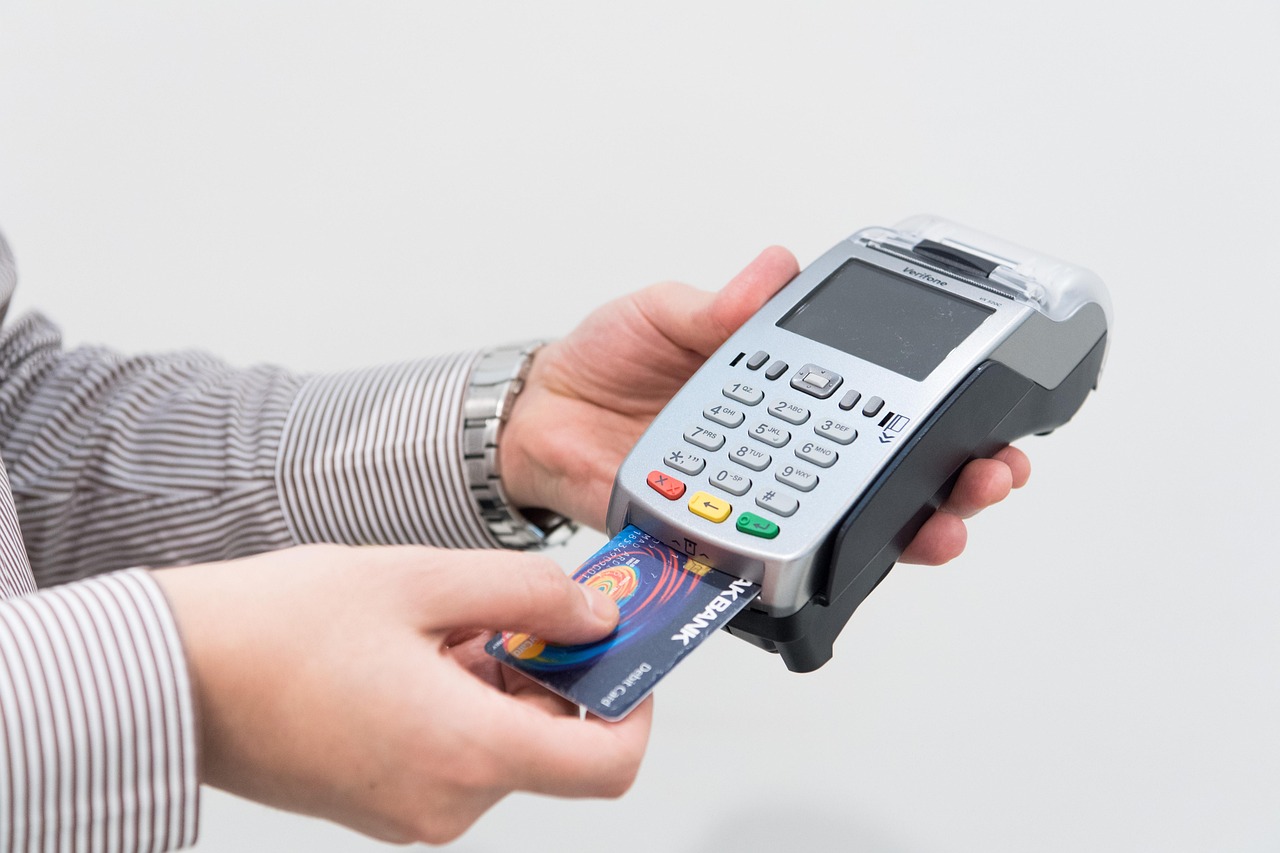
A touch screen till is no longer a luxury reserved for large retail chains — it is the operational backbone of modern shops of every size, from independent boutiques to busy convenience stores. At its simplest, a touch screen till combines point-of-sale hardware (a responsive touchscreen display, receipt printer, barcode scanner and cash drawer) with intelligent retail software that manages sales, stock, staff and reporting in one place. Choose the right system and you will serve customers faster, shrink errors and gain visibility over your business that a traditional cash register simply cannot provide.
What Is a Touch Screen Till and How Does It Work in a Retail Environment?
A modern retail till system is built around a touchscreen terminal — typically a 15-inch or larger display — running specialised point-of-sale software. When a product is scanned or tapped on screen, the software retrieves the price, applies any promotions, updates stock levels in real time and processes payment (cash, card or contactless) in a single transaction flow.
Behind the scenes, every sale feeds a central database. That means your stock count, sales reports and customer records update automatically — no manual reconciliation at the end of the day. Cloud-based systems go further, making that data accessible from any device with a browser, so you can check how the shop performed from your phone at midnight if you want to.
Core hardware components
- Touchscreen terminal — the primary input device; resistive or capacitive glass, typically fanless and purpose-built for retail durability
- Barcode scanner — 1D or 2D; wired scanners suit high-volume counters, wireless models suit smaller spaces
- Receipt printer — thermal printers are standard; they are quiet, fast and require no ink cartridges
- Cash drawer — connects via the receipt printer; opens automatically on cash transactions
- Card payment terminal — ideally integrated directly into the EPOS software so card transactions reconcile automatically
- Customer-facing display — builds trust at the point of payment; increasingly standard in regulated and high-footfall settings
If you are considering upgrading from an older register, our guide on switching from a cash register to a modern EPOS system walks through exactly what to expect at each stage.

Key Features to Look for in a Retail Touch Screen Till System
Not every system is built with independent retail in mind. Before you commit, evaluate each of the following against your shop's specific workflow.
Stock management
Real-time inventory tracking is non-negotiable. Look for automatic low-stock alerts, supplier purchase-order generation and the ability to handle variants (size, colour, weight). If you run multiple locations, multi-site stock visibility should be standard — not a premium add-on.
Promotions and pricing flexibility
Retail thrives on offers. Your system should handle percentage discounts, fixed-price reductions, multi-buy deals (three for two, buy-one-get-one) and time-limited promotions without requiring manual price changes on every product.
Reporting and analytics
End-of-day Z-reads are the bare minimum. A capable retail EPOS delivers hourly sales breakdowns, best and worst sellers by margin (not just volume), staff performance reports and basket-size trends — data that actively informs buying decisions.
Integrated card payments
A till and a card machine that do not communicate create double-keying errors and slow down queues. Fully integrated card processing means the payment amount is sent directly to the terminal, the result is returned to the till automatically, and your end-of-day reconciliation balances without manual cross-referencing. Explore our guide to EPOS systems with integrated card payments for a detailed comparison of what full integration actually means in practice.
Customer loyalty
Loyalty programmes built into the EPOS — points, stamps, tiered rewards — drive repeat visits without requiring a separate platform or subscription. The best systems let you enrol customers at the point of sale and track redemptions automatically.
Ease of use
Staff turnover is a reality in retail. If training a new team member takes an entire shift, your system is working against you. Prioritise an interface where common tasks — voids, refunds, discounts, operator changes — take no more than two taps.
How Much Does a Touch Screen Till Cost for a Retail Shop in the UK?
Pricing varies considerably depending on whether you purchase hardware outright or take a subscription bundle, and how many peripherals and software modules you need. The table below sets out honest indicative ranges for the UK market — use them as a starting framework, not a fixed quote.
| Setup Type | Typical Hardware Cost | Typical Software / Subscription | Best Suited To |
|---|---|---|---|
| Entry-level single-till bundle (outright purchase) | Typically from £500–£900 | From around £20–£40 per month | Market stalls, sole traders, pop-ups |
| Mid-range retail EPOS (outright purchase) | Typically £900–£1,800 per terminal | From around £40–£80 per month | Independent boutiques, gift shops, convenience stores |
| Full retail EPOS bundle with integrated payments | Typically £1,500–£3,000+ per till point | From around £60–£120 per month | Multi-department retailers, fashion, health & beauty |
| Monthly subscription (hardware + software + support) | £0 upfront in many cases | Typically £50–£150 per month per terminal | Businesses preferring predictable OpEx over CapEx |
Transaction fees on integrated card payments are separate and depend on your merchant services agreement; always compare the total cost of ownership (hardware, software, support and payment processing) rather than headline equipment prices alone. For a thorough breakdown of the purchase vs subscription decision, see our article on whether a monthly EPOS subscription is worth it for your business.
Ready to see what a system costs for your specific setup? Browse our current retail EPOS offers or request a free personalised demo and we will build you an accurate quote.
Cloud-Based vs Traditional EPOS: Which Is Right for Your Shop?
This is one of the most common questions independent retailers ask before buying — and there is no single right answer. It depends on your connectivity, your appetite for remote management and how you want to handle software updates.
Cloud-based EPOS
- Data syncs in real time across all devices; access sales and stock from anywhere
- Software updates are automatic — you are always on the current version
- Requires a reliable broadband or 4G connection; a local offline mode is essential if your internet drops
- Subscription pricing spreads cost over time; no large upfront software licence
- Easier to scale — add a second till or a new location without on-site server hardware
Server-based (traditional) EPOS
- Runs locally; fully operational without an internet connection
- Data is stored on-premise — relevant for businesses with strict data-handling requirements
- Higher upfront cost; updates may require an engineer visit or manual installation
- More complex to scale across multiple sites
Most retailers opening today choose a hybrid: cloud-managed software with local offline capability as a fail-safe. Explore our EPOS software platform to see how our retail solution handles both modes, and request a retail software demo to see it in action for your product range.
How a Modern Till System Can Boost Sales and Reduce Shrinkage
Beyond speeding up the queue, a well-configured EPOS system actively contributes to profitability in two distinct directions: growing revenue and protecting margin.
Driving sales
Prompted upsell suggestions at the point of sale — "customers also bought" or "add a gift wrap for £2" — increase average transaction values without any additional staff training. Loyalty integration gives customers a reason to return rather than shop elsewhere, and accurate sales data tells you exactly which lines to reorder and which to clearance before they become dead stock.
Reducing shrinkage
Shrinkage in retail comes from three sources: theft, supplier error and internal loss. A robust EPOS system addresses all three:
- Theft: real-time stock counting means discrepancies surface quickly rather than only at quarterly stocktake
- Supplier error: goods-received logging lets you check every delivery against your purchase order; short shipments are flagged immediately
- Internal loss: staff permissions and audit trails show who applied a discount, voided a transaction or opened the cash drawer without a sale
For an integrated payment picture — combining the till with a card machine in one managed solution — our complete guide to card machines and till systems combined covers how to eliminate the reconciliation gap that often masks losses in busy shops.
What to Expect During Setup, Training and Ongoing Support
The quality of implementation is just as important as the software itself. A system that is poorly configured at the start will frustrate staff, produce unreliable reports and erode confidence in the technology.
Installation
A professional EPOS provider will survey your shop's layout, advise on cabling or wireless access point placement and ensure the hardware is correctly mounted and tested before go-live. Remote installation options exist for simpler single-till setups, but complex multi-department or multi-site projects benefit from on-site commissioning.
Data migration
If you have an existing product list — even in a spreadsheet — a reputable provider will help you import it into the new system so your opening stock is accurate from day one. Cutting corners here costs hours of manual correction later.
Training
Expect a mixture of face-to-face or video-call training for your management team, plus reference guides and video tutorials for staff. The best providers offer ongoing access to a training portal so new hires can get up to speed independently.
Ongoing support
Check the support hours carefully — retail does not keep office hours. UK-based telephone support, remote access diagnostics and a clear escalation process for hardware faults (including guaranteed replacement lead times) are the benchmarks to hold any provider against. If you are comparing providers, our independent analysis in how EPOS Direct compares with competing till systems sets out the support and service differences in detail.
Have a question right now? Talk to one of our EPOS experts online — no commitment required.
Why UK Retailers Choose EPOS Direct for Their Till Systems
EPOS Direct has been supplying and supporting point-of-sale systems to UK businesses across retail, hospitality, pharmacy and beyond for many years. Our team works with independent retailers every day — from single-site gift shops to growing regional chains — and the insight in this article comes directly from that hands-on experience.
What sets our retail systems apart
- Purpose-built retail software — not a generic platform stretched to fit; product variants, promotions, loyalty and stock management are native, not bolted on
- Integrated card payments — our partnerships with leading UK acquirers mean you can take card, contactless, Apple Pay and Google Pay without a separate terminal setup
- Flexible ownership models — buy outright or subscribe monthly; we do not lock you into one commercial model
- UK-based support team — telephone, remote and on-site support from people who know the product and the UK retail landscape
- Scalability — start with one till; add more terminals, locations or features as your business grows without migrating to a different platform
For more information on everything EPOS Direct offers — from hardware bundles to software subscriptions — visit the EPOS Direct home page for our latest offers and full product range. You might also find our practical buyer's guides useful: the best till systems for small businesses in the UK covers a broad range of retail scenarios with honest, experience-led recommendations.
Making the Right Decision for Your Shop
A touch screen till system is one of the most consequential operational investments an independent retailer makes. The wrong choice creates daily friction; the right one becomes invisible — processing transactions, tracking stock and generating insights while your team focuses entirely on customers.
The key criteria are straightforward: choose a system with genuine real-time stock management, fully integrated card payments, flexible promotions, robust reporting and a support team you can actually reach when something goes wrong. Weigh the total cost of ownership across hardware, software and processing fees — not just the headline price of the terminal — and always see the software running on realistic retail data before you commit.
EPOS Direct UK is ready to help you find the right solution. View our retail EPOS offers, request a free demo tailored to your shop, or request a call back from our retail specialists at a time that suits you.
Written by the EPOS Direct UK team, who help UK retail businesses select, implement and support EPOS and POS systems every day.
Frequently asked questions
- How much should I budget for a touch screen till system for my retail shop?
- For a single-lane retail setup in the UK, expect to pay roughly £300–£700 for the hardware (touch screen terminal, receipt printer, cash drawer and barcode scanner) if purchased outright. Monthly software subscriptions typically range from £20 to £60 per month depending on the features you need. EPOS Direct offers flexible purchase and leasing options, so you can spread the cost if upfront investment is a concern. Always factor in installation, training and any ongoing support contract.
- Can I use a touch screen till to manage stock across multiple retail locations?
- Yes. A cloud-based EPOS system lets you monitor stock levels, transfer inventory and compare sales performance across multiple shop locations in real time from any device with an internet connection. This is one of the biggest advantages modern touch screen tills have over older standalone cash registers.
- Do I need a broadband connection for a touch screen till to work in my shop?
- Cloud-based EPOS systems do require an internet connection for full functionality such as live reporting, stock sync and remote management. However, most modern retail till systems — including those from EPOS Direct — offer an offline mode that allows you to continue processing sales during a temporary outage, syncing data automatically once your connection is restored.
