We use cookies to make your experience better.
To comply with the new e-Privacy directive, you agree to the privacy policy and our use of cookies

Switching From a Traditional Till to a Modern EPOS System: The Complete UK Business Guide
How to Switch From a Traditional Till to an EPOS System: Everything UK Businesses Need to Know
Switching from a basic cash till to a modern EPOS system is one of the most impactful operational decisions a UK retailer or hospitality operator can make. The right system replaces a single-purpose machine with a fully connected hub for sales, stock, staff and reporting — often paying for itself within months. This guide covers everything you need to know, from recognising the right moment to switch, to choosing the correct setup and managing the transition with minimal disruption.
What Is the Difference Between a Traditional Till and an EPOS System?
A traditional cash register records transactions and opens a cash drawer. That is broadly the extent of its capability. An Electronic Point of Sale (EPOS) system does all of that — and connects every sale to a live inventory, a customer record, a staff account, and a management dashboard you can access from anywhere.
The distinction matters because a cash till is a recording device, whereas an EPOS system is a business intelligence platform. Every transaction feeds data back into the system, giving you a real-time picture of what is selling, what needs reordering, which staff member processed the sale, and what your margins look like — without any manual counting or guesswork.
For a deeper comparison of specific hardware and software configurations, the practical buyer's guide to the best till systems for small businesses in the UK is a useful starting point.
Signs Your Business Has Outgrown a Basic Cash Till
Most businesses do not outgrow a cash register overnight — it is a gradual process, and the friction tends to accumulate quietly. These are the clearest indicators that the limitations are costing you time and money:
- Stock discrepancies you cannot explain. If shrinkage or over-ordering is a recurring problem, it is usually because there is no live inventory tracking tied to each sale.
- End-of-day reconciliation takes too long. Manual cash-up processes that take 30–60 minutes each evening are a direct productivity drain that EPOS eliminates.
- You cannot answer basic business questions. "What was my best-selling product last Tuesday?" or "Which staff member processed the most refunds?" should take seconds — not a spreadsheet session.
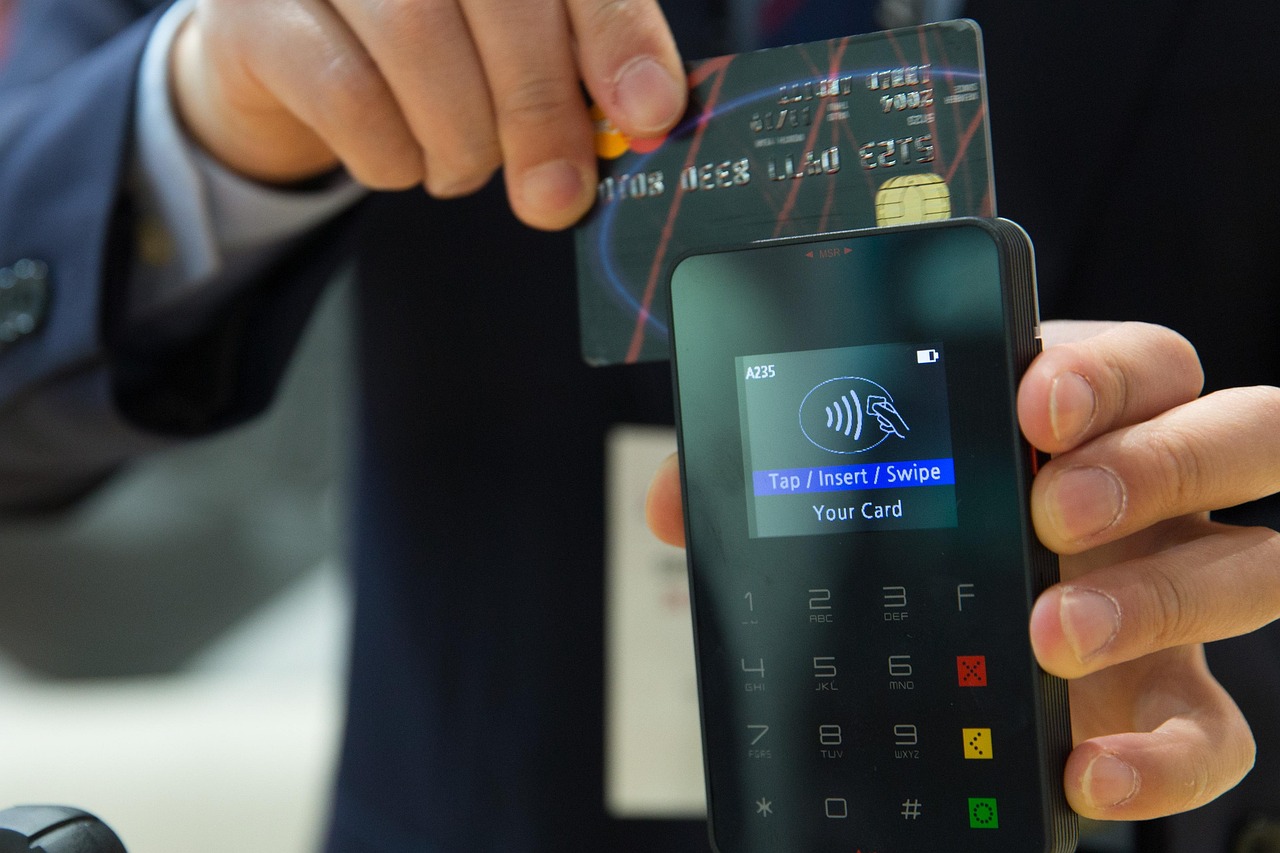
- Card payments feel disconnected. If your card terminal is a separate device that does not communicate with your till, you are reconciling two systems manually every day. A combined card machine and till system eliminates that friction entirely.
- You are losing sales during busy periods. Queue-busting, split bills, table management and mobile ordering are features only an EPOS system can offer.
- You have more than one location or channel. A cash register has no concept of a second site, an online store, or a click-and-collect queue.
Key Benefits of Moving to an EPOS System for UK Retail and Hospitality
The practical advantages fall into three broad categories: operational efficiency, financial visibility, and customer experience. Here is what that looks like in practice:
Operational Efficiency
- Automated stock alerts when items fall below a set threshold, reducing both stockouts and over-ordering.
- Faster transaction processing with barcode scanning, product search and configurable hot-keys.
- Staff permissions and time-clock features that remove the need for a separate HR or rota system at entry level.
Financial Visibility
- Real-time sales dashboards accessible from a browser or mobile app, even when you are off-site.
- Detailed Z-reports, VAT summaries and category breakdowns that simplify Making Tax Digital (MTD) compliance — HMRC's requirement for VAT-registered businesses to keep digital records and file returns digitally.
- Integrated card payments mean every transaction — cash or card — flows into one report, removing manual reconciliation errors.
Customer Experience
- Loyalty schemes and customer profiles that encourage repeat visits.
- Faster, more accurate service during peak hours.
- The ability to accept every modern payment method: contactless, mobile wallets, and chip-and-pin — all from a single device.
If you are specifically evaluating payment integration, the guide to the best EPOS systems with integrated card payments in the UK covers that topic in detail.
What to Look for When Choosing Your First EPOS System
The market is broad, and a system that suits a busy restaurant will look very different from one designed for a pharmacy or a convenience store. Focus on these criteria before committing:
| Criteria | Why It Matters | Questions to Ask |
|---|---|---|
| Industry fit | Generic systems rarely handle sector-specific workflows (e.g. table management, age verification, prescription tracking) without costly customisation. | Is this system built for my industry, or adapted from a generic platform? |
| Integrated payments | Separate card terminals create reconciliation gaps and slower checkout. | Are card transactions posted directly into the EPOS report, or do I reconcile separately? |
| Inventory management depth | Basic systems track quantity; better ones track variants, supplier costs, waste and reorder points. | Can I set reorder alerts by variant (size, colour, etc.)? |
| Cloud vs. on-premise | Cloud systems let you access reports remotely and update software automatically; on-premise systems keep data on-site. | Does the system work offline if my broadband drops? |
| Support & UK coverage | Hardware faults or software issues during trading hours can cost significant revenue. | Is telephone support available seven days a week, and is it UK-based? |
| Scalability | A system that cannot handle a second terminal or a new location will need replacing as you grow. | What is the cost of adding a second till point or a new site? |
| Ownership model | Monthly subscription vs. outright purchase affects cash flow and long-term cost very differently. | Which model suits my current financial position and growth plans? |
The ownership question — subscription versus outright purchase — deserves particular thought. The detailed breakdown in monthly EPOS subscription vs. outright purchase will help you model the right approach for your business.
You can also explore the EPOS Direct software platform to see exactly what the interface looks like before making any commitment. Sector-specific demos are available for retail, restaurants and pharmacy operations.
How the Upgrade Process Works: From Old Till to New EPOS
The transition is more straightforward than most business owners expect, particularly with a supplier who provides structured onboarding. A typical upgrade follows these stages:
- Needs assessment. A conversation with your EPOS provider to map your current workflow, transaction volumes, number of till points, and any integrations required (accounting software, online ordering, loyalty platforms).
- System configuration. Your product library, pricing, VAT rates and user accounts are set up — usually by the provider — before the hardware even arrives on-site. This is the phase that takes the most calendar time, but requires very little from you day-to-day.
- Hardware delivery and installation. Touchscreen terminals, receipt printers, barcode scanners, cash drawers and card readers are installed and tested. Most single-site setups can be physically installed in a few hours.
- Staff training. Good suppliers include live training sessions. A well-designed EPOS interface should be intuitive enough that front-of-house staff are competent within an hour or two; back-office reporting may take a little longer.
- Go-live and parallel running. Many businesses run the new EPOS alongside their old till for a short period — typically a few days — to validate reports and build staff confidence before switching fully.
- Ongoing support. The relationship with your supplier does not end at installation. Software updates, seasonal menu or product changes, and adding new features should all be straightforward.
For a more detailed walkthrough specifically aimed at retailers moving away from a cash register, the guide on switching from a cash register to a modern EPOS system covers the process step by step.
How Much Does It Cost to Switch to an EPOS System in the UK?
Cost is the question most buyers ask first, and the honest answer is that it depends on the scale of your setup and the ownership model you choose. The figures below are indicative ranges based on typical UK market pricing — they are guidance, not quotes, and your actual costs should be confirmed directly with any supplier.
Outright Purchase
- Entry-level single-terminal setup (touchscreen till, receipt printer, cash drawer, basic software): typically from around £500–£900 as a one-off hardware cost, with an annual or monthly software licence on top.
- Mid-range retail or hospitality setup (two terminals, barcode scanner, integrated card reader, stock management software): setups in this tier commonly fall in the range of £1,200–£2,500 for hardware, depending on specification.
- Multi-site or full restaurant configuration (multiple terminals, kitchen display screens, online ordering integration): hardware and setup costs can run higher; software licences are typically per-site or per-terminal.
Monthly Subscription
- Subscription-based models typically cover software, support and sometimes hardware rental within a single monthly fee — commonly ranging from around £30–£100 per terminal per month depending on the feature tier.
- This model suits businesses that prefer predictable costs and do not want to carry hardware as a capital asset.
Hidden Costs to Clarify Upfront
- Card processing rates (separate from the EPOS system itself — check whether the supplier offers in-house acquiring or introduces you to a third-party processor).
- Installation and training fees — some suppliers include these, others charge separately.
- Annual software maintenance or update fees on outright-purchase models.
For current pricing and available packages, view EPOS Direct's retail EPOS offers or explore hospitality and restaurant EPOS packages directly.
Common Concerns About Switching — and How to Address Them
Hesitation is understandable. These are the concerns that come up most often, along with honest, practical responses.
"Will my staff struggle to learn a new system?"
Modern EPOS interfaces are designed around touchscreen usability — they are, in most cases, more intuitive than the function-key menus on older cash registers. Reputable suppliers provide hands-on training and ongoing support documentation. Most front-of-house staff are confident within their first shift.
"What happens if the internet goes down?"
Cloud-based EPOS systems from established providers include offline mode functionality, meaning the till continues to process sales locally and syncs data once connectivity is restored. Confirm this capability specifically with any supplier you evaluate.
"Is my existing product data transferable?"
If you have a structured product list — even a simple spreadsheet of product names, SKUs and prices — most providers can import it directly into the new system, significantly reducing setup time. Ask about data migration support before you sign.
"How does it compare to alternatives I've seen advertised?"
It is worth reading independent comparisons carefully. The complete comparison guide to EPOS Direct vs. competitor till systems sets out the key differences across features, pricing structure and support — useful reading before finalising your decision.
"Is this the right time, given business uncertainty?"
The cost of staying on an outdated till — in reconciliation time, stock losses, missed reporting and customer friction — is often higher than the cost of switching. A phased or subscription-based approach lets you manage upfront investment carefully without deferring the operational benefits.
If you have specific questions about your situation, the simplest next step is to talk to an EPOS Direct expert online — no obligation, no sales pressure, just a direct conversation about what your business actually needs.
Making the Right Choice for Your Business
The gap between a traditional cash register and a modern EPOS system is not just technological — it is the difference between operating blind and running with complete visibility over your sales, stock and staff. For most UK retailers and hospitality operators, the decision is not whether to switch, but when and how to do it in a way that fits their business model and budget.
EPOS Direct UK works with businesses across retail, hospitality, pharmacy and beyond, helping operators choose, configure and support the right system from day one. Whether you are a sole trader running a single till or a growing multi-site operation, the full range of EPOS Direct offers and information is the best place to begin exploring your options.
Ready to take the next step? Request a free demo and see exactly how the right EPOS system could transform the way your business operates — no commitment required.
Written by the EPOS Direct UK team, who support UK retail, hospitality and specialist businesses with EPOS and POS system advice every day.
Frequently asked questions
- How much does it typically cost to set up an EPOS system for a small UK business?
- Costs vary depending on your setup, but most UK small businesses can expect to pay between £300 and £800 for a single-terminal EPOS bundle including hardware such as a touchscreen, receipt printer and card reader. Monthly software subscriptions typically range from £20 to £60 per month. EPOS Direct UK offers flexible packages and can provide a tailored quote based on your specific needs, whether you run a single shop or multiple sites.
- Will I lose any sales data or stock records when I switch from my old till?
- This is a very common concern and the good news is that with proper planning, data migration is straightforward. Most modern EPOS providers, including EPOS Direct UK, offer onboarding support that helps you import existing product lists, pricing and customer records. Your historical sales data from a basic till may be limited, but your new EPOS system will start building richer, more detailed records from day one.
- How long does it take to get staff trained on a new EPOS system?
- Most staff can handle day-to-day sales transactions confidently within a few hours of hands-on practice. Modern EPOS systems are designed with intuitive touchscreen interfaces that feel familiar, especially to anyone who uses a smartphone. EPOS Direct UK provides training support and ongoing customer service to ensure your team is comfortable before you go live, minimising disruption to your trading day.
