We use cookies to make your experience better.
To comply with the new e-Privacy directive, you agree to the privacy policy and our use of cookies


EPOS Bundle Buying Guide: Till, Printer, Scanner and Card payment
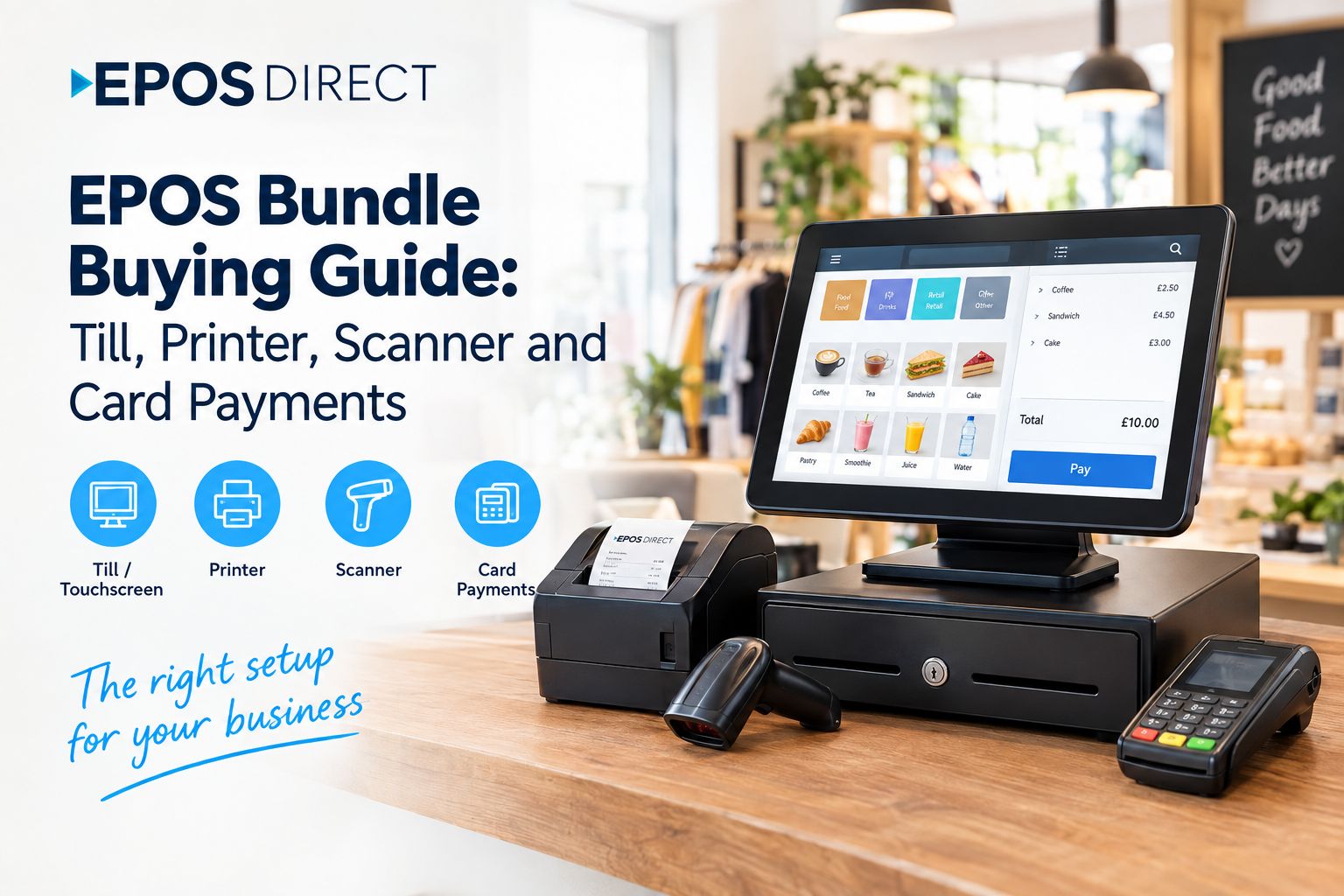
Choosing the right EPOS system for your business can feel complicated when you are comparing tills, receipt printers, barcode scanners, card machines and payment options separately. An EPOS bundle can make the process much simpler by bringing the essential hardware and software together in one solution.
For UK businesses, an EPOS bundle can help create a more organised checkout, improve transaction accuracy and make day-to-day sales management easier.
At EPOS Direct, we provide EPOS solutions designed for different types of businesses, including retail shops, hospitality businesses and other growing businesses that need reliable point-of-sale technology.
But what should an EPOS bundle include, and how do you know which equipment your business actually needs?
What Is an EPOS Bundle?
An EPOS bundle is a package containing the main equipment and software required to operate a modern electronic point-of-sale system.
A typical EPOS bundle may include:
- EPOS till or touchscreen terminal
- EPOS software
- Receipt printer
- Barcode scanner
- Cash drawer
- Customer display
- Other accessories depending on the package
Buying these components as a bundle can be easier than sourcing every item individually. It also gives you the opportunity to choose equipment that is designed to work together.
For a small retail shop, for example, a basic setup may only require a touchscreen till, receipt printer, barcode scanner, cash drawer and card payment solution. A restaurant may need additional features such as table management, kitchen order printing or a kitchen display system.
What Should an EPOS Bundle Include?
The best EPOS bundle depends on what your business sells and how you take payments. However, there are several key components worth considering.
1. EPOS Till
The till is the central part of your EPOS system. Modern EPOS tills use touchscreen interfaces to make it easier for staff to process sales, manage products and access important business information.
When choosing an EPOS till, consider:
- Screen size and usability
- EPOS software features
- Product and stock management
- Staff management
- Reporting capabilities
- Connectivity
- Compatibility with payment systems
- Ability to grow with your business
A good till should be simple enough for staff to learn quickly while providing the features you need to manage your business.
2. Receipt Printer
A receipt printer produces physical receipts for customers after a transaction.
For many businesses, a thermal receipt printer is a practical choice because it prints quickly and does not normally require ink cartridges.
When comparing printers, check:
- Printing speed
- Paper size
- USB, Ethernet, Bluetooth or other connectivity
- Compatibility with your EPOS software
- Reliability during busy periods
The printer should work smoothly with your EPOS till so that receipts can be produced without unnecessary delays.
3. Barcode Scanner
A barcode scanner is particularly useful for retail businesses. Instead of manually searching for products or entering prices, staff can scan a barcode and add the item to the transaction.
A barcode scanner can help reduce manual entry and make checkout faster.
When choosing one, consider whether you need:
- Wired or wireless connectivity
- 1D barcode scanning
- 2D barcode scanning
- Hands-free scanning
- Fast scanning for busy checkout environments
For shops with a large product range, a reliable scanner can make a noticeable difference to the checkout process.
4. Cash Drawer
If your business accepts cash, a cash drawer is another important part of the EPOS setup.
The cash drawer can be connected to the receipt printer or EPOS system and can open automatically when a cash transaction is completed.
A suitable cash drawer should be secure, durable and compatible with the rest of your EPOS equipment.
Why Buy an EPOS Bundle Instead of Individual Equipment?
Buying an EPOS bundle can simplify the process of setting up your checkout.
Instead of researching every component separately, you can purchase the main equipment together and ensure that the hardware is suitable for your EPOS software.
Some of the potential advantages include:
Easier Setup
A bundle can provide the core equipment needed to get your till operational without having to source each component separately.
Better Compatibility
Using compatible hardware and software can help reduce potential connection and integration problems.
Simpler Purchasing
Rather than managing multiple suppliers for a till, printer, scanner and other equipment, a bundle can make purchasing more straightforward.
Scalable Solutions
Businesses can choose a bundle based on their current requirements and consider additional EPOS equipment as they grow.
How to Choose the Right EPOS Bundle for Your Business
There is no single EPOS bundle that is suitable for every business. Start by looking at how your business operates.
For Retail Shops
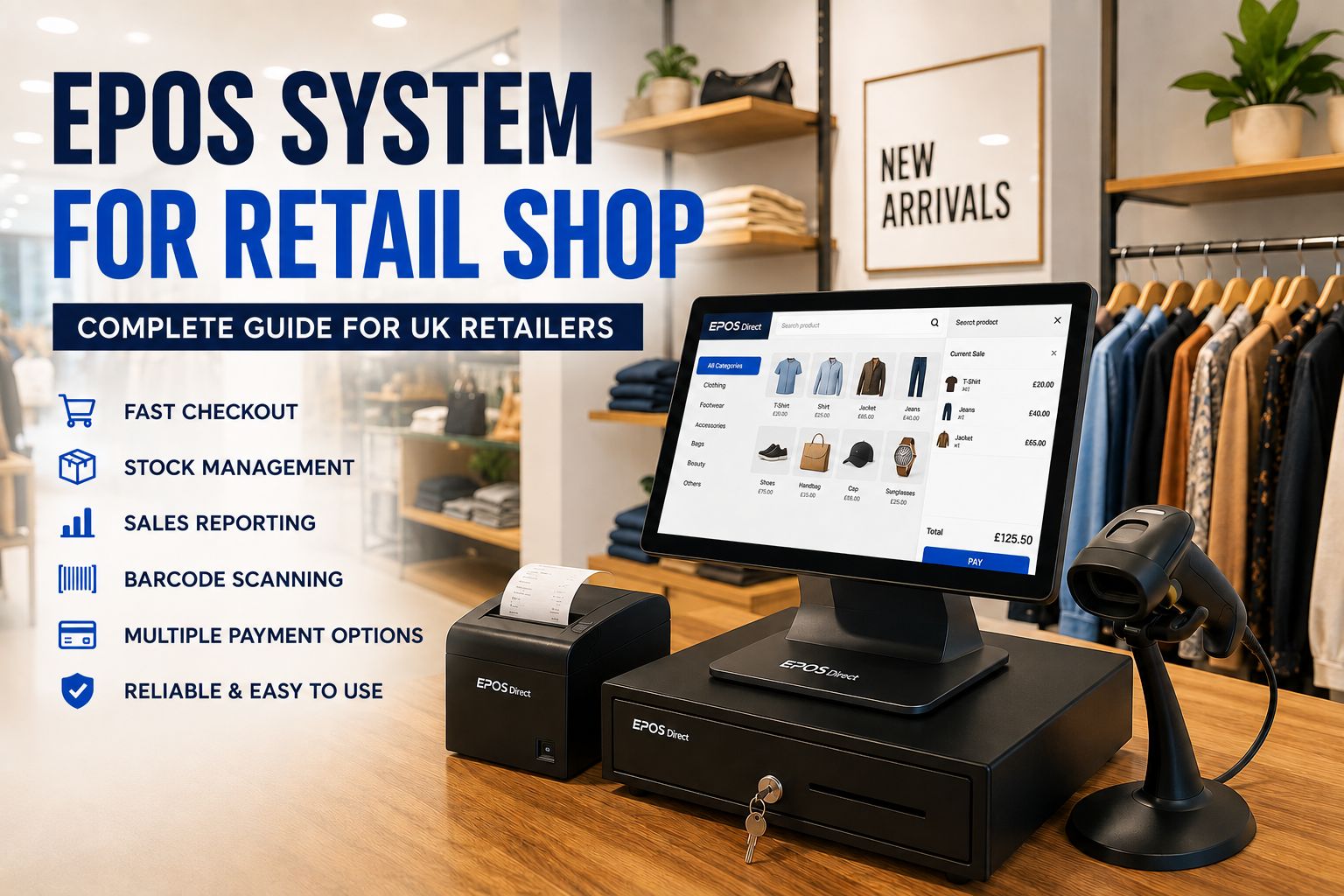
A retail EPOS bundle will usually need a touchscreen till, barcode scanner, receipt printer and cash drawer. Stock management is also particularly important for retailers that sell multiple products.
Look for features that allow you to monitor products, prices and stock levels while processing sales quickly.
For Restaurants and Hospitality
Restaurants may need more than a standard till setup. Depending on the business, you may need table management, order management, kitchen printing or a kitchen display system.
A hospitality EPOS bundle should therefore be selected around your ordering and service process rather than simply the hardware included.
For Small Businesses
If you are opening a new business, you may not need every available feature. A straightforward EPOS bundle with the essential hardware can provide a practical starting point.
It is worth considering future growth, however, so you do not quickly outgrow the system.
Are EPOS Bundles Good for Small Businesses?
Yes. An EPOS bundle can be a practical option for a small business because it brings several essential components together.
Instead of buying a till first and then finding a compatible printer, scanner and payment setup later, a complete EPOS solution can provide a more straightforward starting point.
The important thing is to choose a bundle based on your actual business requirements rather than paying for equipment or features you will not use.
What About EPOS Software?
The hardware is only one part of an EPOS system. The software controls how your business processes sales and manages information.
Depending on the solution, EPOS software can provide features such as:
- Product management
- Stock control
- Sales reporting
- Staff management
- Discounts and promotions
- Customer management
- Multi-location management
- Payment integration
Before buying an EPOS bundle, make sure the software supports the way you currently operate and can accommodate your future requirements.
What Should You Check Before Buying an EPOS Bundle in the UK?
Before placing an order, consider these questions:
Does the bundle include the equipment I actually need?
Check whether the package contains the till, printer, scanner, cash drawer and payment equipment required for your business.
Is the hardware compatible with the EPOS software?
Compatibility is essential. Ask about supported hardware and integrations before buying.
Can I integrate card payments?
Confirm which payment providers and payment methods are supported.
Is installation and training available?
For businesses new to EPOS, installation and staff training can make the transition easier.
Can the system grow with my business?
Consider whether you can add additional tills, scanners, printers or other features later.
What support and warranty are provided?
Check the support options, warranty and after-sales service before making your decision.
EPOS Bundle Buying Checklist
Before choosing your EPOS system, use this simple checklist:
☐ EPOS touchscreen till
☐ EPOS software
☐ Receipt printer
☐ Barcode scanner
☐ Cash drawer
☐ Stock management
☐ Sales reporting
☐ Staff management
☐ Installation and training
☐ Warranty and technical support
☐ Options for future expansion
Choose an EPOS Bundle with EPOS Direct
The right EPOS bundle should make your checkout process easier, not more complicated. Whether you run a retail shop, restaurant, hospitality business or another type of business, start by identifying the equipment and software you actually need.
At EPOS Direct, you can explore EPOS systems and bundles designed to bring the essential components together, including EPOS tills, printers, scanners and payment solutions.
The best EPOS system is not necessarily the one with the most equipment. It is the one that fits your business, works efficiently for your staff and gives you the tools you need to manage sales as your business grows.
Frequently Asked Questions About EPOS Bundles
What is included in an EPOS bundle?
An EPOS bundle can include an EPOS till, software, receipt printer, barcode scanner, cash drawer and card payment integration. The exact contents depend on the bundle and the type of business it is designed for.
What EPOS bundle is best for a retail shop?
A retail EPOS bundle will typically benefit from a touchscreen till, barcode scanner, receipt printer and cash drawer, along with stock management and sales reporting software.
Can an EPOS system take card payments?
Yes. Many modern EPOS systems can work with integrated card payment solutions. Check compatibility with your preferred payment provider before purchasing.
Do I need a barcode scanner with my EPOS system?
If you operate a retail shop with products that have barcodes, a barcode scanner can make checkout faster and reduce manual product entry.
Is it better to buy an EPOS bundle or individual equipment?
An EPOS bundle can make purchasing and setup simpler because the main components are selected to work together. Buying individual equipment may be suitable when you have specific hardware requirements or already own compatible equipment.
How much does an EPOS bundle cost in the UK?
The price depends on the hardware, software, payment integration and features included. Compare the complete package rather than looking only at the price of the till, as additional equipment may be required for a fully operational checkout.
Can an EPOS bundle grow with my business?
Many EPOS systems can be expanded with additional tills, printers, scanners and other features. If you expect your business to grow, check the system's scalability before purchasing.
Where can I buy an EPOS bundle in the UK?
Businesses can explore EPOS bundles from EPOS Direct, including solutions designed for retail and hospitality environments.
Recent Posts