We use cookies to make your experience better.
To comply with the new e-Privacy directive, you agree to the privacy policy and our use of cookies

How Independent Grocers Can Save on Monthly EPOS Fees with EPOS Direct

A practical look at smoother service, better stock visibility and a retail till without ongoing software subscriptions
A busy morning behind the counter
For an independent grocer, the working day starts long before the first customer walks through the door. Fresh produce needs arranging, deliveries need checking and the till needs to be ready for the morning rush. When the shop gets busy, the last thing an owner needs is a complicated checkout system, an unexpected monthly charge or a till that cannot cope when the internet connection drops.
Imagine Dave, a fictional greengrocer who has run a shop in a Midlands market town for nineteen years. He knows his regular customers, keeps a close eye on the produce and takes pride in serving people quickly. But his old till setup has become a source of frustration.
The ongoing cost of a subscription till
For several years, Dave used a cloud-based EPOS system with a monthly subscription. It handled everyday sales, but the regular payment kept adding to the shop’s running costs. Some useful reporting tools came at an additional price, and the system’s payment arrangement gave him limited flexibility when comparing card payment providers.
Subscription-based systems can make budgeting harder over the long term. A fee that looks manageable each month can add up over several years, and the retailer may not own the software licence or hardware outright. The important thing is to compare the full cost, what is included and what happens if the subscription ends.
When the internet connection lets you down
A busy Saturday is when a till needs to be dependable. If a broadband problem interrupts checkout, queues can build, staff can become distracted and customers may decide not to wait. For a small shop, even a short disruption can affect the customer experience and the day’s takings.
That is why offline capability is an important point to check when choosing a retail EPOS system. Retailers should ask exactly which functions continue during an outage, whether card payments are affected, how sales are stored and how information is synchronised once the connection returns.
A retail EPOS package designed around the shop
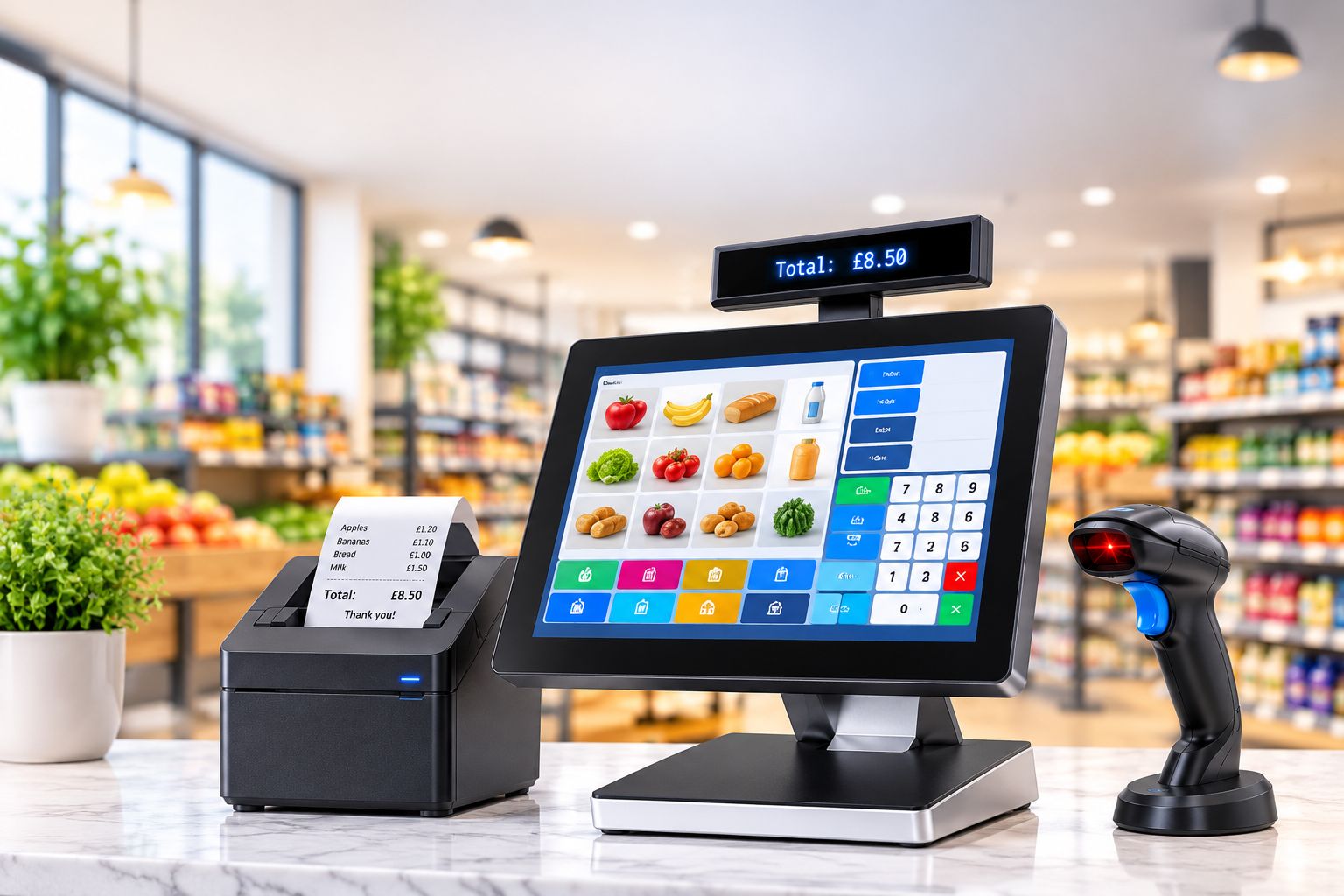
EPOS Direct offers a retail package that brings the core checkout hardware and EPOS software together. The aim is to give independent retailers a straightforward setup for processing sales and managing day-to-day shop tasks, with an outright purchase option and no ongoing monthly software subscription.
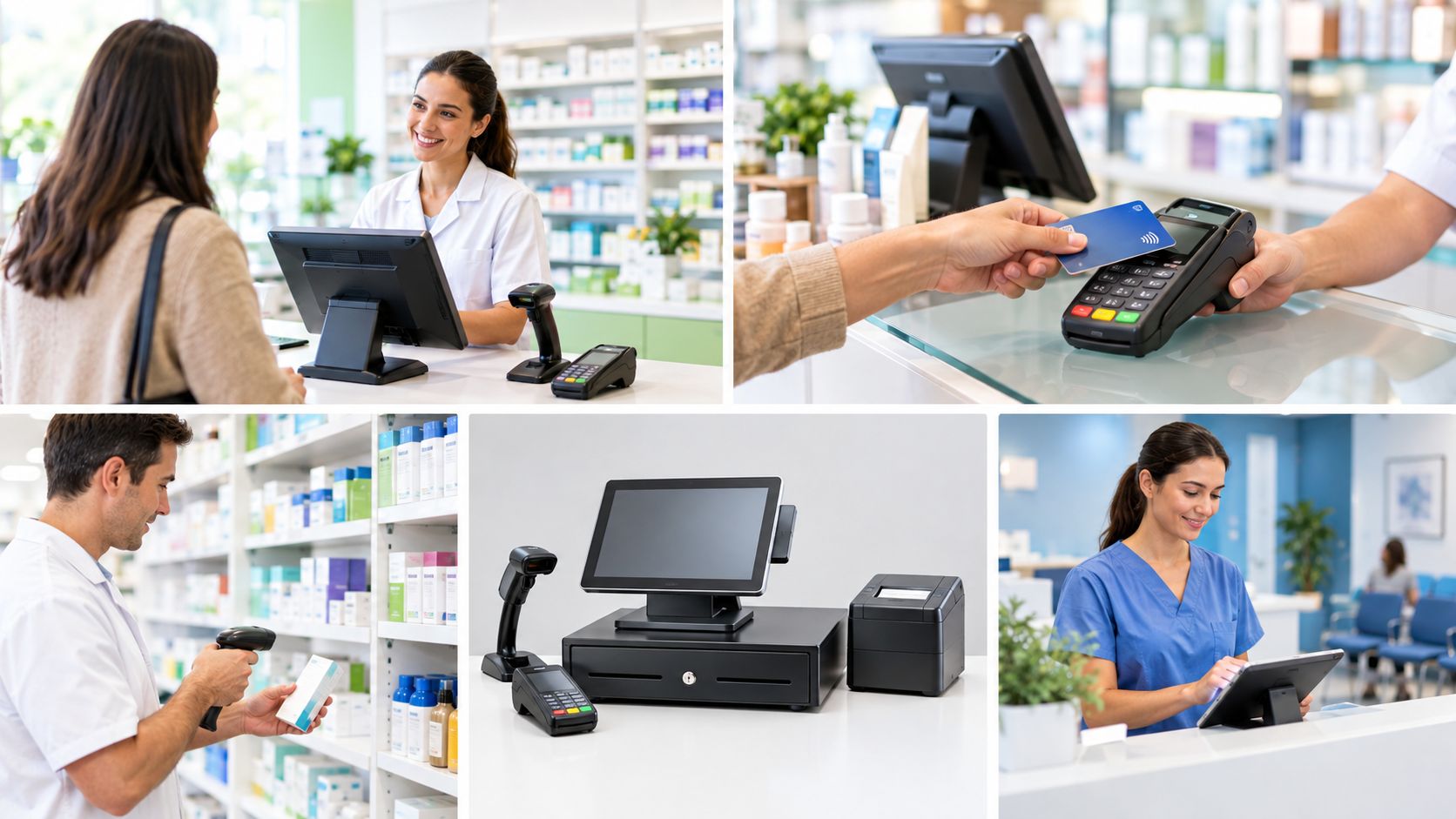
The package configuration described for this article includes:
- 15-inch touchscreen terminal
- Thermal receipt printer
- Barcode scanner
- Single-line customer display
- EPOS software licence
- Installation and training support
Confirm the current package contents, installation arrangements and support inclusions with EPOS Direct before publication, as configurations and offers can change.
A checkout that is easier to use
A touchscreen interface can help staff reach frequently used products quickly. A grocer might set up quick keys for loose fruit and vegetables, bakery items or other products that are not scanned individually. Packaged goods with barcodes can be scanned at the checkout, helping staff process purchases efficiently.
A customer display can make the running total easier to see, while a thermal receipt printer produces a printed record of the transaction. A clear, consistent checkout layout can also make it easier to train new or temporary staff.
More visibility over stock and sales
Stock decisions are often made under pressure. Relying only on memory can lead to over-ordering products that sell slowly or running short of popular lines. Retail stock tools and sales reports can give shop owners a clearer picture of what is selling and when.
Depending on the software configuration, useful functions may include stock-level monitoring, low-stock notifications, supplier records and sales reports. Retailers should check which reports are included and whether figures such as margins require product costs to be entered and maintained accurately.
Keep flexibility over card payments
Card processing is another important part of the overall cost of running a shop. A retailer may want to compare providers and choose a service that suits their transaction volumes, contract requirements and settlement needs.
EPOS Direct works with payment providers including Dojo, Teya, Global Payments, Worldpay and Stripe. Availability and integration arrangements can vary, so confirm compatibility, fees and any separate contracts directly with the relevant provider before making a decision.
The cost comparison: subscription versus outright purchase
The example below illustrates how a £100 monthly software subscription adds up over four years. It is a software-fee comparison only; it does not include hardware, payment processing, support, add-ons or other charges that may apply to either solution.
Cost or feature | Subscription example | EPOS Direct outright option |
Monthly software fee | £100 (example) | £0 ongoing software subscription |
Software fees over 4 years | £4,800 | £0 ongoing software subscription |
Payment structure | Recurring monthly fee | One-off package purchase |
Ownership / licence | Depends on provider agreement | EPOS software licence included |
At the time this article was drafted, the EPOS Direct retail package was stated as £1,086 + VAT for an outright purchase, reduced from £1,499, or £26 per week over 52 weeks through a finance option. These prices and finance terms must be checked against the live website and applicable terms before publication. Finance is subject to eligibility and provider terms where applicable.
Is a no-monthly-software-fee EPOS system right for your shop?
It may be worth reviewing your current setup if:
- You are paying a recurring software fee and want to compare the long-term cost.
- Queues build up during busy trading periods.
- You want clearer visibility of sales and stock levels.
- You need to understand what your till can do during an internet outage.
- You want more flexibility when choosing a card payment provider.
Frequently asked questions
Does EPOS Direct charge a monthly software fee?
The EPOS Direct retail package is promoted with an outright purchase option and no ongoing monthly software subscription. Check the current package terms for any optional services or third-party charges.
Can the system work without an internet connection?
EPOS Direct describes offline functionality. Before purchasing, ask the team to confirm which functions remain available offline, including sales processing, stock updates and card payments, and how data synchronises afterwards.
Can I choose my own card payment provider?
EPOS Direct works with several payment providers, including Dojo, Teya, Global Payments, Worldpay and Stripe. Confirm the provider and integration that best fit your requirements.
Is the package suitable for an independent grocery store?
A retail EPOS setup with barcode scanning, quick keys and stock tools can support everyday grocery checkout tasks. Discuss your product range, weighing requirements and workflow with EPOS Direct to confirm suitability.
Are installation and training included?
The package details supplied for this article list installation and training support. Confirm the exact level of support and any conditions with EPOS Direct before ordering.
Explore the EPOS Direct retail package
If you are reviewing your shop’s checkout system, take a closer look at the EPOS Direct retail package to see the current hardware, software features and pricing. You can also book a free demo to discuss your requirements and see how the system works.
Recent Posts