We use cookies to make your experience better.
To comply with the new e-Privacy directive, you agree to the privacy policy and our use of cookies


How Much Does an EPOS POS System Cost?
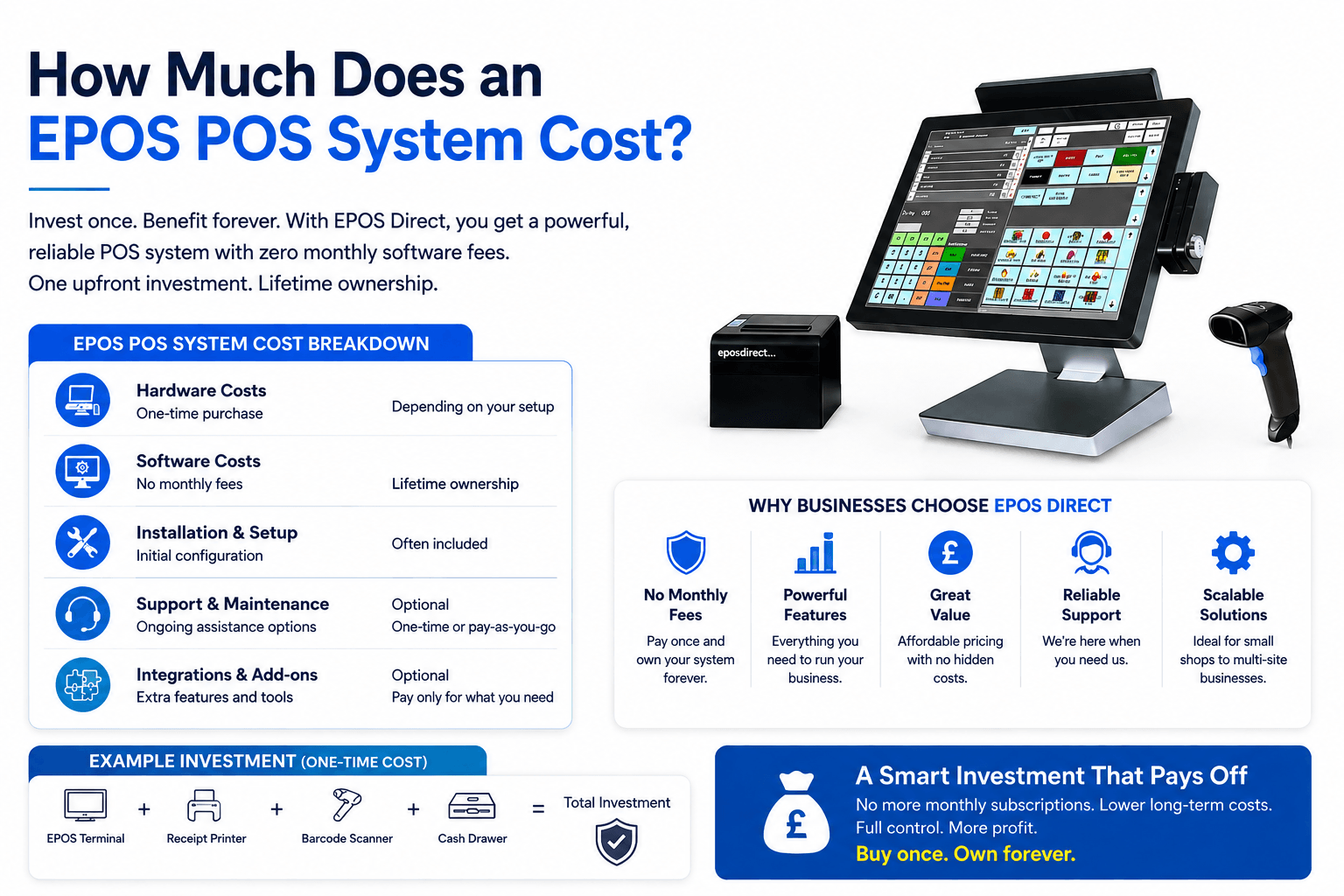
Running a successful retail business requires more than just selling great products. You need the right tools to manage sales, control inventory, process payments, and understand how your business is performing. This is where an EPOS (Electronic Point of Sale) system becomes essential.
Many business owners ask, “How much does an EPOS POS system cost?” The answer depends on several factors, including the hardware you need, the software package you choose, the number of tills required, and the features your business depends on.
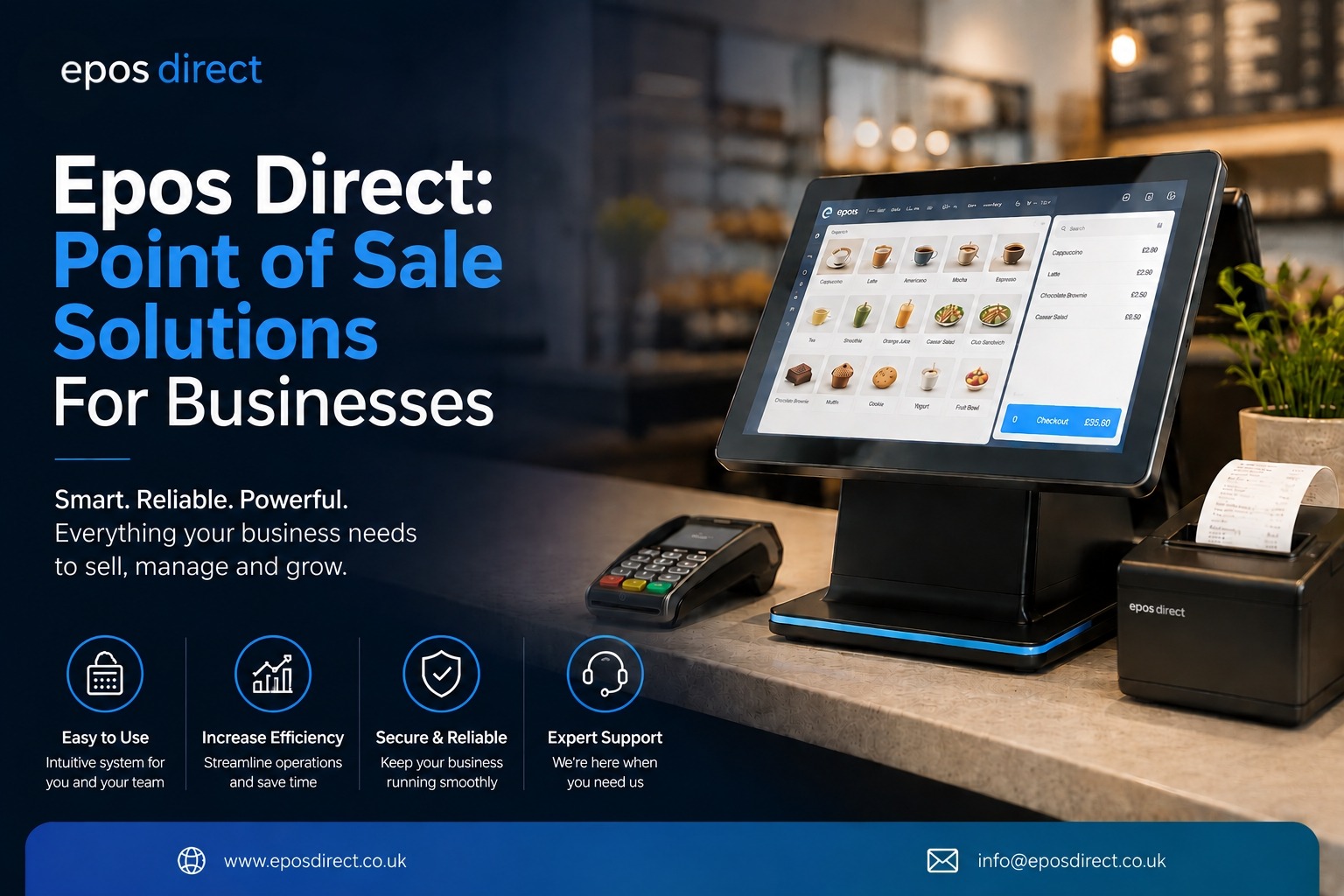
At EPOS Direct, businesses can find reliable EPOS solutions designed for different retail environments, from small independent shops to larger stores that need advanced stock control and reporting features.
In this guide, we explain EPOS system costs, monthly pricing, and how to choose the right solution for your business.
How Much Does an EPOS System Cost?
The cost of an EPOS system can vary depending on the type of business and the features required.
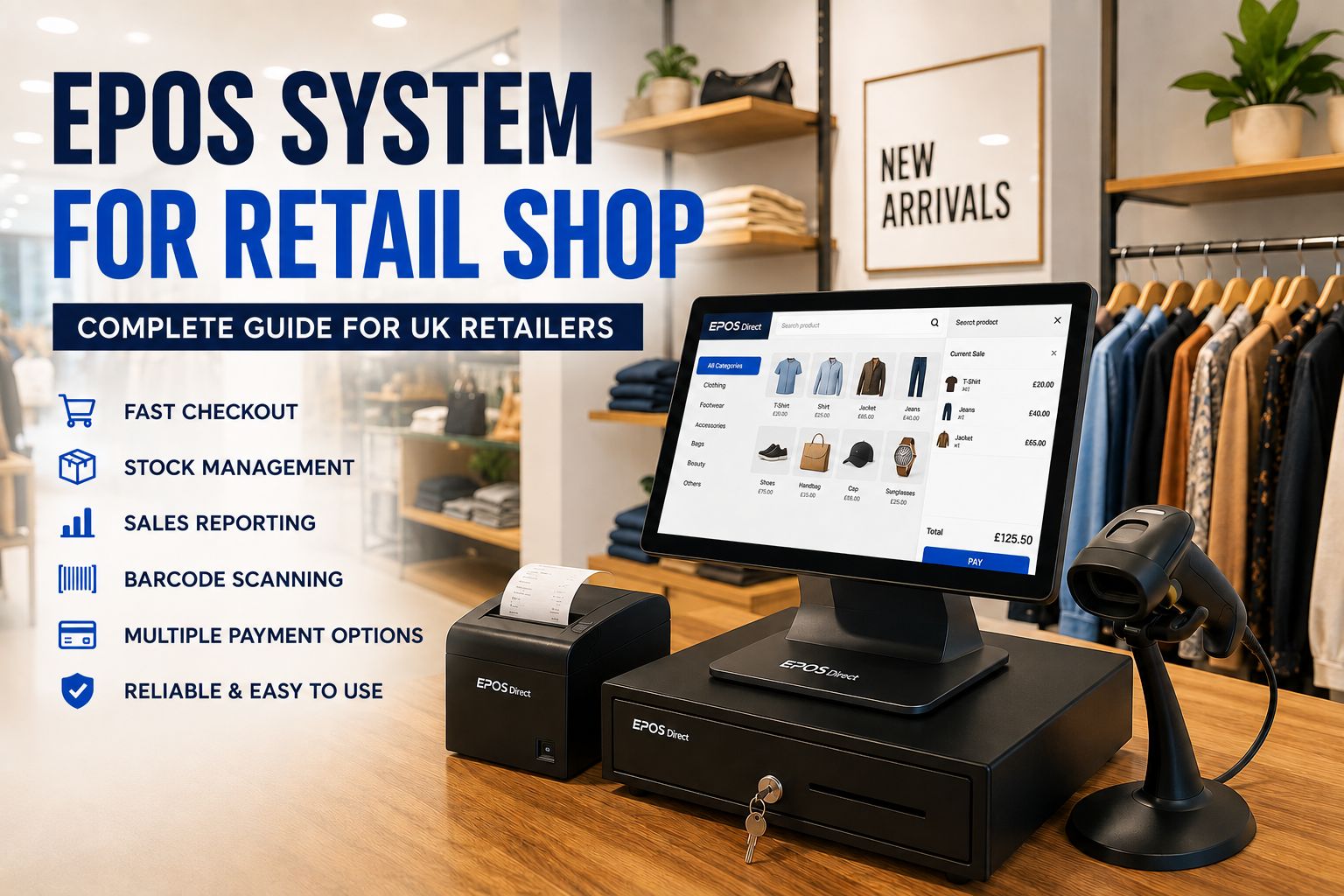
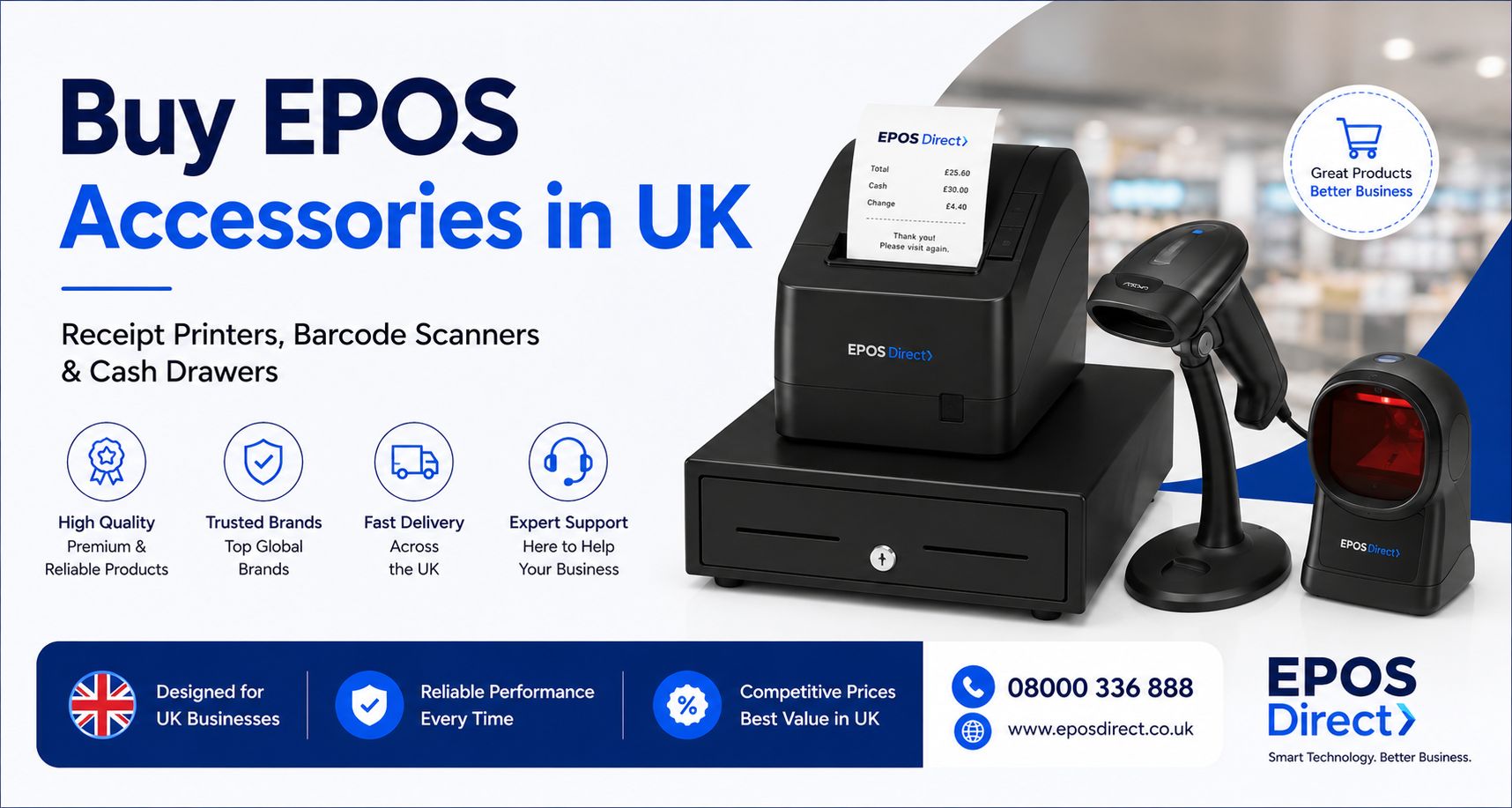
A basic EPOS setup for a small retail shop may include:
- EPOS touchscreen terminal
- Barcode scanner
- Receipt printer
- Cash drawer
- Payment integration
- EPOS software
A simple setup may cost around £999 to £1,199, while a more advanced retail EPOS solution with multiple terminals, detailed reporting, and stock management tools may cost several thousand pounds.
The final price depends on factors such as:
- Number of checkout stations
- Hardware requirements
- Software features
- Installation and training
- Ongoing support
For many businesses, an EPOS system is not just a payment tool; it becomes the central system for managing daily operations.
What Factors Affect EPOS POS System Pricing?
Several elements influence the overall cost of an EPOS solution.
EPOS Hardware
Hardware is one of the main costs when setting up a new system.
Typical EPOS equipment includes:
- Touchscreen till systems
- Barcode scanners
- Receipt printers
- Customer-facing displays
- Cash drawers
- Card payment devices
A small store may only need one checkout station, while larger retailers may require multiple tills across different areas.
EPOS Software Features
The software you choose can significantly affect pricing.
Modern EPOS software can include features such as:
- Stock management
- Product tracking
- Sales reporting
- Employee management
- Customer loyalty programs
- Supplier management
- Multi-store support
Businesses should choose software based on their daily requirements rather than paying for features they do not need.
Installation and Support
Professional installation and training can help ensure your EPOS system works correctly from day one.
Support services can be valuable for:
- Troubleshooting technical issues
- Updating software
- Training new employees
- Maintaining system performance
Who Is the Cheapest POS System?
The cheapest POS system is not always the best option for a growing business.
Some low-cost systems provide basic payment processing but may lack important retail features like:
- Inventory management
- Detailed sales reports
- Customer management
- Business analytics
For a small retailer, choosing a system only based on price can create problems later if the business grows.
A cost-effective EPOS system should provide a balance between affordability, reliability, and useful features.
EPOS Direct focuses on providing retail EPOS solutions that help businesses improve efficiency while keeping costs manageable.
How Much Is EPOS Direct Per Month?
The monthly cost of an EPOS system depends on the package, hardware requirements, and additional services selected.
Businesses may pay monthly fees for:
- EPOS software access
- Technical support
- Cloud features
- System updates
- Additional services
The exact monthly cost depends on the needs of each business.
Small businesses usually require a simple setup, while larger retailers may need advanced features such as multiple users, detailed reports, and integrated stock management.
When comparing EPOS providers, businesses should consider the overall value rather than focusing only on the monthly price.
What Is the Best POS System for a Small Retail Store?
The best POS system for a small retail store should be simple, reliable, and easy for staff to use.
A good small business EPOS system should include:
Easy Sales Processing
Retail staff should be able to complete transactions quickly with minimal training.
A simple checkout process helps improve customer satisfaction and reduces waiting times.
Inventory Management
Stock control is one of the biggest challenges for retailers.
A good EPOS system helps businesses:
- Monitor stock levels
- Track product sales
- Identify popular items
- Reduce stock shortages
Sales Reports
Business owners need accurate information to understand performance.
EPOS reports can show:
- Daily sales
- Best-selling products
- Customer trends
- Revenue performance
Reliable Customer Support
Having access to technical assistance ensures your business can continue operating smoothly.
What Is the Cheapest POS System for Small Businesses in the UK?
Small businesses in the UK have many affordable EPOS options available.
The cheapest systems usually offer basic functions such as:
- Payment processing
- Product management
- Simple sales tracking
However, retailers should think about future growth before choosing a system.
A solution that is inexpensive today may become unsuitable if you later need:
- More checkout points
- Better stock management
- Additional users
- Advanced reporting
A quality EPOS system is an investment that can help improve business operations over time.
What Features Should a Retail EPOS System Have?
A modern retail EPOS system should do more than process payments.
Important features include:
Stock Management
Accurate inventory management helps retailers avoid:
- Selling unavailable products
- Overstocking items
- Manual stock errors
Customer Management
Customer information can help businesses improve relationships through:
- Loyalty programs
- Purchase history
- Targeted promotions
Employee Management
Retail owners can manage staff access and monitor sales activity through employee features.
Cloud-Based Reporting
Cloud reporting allows business owners to view important information from anywhere.
This can help when managing multiple stores or monitoring business performance remotely.
What Is the Best POS System for Retail?
The best retail POS system depends on your business size, product range, and operational needs.
A good retail EPOS solution should provide:
- Fast checkout experience
- Accurate inventory control
- Reliable reporting
- Easy staff training
- Secure payment processing
- Flexible business management tools
For independent retailers, convenience stores, fashion shops, and specialist stores, choosing the right EPOS system can make everyday operations much easier.
EPOS Direct provides retail businesses with solutions designed to simplify sales management and improve efficiency.
Why Choose EPOS Direct for Your Retail EPOS System?
Choosing an EPOS provider is an important decision because your system plays a major role in your daily operations.
EPOS Direct helps businesses with reliable point-of-sale technology designed for modern retail needs.
Benefits include:
- Retail-focused EPOS solutions
- Support for different business sizes
- Improved stock control
- Better sales visibility
- Tools to manage everyday operations
Whether you are opening a new store or upgrading an existing checkout system, the right EPOS solution can help your business run more efficiently.
Final Thoughts:
The cost of an EPOS POS system depends on your business requirements, hardware choices, and software features.
A small retailer may spend hundreds of pounds on a basic setup, while larger businesses may invest more in advanced systems with multiple terminals and detailed management tools.
The most important factor is choosing a system that provides long-term value.
With the right EPOS solution from EPOS Direct, retailers can manage sales, improve stock control, and create a smoother experience for both customers and staff.
Recent Posts