We use cookies to make your experience better.
To comply with the new e-Privacy directive, you agree to the privacy policy and our use of cookies


Blog
-
 Read more
What is Epos Integration?
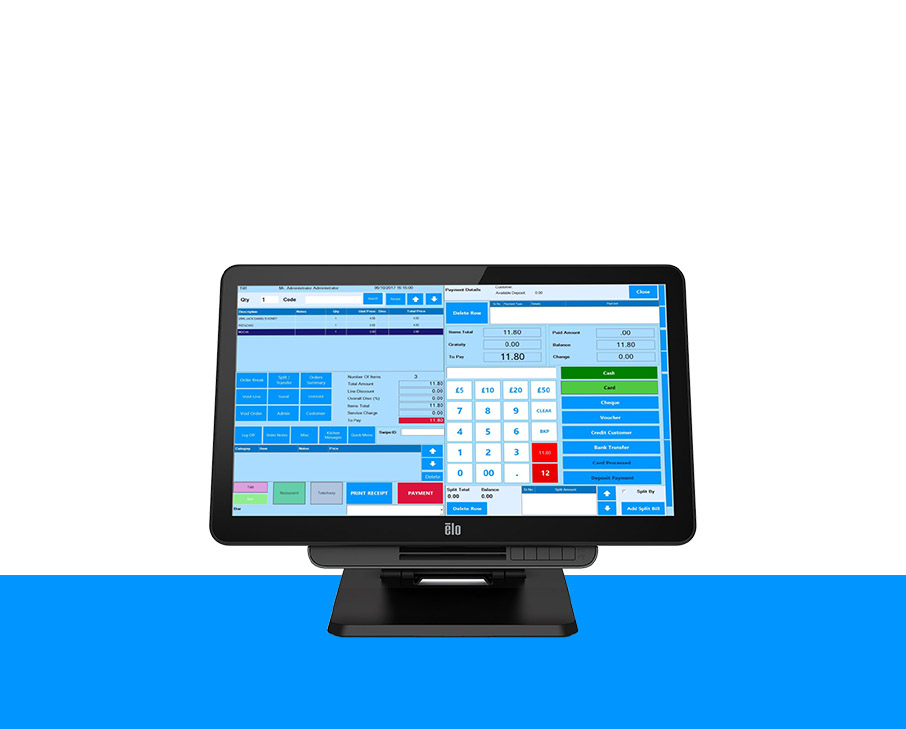
Point of sale system can be integrated with your Ecommerce website and enables you to maintaining record of the sale of goods and services to your customers.
Why should I integrate?
Integrating your website with an epos system is just like opening up a new shop for your business. By integrating epos system with your website any changes done in the epos system such as price changes, adding, editing and deleting of products and stock fluctuations will be reflected in the website. It ensue the automation of website management and accuracy of data. This allows you to work more effectively and efficiently by providing you with much control over your business.
What websites does it work with?
EPOS Direct provides leading solution for multi channel stock and selling inventory. Integration can work with majority of Ecommerce solutions such as -
 Read more
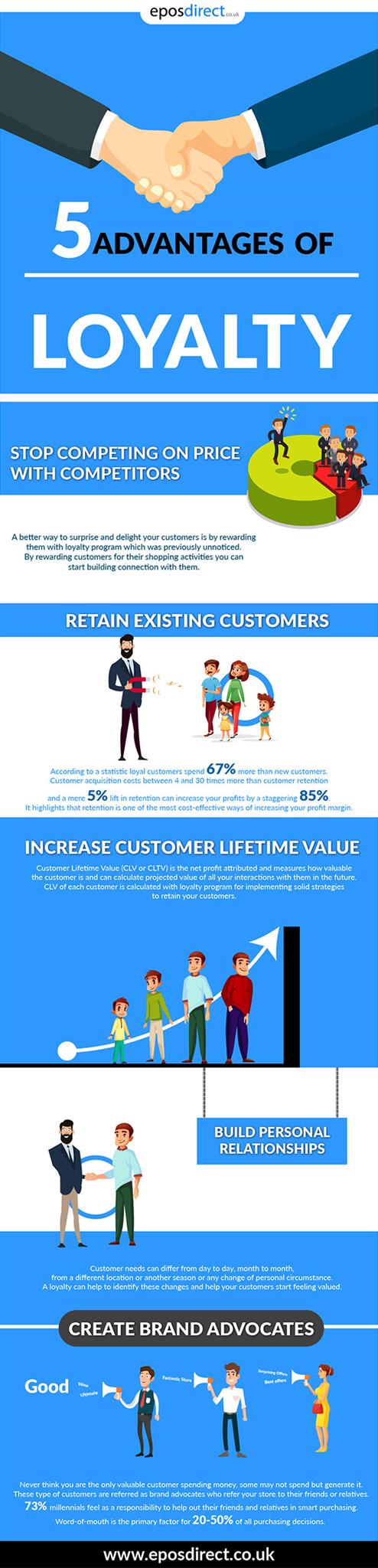
There are many benefits to a loyalty program in terms of financial and non-financial. Here we focus on five advantages.
1. Stop competing on price with competitors
Discerning shoppers compare hundreds of prices in a few clicks. If shoppers think of products instead of your store and brand, you may find yourself in a pricing race to the bottom, where online wins. A loyalty program stops you from competing on price.
A better way to surprise and delight your customers is by rewarding them with loyalty program which was previously unnoticed. By rewarding customers for their shopping activities you can start building connection with them.
2. Retain existing customers
According to a statistic loyal customers spend 67% more than new customers. Customer acquisition costs between 4 and 30 times more than customer retention and a mere 5% lift in retention can increase your profits by a staggering 85%. It highlights -
 Read more
Online Shopping
Customers like to touch and see the products they would like to buy and that direct contact can be great for them and certain about their purchases. Face-to-face interaction is also a good way for businesses to build a relationship with their customers. Virtual buying experience has upsides as customers are not restricted by the shop’s working hours to browse the item for sale and enjoy the benefits such as delivering of purchases to their door. From the business point of view, website analytics allows you to know about your customer’s choice and preference. It can give you a chance of customizing promotions to meet their needs and build up loyalty.
The downside of online shopping is you won’t have personal touch with your customers and they can’t see the products in person and there is a likelihood they are returned.
Modern Retail
In recent time, online shopping has over taken in physical shops, but that wo -
 Read more
There is continuous evolution of POS system and POS software at an amazing speed. The clunky old cash registers are a thing of the past. Now-a-days brick and mortar business are shifting towards the better streamline systems that can work on smartphones and iPads rather than complex systems that cost a great deal of money.
Retail industry is the not only sector interested in innovative POS systems. There are many Ecommerce store merchants participating at trade shows, crafts fairs and farmer’s markets to sell their merchandise also need less expensive epos solutions as well.
What exactly is cloud-based POS software?
Cloud based epos software is the latest trend in point of sale solutions and increasing its popularity every day. An epos can be accessed from anywhere with the help of web. It is also compatible with most of the point of sale hardware such as printers, cash drawers, customer displays and many more. It offers convenience with l -
It is certainly crucial innovating customer facing functions but more important to innovate the back office of the organization. You have employees who oversee daily maintenance, inventory and operational accounting.
In case of hospitality employees they’re the reason behind providing an amazing reservation experience to a customer or to provide a favorite dish in very little time. Back office is the collective force behind every front office experience and thereby differentiating the organization. It is the engine that fuels every small and meaningful moment that makes up the contextual, end-to-end customer experience.
Back office plays a vital role in today’s smart and connected world. The important thing is how much progress is being made in this area? We already have seen digitalization in hospitality and many of the innovations seem to be around the front end. There are many new technologies to guests like intelligent booking engines and intuitive mobile apps. Mea -
 Read more
Income Potential
Starting your own small business there is an opportunity to earn an unlimited income based on your efforts. It also depends on the success or failure of the enterprise. It is completely different from working for a company where you get limited income in the form of salary structure and by evaluation of your performance by your superior officials.
Pursuing a Passion
Having your own business can allow you to make a living while pursuing something for which you have a strong passion. Everyone have their own special talent which can be enjoyed as a hobby. Turning your hobby into business may find you more enjoyment and fulfillment in your work life. It allows you to lead to a happier life in general.
A Good Idea
You have an idea for a product or service that has limited or no service that can’t fulfill the market place. Implementing your idea into business as you can be the first t
Recent Posts